

Currently Viewing Scripts


Supreme Multichar AIO
Codem Supreme Multicharacter - Cinematic character selection, creation and spawn selector for QBCore, QBox and ESX Legacy
Your players do not pick a character from a list anymore. They walk into a scene: a skydive off a cargo plane ramp, a bank raid in the rain, a car meet at golden hour, a roller coaster at night. Every character they own stands in that scene with its own outfit, pose and camera, and the one they pick rides the scene out into the city. Built from the ground up by CodeM for roleplay servers that want their first thirty seconds to sell the whole server.
FEATURES
- 7 cinematic scenes ship ready - Night drop (skydive exit, 22:20 clear), Bank (raid exit with armed guards, 21:20 rain), Meeting point (drive away exit, 19:32), Roller coaster (full ride exit, 22:00), Jet ski (ocean run with multiple camera shots, 19:30), Briefing (synchronised boardroom scene) and Vinewood (the cast along the Vinewood letters, 21:15 foggy)
- Random scene on every open (default) or one fixed scene - players switch scenes live with J if you allow it
- Every character rendered in the scene with its saved outfit, its own pose and its own camera framing, solved per character from its own skeleton
- Two camera compositions per scene - a fixed wide shot that racks focus onto the selected character, or a camera that dollies between characters
- Automatic cast layout - row, ring or arc, ground-probed per character with sole measurement so nobody sinks or floats, no manual placement needed
- World scenario seating - a scene can ask the map for its own bar stools, benches and railings and seat the cast on them, with a standing fallback
- Scene props, background extras (armed extras get an aim task), set lights that keep burning through the exit cinematic, and per-scene time and weather
- Pose library with 293 poses in 5 groups (work, seated, solo, street, talk), scenarios and emotes, wall-lean and seat-aware
- Spawn intro - the camera glides in from behind your character on spawn, with a street and zone card
- Character details panel on Tab - identity, citizen ID, phone, job and rank, cash, bank, playtime, last seen and last location
- Streamer mode - hides phone numbers, citizen IDs and last location on every card
- Private routing bucket per player with population disabled - no other players, no traffic, no gunfire in the middle of your scene
- Up to 10 character slots, defined as one list where any slot can be free, locked or premium
- Slot sources stack correctly - the highest of config list, per-license override, Discord role, ACE permission (multichar.slots.N) and database value, with purchased codes added on top
- Tebex slot sales built in - addslot {transaction} delivery that works while the buyer is offline, single-slot or multi-slot tiers
- Player pastes the tbx- transaction id on a locked slot and it unlocks instantly, one row per purchase as the permanent ledger
- Redeem protection - codes are single use and atomic, 5 failed tries in 60 seconds triggers a 5 minute lockout, one claim in flight per player
- Raising your free slot allowance later never swallows a purchase - bought slots always add on top
- Discord role slots - bot token and guild id, role id = slot count, highest role wins, roles cached (default 10 minutes)
- Discord setup errors explained in plain language in the console - wrong token, bot not invited, wrong guild id - and role slots switch off instead of handing out wrong counts
- Admin slot commands - /setslots and /addslots by server id or raw identifier, works for offline players and from the console
- Character creation form - first and last name, birthdate, gender, nationality (71 in the English locale) and body height
- Full server-side validation - names 2-24 characters with no digits or punctuation, age 18-80 (configurable), height 150-200cm (default 175), nationality checked against the locale list
- Birthdate format you choose (default DD-MM-YYYY, or YYYY-MM-DD, DD/MM/YYYY) so ID cards and MDTs read the field your server already uses
- Delete confirmation in three styles - type the confirm word of the player's language, type the full name, or one click (deleting can be turned off entirely)
- Starter items from your framework (QBCore starter items with id_card and driver_license metadata, QBox documents) or your own item list
- Built-in spawn selector - last location, owned homes and your own fixed points in one list, Q and E to cycle
- 4 spawn points ship configured (Legion Square, Pillbox Hospital, Paleto Bay, Sandy Shores) with region and description fields
- Relog teleport protection - fixed points lock for a configurable window after a fixed point spawn (default 120 minutes, 0 turns it off), with a live countdown, and the lock lifts if the player would otherwise be stuck
- Three spawn modes - the built-in selector, spawn at last location, or custom mode that opens your own spawn script (qb-spawn, qbx_spawn or anything else) on any framework
- Starter apartment flow for new characters on QBCore (qb-apartments) and QBox (qbx_properties, qbx_apartments)
- 8 housing integrations with zero configuration - qb-houses, qb-apartments, qbx_apartments, qbx_properties, ps-housing, bcs_housing, rcore_housing and codem-motelcreator
- Owned houses, apartments and rented motel rooms are listed as spawn points and entered on arrival; last location puts a character back inside the home they logged out in
- Any other housing script supported through one open-source bridge function
- Full photo mode on P - orbit and free camera within 12m, lens 10-100, roll -45 to 45 degrees, background blur, grid overlay and hide UI
- 9 photo filters, 9 facial expressions, any pose from the 293-pose library, time of day, 9 weathers and a solo mode that hides every other character
- Photos upload to Fivemanage through a one-time presigned URL and live in a scrolling film strip per character - view full size, copy the link, delete
- Photo rate limit (2.5 seconds per shot) and 60 second upload tickets bound to the character; deleting a character deletes its photos from the database and from Fivemanage
- In-game scene editor for admins - free camera, live preview, per-slot position, heading, pose and camera, place a spot at the aim point, test the camera dolly
- Editor saves overrides to data/scenes.json by scene id, config file untouched, and locked scenes are refused on the server, not just in the interface
- Build a new scene from nothing but an anchor coordinate - everything else is optional
- Server branding - server name, logo (local file or link) and a splash screen on black before the scene, with a configurable hold time
- 8 colour presets (mint, ocean, crimson, violet, gold, ember, ice, mono) or any hex - the entire interface theme is derived from one colour
- Cinematic look controls - film grain, vignette and colour grade, plus cinematic black bars on B
- Rules window with your own groups and lines, Discord and website buttons that open in the player's browser
- Settings panel with per-option lock - streamer mode, cinematic bars and interface sound volume (default 35), each one can be forced to your default
- One code base for QBCore, QBox and ESX Legacy through codem-lib - framework detected automatically, no version to pick at download
- 13 appearance scripts detected automatically (codem-clothing, illenium-appearance, fivem-appearance, qs-appearance, 4bit_appearance, qf_skinmenu, crm-appearance, tgiann-clothing, rcore_clothing, 0r-clothing, qb-clothing, esx_skin, skinchanger) and any other through one config block
- 5 database tables created automatically on start - no SQL import, manual SQL file included anyway
- Server-only config file for the Fivemanage key and Discord bot token, never sent to players
- English and Turkish locales included, any language added as a JSON file with no UI rebuild
- Escrow-ignored and fully editable - config files, shared files, locales, branding, SQL, scene data, all framework and housing bridges, the appearance client and the auto-SQL file
- Lua 5.4, Vue 3 interface, oxmysql, clear console diagnostics for every misconfiguration
- Full GitBook documentation - installation, framework setup, every config option, database schema and troubleshooting
- Built by CodeM - Rockstar / CFX.re Verified asset creator with 8,000+ servers running CodeM scripts
Frameworks: QBCore, QBox, ESX
Documentation: https://codem.gitbook.io/codem-documentation/supreme-series/essentials/multichar-aio
Verified: yes
SubscriptionTiers: Diamond
Related:7658874,7397114,7286950
BLVCK Motel Creator
CodeM BLVCK Motel Creator - Premium Motel & Hotel Management System for FiveM
A complete motel and hotel management system where admins create motels from an in-game tablet with camera-based point placement, owners manage rooms and staff from a business panel, tenants rent and manage keys from a phone app, and police raid rooms with warrants and skill checks. 3 interior types (shell, IPL, MLO), daily/weekly/monthly rental with auto-renew and dynamic pricing, 7 employee permissions, room amenities with animations and PTFX, elevators, garages, lost & found, finance with vault and transaction log, preset MLO hotel support, and a companion phone app supporting 7 phone resources and 8 languages. 16 database tables, 2 resources, React NUI.
FEATURES
- Admin creator tablet (/motelcreator) with step-by-step motel creation wizard - name, location, interior type, room configuration, point placement (doors, stashes, wardrobes, beds, showers, toilets, exit points), front desk NPC, lost & found cart, elevator floors, garage, blip settings with full GTA blip sprite picker, and review step
- Every point placed by walking to the position in-game with a preview camera - ENTER to confirm, BACKSPACE to cancel - shell interiors previewed underground before placement
- One-click preset MLO hotel install from shared/presets.lua - each preset defines all rooms, doors, stashes, wardrobes, beds, showers, toilets, front desk, and lost & found for a specific MLO map resource (Mirror Hotel & Restaurant included as default)
- Creator limits: up to 200 rooms, 20 interiors, 10 front desks, 30 elevator floors, 20 points per room - all server-enforced
- 3 interior types per motel: Shell (instanced rooms spawned in an underground grid, each occupied room gets its own shell instance, 2 starter shells included - Standard Motel and Modern Hotel), IPL (GTA interior instances isolated in routing buckets with entity set support, 7 presets included - Low/Mid apartments, Del Perro Heights, Richard Majestic, Tinsel Towers, Eclipse Towers High/Mid/Low), and MLO (real-world map interiors with physical prop doors that lock/unlock, requires the MLO map resource to be running)
- Add custom shells by dropping .ydr/.ytyp into stream/ and adding an entry to Config.Interiors with ref, label, type, and model name
- Daily, weekly, or monthly rental periods configurable per motel - tenant auto-renew from bank with configurable retry interval (30 minutes default) on failed charge - grace period after expiry (24 hours default) before room is reclaimed - dynamic pricing with configurable swing percentage (20% default) in two directions: 'up' (price rises as motel fills) or 'down' (price drops as it empties)
- Tax (15% default), discount (0% default), per-room pricing, duplicate key cost ($55 default), max rooms per player per motel and total (both configurable, 0 = unlimited), max renew terms per period (30 daily, 12 weekly, 12 monthly)
- Two key modes: 'cid' (character-based record, works with any inventory) or 'item' (physical motel_key item with room metadata in supported inventories)
- Lost & found system: when a tenant is evicted or their lease expires, items left in the stash are moved to the motel's lost & found point (codem_trolley prop) for collection
- Owner management tablet (/motel) with sidebar navigation: Dashboard (stats cards for income, occupied rooms, customers + revenue chart + activity log), Rooms (occupancy, tenant details, evict, change room assignments), Customers (tenant list with rental status), Employees (hire/fire, permission editing), Finance (vault balance, deposit/withdraw from cash or bank, transaction log with timestamps), Settings (motel name, room price, key cost, tax %, discount %, rental period, dynamic pricing toggle and direction, enforcement toggle, description)
- Sell motel back to server at 50% of sale price (configurable) or transfer ownership to another player
- Auto-repossession after 7 days of inactivity (configurable) - if neither the owner nor any employee opens the tablet, the motel is repossessed: owner cleared, employees fired, balance zeroed, back on the market - tenants keep their rooms
- Hire nearby players (10m radius) as employees with 7 granular permissions: door access, evict tenant, change tenant room, duplicate key, message tenants, finance deposit, finance withdraw - employee roster with names, permissions, and hire dates
- Room amenities placed per-room from the creator tablet: bed (multiple sleep animation options tried in order with configurable z-offset and heading offset for alignment), shower (standing animation with water PTFX from above using inverted car-wash jet with configurable height and scale, fallback PTFX chain), toilet (sitting animation with height offset)
- Multi-floor elevator system with up to 30 floors - floor picker NUI panel - elevator points placed per floor from the creator tablet
- Vehicle garage per motel integrated via codem-lib garage provider with configurable vehicle type and preview model
- Police raid system with configurable enforcement per motel: required warrant item (police_warrant), job whitelist (police/sheriff/bcso), minimum grade, on-duty requirement, skill check gate (configurable difficulty and input keys), 5-minute cooldown per room, optional stash access after successful raid - raid logs stored in codem_motel_raid_logs with officer, room, reason, and timestamp - warrant item optionally consumed on use
- Front desk NPCs with configurable model and scenario per motel - default model a_m_y_business_01 with WORLD_HUMAN_CLIPBOARD scenario - globally toggleable
- Map blips grouped under one collapsible legend category (configurable ID and label) so multiple motels don't clutter the pause map
- World markers per interaction kind (door, desk, elevator, garage, wardrobe, stash, bed, shower, toilet) with per-kind type, color, size, draw distance, and interact distance overrides
PHONE APP (codem-motelapp)
- Companion phone app for tenants - browse available rooms at nearby motels, rent directly from the phone, manage keys (issue/revoke duplicate keys), view room details and rental status, extend rental periods, toggle auto-renew
- Auto-detects phone resource: codem-phone, lb-phone, gksphone, 17mov_Phone, cylex_phone, yseries, yflip-phone
- 8 locales: English, Turkish, French, German, Hungarian, Portuguese (BR), Swedish, Bosnian
- Vue.js NUI with dark/light theme support, currency symbol configurable
COMPATIBILITY
- Frameworks: QBCore, QBox, ESX (auto-detected via codem-lib)
- Database: oxmysql - 16 tables (AutoMigrate creates and migrates on start)
- Dependencies: ox_lib, codem-lib
- Interaction: ox_target/qb-target or drawtext with per-kind overrides (doors default to drawtext)
- Inventory: ox_inventory for stashes (via codem-lib)
- Garage: auto-detected via codem-lib garage provider
- Locale: English + Turkish (creator tablet), 8 languages (phone app)
- Streamed props: 2 shell models (standardmotel_shell, modernhotel_shell) + codem_trolley (lost & found cart)
- Escrow-ignored: config.lua, server/editable.lua, shared/presets.lua, locale/*.lua
PACKAGE
- codem-motelcreator: main resource (admin tablet, owner tablet, world interactions, rental engine, raid system)
- codem-motelapp: phone app for tenant room management
Documentation:https://codem.gitbook.io/codem-documentation/blvck/essentials/motel-creator
Verified: yes
Framework: ESX,QBCore,QBox
SubscriptionTiers: Platinum,Diamond
BLVCK Car Service
CodeM BLVCK Car Service - NPC Car Service Business System for FiveM
A complete NPC car service business system where players buy or rent service locations, hire staff with granular permissions, manage a material supply chain with a supplier NPC and delivery truck, set service prices, upgrade their business across 3 upgrade trees, and watch NPC mechanics repair, wash, and paint customer vehicles with tool props, multi-step animations, and particle effects. 6 service types, multi-bay locations, vault system with transaction history, custom spray gun and pressure washer weapons, a full admin panel with in-game location editor, 9 server-side exports for external sales integration, 4 database tables, and a React NUI.
FEATURES
- 6 service types: Full Repair ($800, 30s), Tyre Repair ($150, 30s), Body Repair ($400, 30s), Engine Repair ($500, 20s), Car Wash ($100, 30s), Random Paint ($750, 40s) - each with configurable price, duration, min/max price range the owner can set, and material consumption per service
- NPC walks to the vehicle, equips a tool prop (wrench, hammer, or blowtorch attached to hand bone 57005), and performs multi-step repair animations - kneeling at wheels, standing at engine bay with hood open, hammering body panels, and welding with torch
- Full repair walks through 4 steps: engine with wrench (weight 2, hood opens), left front wheel kneeling, right rear wheel, right side hammering - duration split between steps by weight
- Body repair cycles 4 sides: left side hammer, rear weld, right side hammer, front weld
- Paint service: NPC equips custom WEAPON_CS_SPRAYGUN with streamed model, walks around the vehicle body edge-by-edge at configurable speed (0.6), weap_extinguisher particle on the gun muzzle bone, margin 1.6m from body, aim height 0.25m
- Wash service: NPC equips custom WEAPON_CS_NOZZLE (codem_washinggun model), walks around at 0.7 speed, water_cannon_jet particle with water color tint attached to the weapon entity with nozzle tip offset, margin 2.2m
- Bay stays busy until the NPC has returned to idle position after the job (configurable buffer 10s)
- Business ownership: buy permanently or rent for a configurable period (default 30 days) - max businesses per player configurable (default 1, 0 = unlimited), owner cut of service income to vault (default 100%), sell-back refund rate (default 50% of purchase price)
- Rent expiry warning 3 days before (configurable), rent extension from the boss tablet, auto-repossession after abandonment (default 7 days without owner or staff activity)
- Owner capabilities: set service prices within admin-defined min/max range, rename the business (optional fixed prefix like "Oto Servis"), hire/fire staff, manage vault (deposit/withdraw), order supplies, buy upgrades
- External sales mode: when externalSales = true, the buy/rent flow is handled by an external script via exports (e.g. tgiann-placesales) - the player menu hides the buy option
- Staff system: hire up to 5 employees per location (configurable) with 5 granular permission levels - Boss (full access), Withdraw (vault access), Prices (set service rates), Supply (order materials from supplier), Free (perform services without charging the customer)
- Employee roster with names, permissions, and hire dates - edit permissions or fire from the boss tablet
- Supply chain: owned businesses with stockEnabled consume materials per service (1 unit per service default) - 3 material types: repair parts (for all 4 repair services, $45/unit), wash soap ($15/unit), paint ($90/unit)
- Restock at a supplier NPC (configurable location with blip): select materials and quantities, pay from business vault, delivery truck spawns (default speedo) loaded with the order, drive to the business, park within 12m of the bay, unload to depot
- Depot capacity 100 units per material (default), truck load cap 60 total units per trip (default) - both increased by upgrades
- 3 upgrade trees with 5 levels each, bought from the boss tablet (paid from bank), reset on business sale, kept on ownership transfer:
Stock: depot capacity +50/+100/+150/+200/+300 units ($8K/$14K/$22K/$32K/$45K)
Truck: load capacity +25%/+50%/+100%/+200%/+300% ($12K/$18K/$26K/$38K/$55K)
Relations: supplier purchase discount 5%/10%/15%/25%/40% ($11K/$16K/$24K/$35K/$50K)
- Admin panel via /carservice command: create, edit, disable, delete service locations - place NPC and vehicle bay positions by walking to the spot and clicking "Place Here" in-game - full blip picker with all GTA blip sprites and colors, marker picker with all 44 marker types
- Per-location controls: label, NPC model, NPC scenario, interaction distance, vehicle radius, per-service toggles and pricing, stock levels, sale/rent price, sale mode (buy/rent), disabled toggle, unlock price for extra bays
- Multi-bay locations: each location can have multiple service bays with independent NPC positions, vehicle positions, and unlock pricing (players buy extra bays from the boss tablet)
- Supplier settings configurable from the panel: NPC model, location, scenario, delivery vehicle model, blip
- UI customization: title, subtitle, and accent color (hex) - editable from the admin panel
- 2 custom streamed weapons with full weapon meta files (archetypes, animations, ped personality): WEAPON_CS_SPRAYGUN for paint and WEAPON_CS_NOZZLE for wash - NPC equips/unequips automatically during service
- Editable hooks in editable/client.lua: applyService() runs the actual GTA natives on service completion (SetVehicleFixed, SetVehicleDirtLevel, SetVehicleColours, etc.) - fully editable without touching core files - also onMenuOpened, onServiceStarted, onServiceDone hooks
- Editable server hooks in editable/server.lua: CanBuyLocation(src, loc, price, account) returns false to block purchase (VIP check, job requirement), OnLocationBought() and OnLocationSold() for post-purchase logic
- 9 server-side exports for external integration: IsReady, GetLocations, GetLocation, GetForSale, SetOwner, RemoveOwner, ExtendRent, GetOwnedBy, SetForSale - used when externalSales = true for third-party sales scripts
- Client event codem-carservice:setBlips and export SetBlipsVisible(bool) toggle all blip visibility at runtime
- Server event codem-carservice:ownerChanged fires on ownership changes
- Blip grouping: all car service blips grouped under one map legend category (configurable slot, default 26)
- 2 default seed locations included (Burton Servis, La Mesa Servis) - everything managed from the admin panel after first start
- Walk speed, repair margin, NPC return buffer all configurable
COMPATIBILITY
- Frameworks: QBCore, QBox, ESX (auto-detected via codem-lib)
- Database: oxmysql - 4 tables (AutoSQL creates and migrates on start)
- Dependencies: ox_lib, codem-lib
- Escrow-ignored: config.lua, editable/*.lua, locales/*.json
Documentation: https://codem.gitbook.io/codem-documentation/blvck/essentials/car-service
Verified: yes
Framework: ESX,QBCore,QBox
SubscriptionTiers: Platinum,Diamond
Related: 7622052, 7643983
Supreme Clothing AIO [BETA]
CodeM Supreme Clothing - Character Creator, Clothing Stores and Studio for FiveM
A complete appearance system that replaces illenium-appearance end to end. Players build their character, shop with real garment thumbnails, pay per item, save and share outfits and pick up job uniforms, all in one modern React panel. Built from the ground up by CodeM for roleplay servers that want a premium clothing experience without losing a single skin or outfit.
FEATURES
- Modern React creator panel - one UI for new characters, stores, barbers, surgeons, tattoo parlours, wardrobes and the admin ped menu
- Two layouts - Panel (category list on the side) or Store (shop shelf with Wardrobe, Outfits and Cart in the top bar)
- Per-character Panel Settings - accent color (12 swatches + custom hex), square or rounded corners, layout and cinematic camera, saved with the character
- Server-side panel policy - lock any setting to its default for everyone and hide it from the panel
- Cinematic camera - smooth glides between framings (750ms), optional fly-in intro with 4 presets and optional depth of field
- Camera framings - Full, Face, Body and Legs, drag to rotate, wheel to zoom, vertical drag to move the framing
- Light Panel - light on the character while the menu is open, aimed at head, body or full (brightness 0.2-8.0, range 0.5-12m)
- 9 try-on poses - walk, run, arms crossed, lean, sit, phone, hands up, strike a pose and dance, with female variants and custom poses in config
- Picture grids - every garment shown as a thumbnail with variant color chips, search and an "only with pictures" filter
- Auto grid mode - pictures where the studio has shot the slot, number stepper where not (configurable, default 'auto')
- Heritage - father and mother picked from 46 face portraits, resemblance, separate skin parents and an optional third parent
- 20 face features - grouped by nose, brows, cheeks, eyes and lips, jaw, chin and neck, with 2D pads for nose bridge, nose tip, brow, cheekbone, jaw and chin
- 12 overlays - beard, eyebrows, chest hair, makeup, blush, lipstick, ageing, complexion, blemishes, body blemishes, sun damage, moles and freckles
- Hair - style, main color and highlight from the game palette, automatic or manual fade (default manual Fade stepper)
- 32 eye colors
- 743 tattoos across 7 zones - search, live preview, opacity and a My Tattoos list
- 1,051 ped models - searchable, freemode peds always available, non-freemode peds limited to clothing and accessories
- Quick Remove - take off head, top or bottom with an optional animation to see tattoos under clothes
- Random, Reset and hold-to-see-original tools
- Leave protection - leaving with items in the cart asks Stay or Leave and restores the previous outfit
- Clothing Studio - photographs every component, prop and face drawable on the server, no greenscreen map and no screenshot resource
- 16 studio categories per gender - face, masks, arms, pants, bags, shoes, accessories, shirts, body armor, decals, jackets, hats, glasses, earrings, watches and bracelets
- Chroma matte - generated magenta room with 5 lights, transparent 150x150 WebP output (PNG or JPEG optional, canvas, tight or frame modes)
- Per-category scenes - pinned drawables, preview drawables and poses (watches and bracelets are shot with the arm raised)
- Capture All - include or exclude categories, resume after interruption, per-texture mode, recapture, capture from here and a live time estimate
- Live studio camera editor - FOV, height, rotation, distance, side angle, camera height and tilt, saved as presets
- Name and price per garment - stored in a JSON catalog keyed by clothing pack identity, so adding or removing packs never shifts pictures or prices
- Private studio - player moved to routing bucket 999, traffic, peds, trains, boats and garbage trucks suppressed, time frozen at 12:00 EXTRASUNNY
- Separate image resource - pictures live in codem-clothing-images (created automatically), so updates never wipe them
- Collection stamping - saved skins keep each item's pack name and index, so shifting drawable numbers never change what players wear (default on)
- 29 store locations - 15 clothing, 7 barber, 6 tattoo and 1 plastic surgeon on the vanilla GTA coordinates
- Per-item pricing - every changed item priced on the server from the studio catalog (base price default $10)
- Live cart - every changed item with its price and a running total, pay with cash or bank
- Secure checkout - server calculates the total, takes the money and only then saves the appearance
- Section-limited shops - barbers save only hair, overlays and eyes, surgeons only face, tattoo parlours only tattoos
- Entry fees per shop type - checked at the door, charged on save (default clothing $0, barber / tattoo / surgeon $100)
- Tattoo pricing - per tattoo when applied (default $100), with a cost override per tattoo
- Store interaction - floor marker with [E], shopkeeper ped with ox_target / qb-target, or radial menu
- Box and poly zones per store and room, job and gang only stores, per-store blip, ped and price overrides
- Nearest shop only blip mode (default off, 10s update)
- Clothing store front menu - Buy Clothing, Change, Update, Save, Generate Code, Delete and Import Outfit
- Personal outfits - save, wear, update, rename and delete (up to 30 per character)
- Outfit share codes - 10 characters without 0/O or 1/I (configurable length), import under your own name
- Wardrobe - outfit list only, free to wear, opened by export from housing, lockers and motels
- Player outfit rooms - fixed wardrobe spots, optionally locked to citizen IDs
- Job and gang clothing rooms - grade list or minimum rank per uniform, optional on-duty requirement
- Boss-managed outfits - bosses save uniforms in-game with gender and minimum rank, and delete them again
- Uniform persistence - job uniforms worn over the skin, optionally restored after reconnect (default off)
- Login flow - skin applied on player load with health and armor restored
- New character flow - gender starting clothes, private routing bucket, no exit until the character is saved
- /reloadskin and /clearstuckprops - 5s cooldown, blocked while dead, cuffed, in a vehicle or falling
- Ankle tracker protection - players with tracker metadata cannot remove it (default on)
- Clothing Preload - invisible stand-in ped caches every garment's stream files to stop shop stutter (40ms per item, configurable)
- Face export and import - JSON (illenium-appearance format) or XML, clothes never travel
- Blacklist - lock drawables and textures to jobs, gangs, aces or citizen IDs, same format as illenium-appearance
- Ped groups - lock ped models to jobs, gangs, aces or citizen IDs
- Server-wide section control - hide any of 10 component and 5 prop sections, overridable per menu by other scripts
- Invincible while customizing (default on) and optional radar hide
- 10 commands - all renameable or disabled from config, admin check through codem-lib
- Admin tools - /pedmenu [id], /firstcharacter [id], /wardrobe, /shop [type], /clothingstudio and /migrateskins
- Full illenium-appearance replacement - provide 'illenium-appearance', dependent scripts keep working untouched
- 26 illenium-appearance exports - available under both codem-clothing and illenium-appearance names
- illenium-appearance client events, 12 server events and 9 ox_lib callbacks
- qb-clothing, skinchanger and esx_skin events and skinchanger exports
- rcore_tattoos compatibility mode
- Radial menu support - qb-radialmenu, qbx_radialmenu and ox_lib
- Skin migration - /migrateskins from qb-clothing, fivem-appearance and esx_skin
- Same 4 database tables as illenium-appearance - playerskins, player_outfits, player_outfit_codes and management_outfits
- ESX skins stored in users.skin
- 2 languages - English and Turkish, web panel texts included, switchable by convar
- Frameworks - QBCore, QBox, ESX and ox_core through codem-lib
- Dependencies - codem-lib and oxmysql, ox_lib optional
- Open config - config, shops, rooms, studio, blacklist, peds, tattoos, locales, SQL and data files are escrow ignored
- Full GitBook documentation - installation, migration, every feature, exports, events and FAQ
- Built by CodeM - Rockstar / CFX.re Verified asset creator with 8,000+ servers running CodeM scripts
Frameworks: QBCore, QBox, ESX
Documentation: https://codem.gitbook.io/codem-documentation/supreme-series/essentials/clothing-appearance
Verified: yes
SubscriptionTiers:Diamond
xPolaroid Camera
CodeM xCamera - Premium Polaroid Camera System for FiveM
A full-featured Polaroid camera system where players take photos with a physical camera prop, apply filters and overlays, choose frame colors, hold the developed polaroid in their hand, flip it over to read the back, show it to nearby players, hang it on walls in custom wooden frames with wall-snap placement, pin it onto cork photo boards with a drag-and-drop editor, or collect it in a physical photo album with page turning and free placement. 8 CSS filters, 3 overlays, 6 frame colors, 5 upload providers, day/night photo lighting, watermarks, an NPC frame shop, and a Vue.js NUI. The most immersive camera experience ever built for FiveM.
FEATURES
- Physical camera prop (prop_pap_camera_01) attaches to the hand with a raise animation (700ms configurable), viewfinder UI blends in (900ms), shutter capture with anti-spam cooldown (2000ms default), requires polaroid_paper film item consumed per shot (configurable)
- Photo saved as a unique polaroid inventory item with full metadata: URL, filter, frame color, title (32 char), caption (120 char), capture date, street/zone name, photographer signature, and coordinates
- On ox_inventory the photo's inventory icon automatically becomes the captured image via metadata.imageurl
- 8 CSS filters selectable in the viewfinder: Normal, Vintage (sepia + contrast), Sepia (heavy), Noir (grayscale + contrast), Warm (saturated + sepia tint), Cold (hue-shifted blue), Faded (low contrast + bright), Dramatic (high contrast) - all editable in CameraConfig.Filters
- 3 overlays with per-overlay opacity: film grain (10%), light leak (18%), vignette (25%) - each independently toggleable in CameraConfig.Overlays
- 6 frame colors: Classic White, Black, Orange (gradient), Blue (gradient), Green (gradient), Red - each with border color and text color, gradient frames use color (top) and color2 (bottom) - editable in CameraConfig.Frames
- Camera tiers map camera items to filter sets - restrict which filters a camera type can use (e.g. a disposable camera with only Normal + Vintage)
- Hold your photo in hand as a physical polaroid card (codem_polaroid prop) with the captured image rendered on the front face via DUI texture replacement
- R to flip the photo over (350ms animation) - back side shows the handwritten note/caption
- H to focus - scripted camera locks onto the photo for a close-up view (FOV 42, configurable forward distance, 400ms blend) without touching the gameplay camera
- F for full-screen view panel with large photo, metadata, and action buttons
- Show to nearby players within 8m (configurable) - they see the real image on the card in your hand rendered in real time
- Give to nearby players within 3m (configurable) - item transfers from your inventory to theirs
- Up to 6 remote held photos drawn simultaneously at 18m draw distance (both configurable)
- Hang photos on walls inside a custom wooden frame prop (codem_frame streamed model) with wall-snap placement
- Placement controls: Q/E rotate, arrow up/down for height, R toggle wall snap, left click confirm, Backspace cancel - preview turns red when no wall surface detected (requireSurface configurable)
- Walk-to animation: if the spot is far, character walks there first (configurable speed, distance, timeout), then plays a hanging animation (1200ms) before the photo appears - cancelable with X
- Take-down animation (900ms) returns the photo to inventory
- Day/night photo lighting: photos dim at night (0.32 multiplier) and brighten during day (1.0), indoor fixed (0.70), dawn/dusk fade with configurable transition hours - prevents photos from glowing unrealistically at night
- Wall offset auto-adjusts for outdoor surfaces vs MLO interiors (0.006m outdoor, 0.03m indoor)
- Cork photo boards (prop_cork_board) placeable on walls with the same snap/rotate/height controls
- Board editor NUI: drag-and-drop photos from inventory onto the board surface with free position, rotation, and scale per photo - layout saved as JSON
- Resizable boards from 0.5x to 2x scale with left/right arrow keys (server-validated limits)
- Board render distance 22m, draw distance 28m, place distance 10m
- Physical photo album prop held in both hands with a two-handed carry animation
- Page turning with arrow keys and page-turn sound effect (configurable volume)
- Free photo placement editor on pages - drag, rotate, scale each photo on the spread
- Photos render directly into the album prop's page textures via DUI surface - no floating quads, photos are part of the mesh
- Scripted camera follows the album with smooth damping (configurable lag, settle time, walk push, FOV)
- Default capacity: 6 photos per page, 4 pages = 24 photos total (both configurable)
- Photos removed from inventory when placed in album, returned when taken out - stored in codem_camera_albums with album_uid
- NPC frame shop vendor at configurable locations with map blip (sprite 590, color 5) - walk up, press E, browse your polaroid photos from inventory, select one to frame in the wooden frame prop - framed photos can then be hung on any wall with [G] - configurable price (default free), NPC model, interaction distance (2m), multiple locations supported
- Custom camera body branding: center text (up to 2 lines) and right-side logo (default CodeM mark, custom image URL, or disabled) drawn by the UI, not baked into the model
- Watermarks on every photo: capture date, street/zone name, and photographer signature (each independently toggleable)
- 5 upload providers: self-hosted disk storage with built-in HTTP handler (free, default), Discord webhook (free, server-side), Fivemanage image API (paid, client-side), NoCloud signed-URL storage (paid, server-side), or custom API endpoint with configurable form field, headers, and response path - server-side providers never expose secrets to the client
ITEMS
- polaroid_camera: unique, useable - opens the viewfinder
- polaroid_paper: stackable - consumed per shot (1 paper = 1 photo)
- polaroid: unique, useable - taken photo with metadata
- polaroid_album: unique, useable - physical album holding photos on pages
- photo_board: unique, useable - cork board placeable on walls
- Copy-paste item definitions included for ox_inventory, qb-core, and ESX
- Item images (PNG) included for all 5 items
COMPATIBILITY
- Frameworks: QBCore, QBox, ESX (auto-detected via codem-lib)
- Database: oxmysql - 3 tables (AutoMigrate creates on start)
- Dependencies: codem-lib
- Inventory: auto-detected via codem-lib (ox_inventory recommended for dynamic photo icon)
- Locale: English and Turkish
- UI Theme: 9 color presets or any hex value (auto text contrast)
- Escrow-ignored: config/*.lua, config/**/*.lua, modules/*.lua, items/*.lua
- Custom streamed models: codem_polaroid (photo card), codem_frame (wooden frame)
Frameworks: Standalone,ESX,QBCore,QBox
Documentation: https://codem.gitbook.io/codem-documentation/x-series/essentials/xpolaroid-camera
SubscriptionTiers: Platinum,Diamond
Verified:yes
BLVCK Hack Tablet
CodeM BLVCK Hack Tablet - Hacking Contract System for FiveM
A criminal hacking job system where players register as operators, pick contracts from a timed pool, travel to hack locations across the map, and complete chains of minigames at escalating difficulty to earn CMC currency and XP. 5 unique minigames, 8 operator ranks with custom badge icons, 4 contract tiers with rank-gated access, 280+ hack locations, an in-tablet market for spending earnings, a global leaderboard, personal profile with work history, and a cyberpunk React NUI with tablet prop and hand animation.
FEATURES
- Timed contract pool that refreshes every 60 minutes using a time-based seed — all players see the same contracts without database storage, pool composition defined by tier counts (10 low + 5 medium + 5 high + 2 critical = 22 contracts per cycle)
- 4 contract tiers with escalating difficulty: Low ($100-$200 payout, 2 minigame stages, 25 XP, no XP loss on failure), Medium ($500-$600, 3 stages, 60 XP, -6 on fail), High ($1,000-$1,200, 4 stages, 140 XP, -14 on fail), Critical ($2,500-$5,000, 5 stages, 320 XP, -32 on fail)
- Accept a contract, travel to the hack location, get within 20m to establish uplink, complete all minigame stages to earn CMC + XP — failure burns the contract and costs XP (except Low tier so beginners never go backwards)
- 1-minute cooldown between contracts to prevent pool-scanning abuse
- 5 minigames chained in fixed order per contract (Cipher, Memory, Bruteforce, Circuit, Reflex) — a 2-stage contract runs the first two, a 5-stage runs all five
- Cipher (Simon Says): tile sequence lights up, repeat from memory — per-tier knobs for steps, flashOn duration, flashOff gap
- Memory (Node Recall): nodes light up briefly, click them in order, multiple rounds with increasing node count — per-tier knobs for rounds, startNodes, show timing
- Bruteforce (Password Cracker): columns of candidate codes, pick the correct one per column — per-tier knobs for slots and candidates per column
- Circuit (Grid Pathfinding): navigate start to end on a grid with burnt dead tiles blocking the path — per-tier knobs for burnt tile count
- Reflex (Needle Stop): spinning needles around a dial, stop each inside the green arc — per-tier knobs for dials, startSpeed, startWindow, speedStep, windowStep, windowMin
- All 5 games have lives, time limit, and per-tier difficulty configurable from one config file — pushed to the NUI at open, no web rebuild needed
- 8 operator ranks: Rookie (0 XP), Listener (2,500), Scout (8,500), Infiltrator (14,500), Breacher (28,500), Ghost (42,500), Architect (74,500), Blackout (106,500) — each with a custom SVG badge icon
- Higher ranks unlock higher-tier contracts: Medium requires Listener, High requires Infiltrator, Critical requires Ghost
- XP tuned so each rank-up costs roughly 100 clean runs of the tier that is current at that point
- In-tablet market where operators spend CMC (earned from contracts) on inventory items or cash conversion — configurable product catalog with item name, price, label, description, and optional spec badge
- Default catalog: Lockpick (250 CMC), Cash Drop (120 CMC = $1,000 cash), Marked Money (1,000 CMC) — add, remove, or change offers in config
- Global leaderboard ranking top 10 operators by XP with rank badges, cached server-side for 30 seconds
- Personal profile with rank badge, XP progress bar toward next rank, CMC balance, total earned stat, stat rings (total runs, completed, failed), and scrollable work history showing last 25 jobs with contract ID, tier, operator, payout, XP, and success/failure status
- 280+ hack target locations spread across the entire GTA V map — LS downtown, industrial docks, Vespucci, Del Perro, Rockford Hills, Vinewood Hills, La Mesa, LSIA, Port of LS, Grapeseed, Sandy Shores, Paleto Bay, Great Chaparral, Mt. Chiliad foothills, highways, and more
- Pool picks random non-repeating locations each refresh — add or remove positions in locations.lua (escrow-ignored)
- Operator alias system with validation: 3-16 characters, lowercase + digits + underscores, must start with a letter — reserved words and leetspeak variants automatically blocked (admin, moderator, system, codem, aiakos, and more)
- Tablet prop (prop_cs_tablet) attached to left hand with upper-body animation while open
- Discord webhook logging for contract events
- Debug mode with /hacklab minigame harness (test any game without a contract), map blips on targets, GPS route to active contract, /hacktp teleport
- Admin commands: /setrank to set operator rank, /show\ to force a specific minigame on the active stage
COMPATIBILITY
- Frameworks: QBCore, QBox, ESX, Standalone (auto-detected via codem-lib)
- Database: oxmysql — 2 tables (AutoSQL creates and migrates on start)
- Dependencies: codem-lib
- Inventory: auto-detected via codem-lib
- Locale: English and Turkish included, add any language by copying one JSON file
- Escrow-ignored: config.lua, locations.lua, locales/*.json, server/discord.lua, sql/*.sql
Documentation:https://codem.gitbook.io/codem-documentation/x-series/essentials/xhacktablet
SubscriptionTiers: Gold,Platinum,Diamond
Verified: yes
Frameworks: ,ESX,QBCore,QBox,Standalone
BLVCK Map Editor
CodeM BLVCK Map Editor - Professional 3D Map Editor for FiveM
A full-featured, in-game 3D map editor for FiveM. Place props, vehicles, and peds anywhere in the world with a freecam and 3D gizmo. Add dynamic lights with volumetric laser beams, particle effects from a categorized PTFX catalogue, and object motions (spin, bob, sway, orbit, doors with triggers). Edit with other admins in real-time co-op with Discord avatars and selection locking. Organize with layers and reusable prefabs. Schedule maps to activate at specific times with recurrence rules. Go live to spawn your build for all players instantly without a restart. Browse, download, and publish maps to a cross-server community catalogue. Export to JSON, ymap, Lua, or a complete standalone FiveM resource. No framework, no database, no dependencies — just ensure and build.
FEATURES
- Freecam flight with WASD + mouse look, adjustable speed (0.2-8x), and fine control with Shift - hold RMB for free-look while keeping the cursor available, or latch flight with Space
- 3D gizmo for move, rotate, and scale on individual axis handles with real-time visual feedback
- Grid snapping with configurable step size (default 0.5m), rotation snapping (configurable degrees, 0 = free), surface snap for ground placement, and corner snap for aligning objects to each other's bounding boxes
- Placement distance up to 150m - ghost preview before confirming, scroll to rotate (15 degree steps, Shift for 5 degree fine steps), click to place with full undo support
- Place props from a categorized GTA V prop catalogue with search, favorites (up to 500 per player), and recent history
- Place vehicles as static locked decoration (doors locked, engine off, undriveable)
- Place peds (NPC models) with optional animations from a built-in animation catalogue
- Per-object properties: collision on/off, physics frozen/active, transparency (alpha), and visibility toggle - all saved with the map
- Dynamic lights with RGB color picker, intensity, range, and shadow toggle - preview in real time
- Light shafts (volumetric laser beams and fans) with configurable direction, cone angle, sweep animation, and fade - quality setting controls max simultaneous shafts (default 8, lower for weak PCs)
- Particle effects (PTFX) from a categorized catalogue with search and aliases - looping or one-shot modes, configurable scale and rotation, live preview while browsing, 220m draw distance
- Map markers with GTA type picker, color, scale, and blip assignment with sprite and color selection
- 5 object motion types: spin (continuous rotation), bob (float up and down in metres), sway (pendulum swing in degrees), orbit (circle a point in metres), and door (open/close with hinge)
- Configurable speed multiplier (0.2-4x) and amplitude per motion
- Door triggers: loop (continuous), near (proximity-based with configurable distance), or key (player input)
- Hinge point editor for doors - drag the pivot point in 3D local space for precise door swing placement
- Animated objects render within 120m (configurable), static beyond that distance
- Real-time co-op multiplayer editing - multiple admins work on the same map simultaneously, see each other's cursors, selections, and changes live
- Discord avatar integration for editor identification (configurable bot token)
- Selection locking prevents two editors from moving the same object
- Co-op cursor draw distance: 150m, server-side network budget adapts to the number of active editors
- Named groups (layers) with visibility toggles for organizing objects - default group "General", create/rename/delete, drag objects between groups
- Save object sets as reusable prefabs - up to 100 per player, place entire sets with one click
- Multi-select with box select or Ctrl+click for bulk move, copy, delete, or group assign
- Folder organization for saved maps on the home screen
- Schedule system - assign activation schedules to maps with recurrence rules (daily, weekly, specific days, one-time)
- Calendar UI with visual day markers and time window picker for start/end hours
- Template presets for common patterns ("Every Weekend", "Weekday Nights")
- Server-side schedule engine checks against server clock - maps auto-spawn and despawn without admin intervention
- Live mode - toggle any map to "Live" to spawn it for all players instantly without a resource restart
- Props stream to nearby clients based on draw distance
- Multiple maps can be live simultaneously
- Live state tracked in maps/_live.json
- Community catalogue - browse maps published by other servers with title, author (Discord avatar), object/light/effect counts, animated/layered badges, star ratings, tags, and location labels
- Download and open any community map with one click
- Publish your maps for other servers to use with tags, location description, and contributor credits
- Auto-register your server for the community hub (configurable, or browse-only mode)
- Export to 4 formats: JSON (lossless round-trip with objects, lights, effects, deleted world objects, markers, groups, and schedule), ymap (CodeWalker/OpenIV XML with Euler-to-quaternion conversion), Lua table (copy-paste into any resource), or a complete standalone FiveM resource (spawn script, fxmanifest, and streaming setup - drop and ensure)
- Import JSON files from the home screen with drag and drop support
- World object deletion - remove GTA's built-in world objects in circle mode (configurable radius up to 100m) or box mode (up to 50 objects per pass) - deletions saved with the map and replayed on load
- Photo camera for capturing screenshots of builds
- Undo/redo history for all operations
- Environment override - preview builds at any weather and time of day without affecting the server
- Per-player settings stored client-side: language, sensitivity, speed, snap values (survive restarts)
LIMITS
- Up to 20,000 objects per map (configurable)
- 500 favorite props per player
- 100 saved prefabs per player
- 500 audit log entries per map
- Object pool capacity and transfer rate adapt at runtime automatically
COMPATIBILITY
- Standalone - no framework required, works alongside any framework
- No database - all maps saved as JSON files in the maps/ folder
- No dependencies
- lua54, fx_version cerulean
- ACE permission: configurable (Config.RequireAce), or open to everyone for test servers
- HUD hooks for codem-supreme-hud (auto-hide/show, editable)
- All config files and locale files are escrow-ignored
Frameworks: Standalone,ESX,QBCore,QBox
Documentation:https://codem.gitbook.io/codem-documentation/blvck/essentials/map-editor/installation
SubscriptionTiers: Diamond
Verified:yes
BLVCK Mechanic AIO
CodeM BLVCK Mechanic AIO - Premium Mechanic & Vehicle Tuning System for FiveM
A complete mechanic and vehicle tuning system with a full Benny's-style tuning menu, player-owned and self-service shops with an admin management panel, driving-style-aware part wear with 11 serviceable components and built-in mileage tracking, animated dyno testing with printable results, a nitrous system with heat management and free-placement purge jets, air suspension with pneumatic sounds, neon lights with a custom animation editor, drift kit with handling override, exhaust pops and bangs, a full flatbed tow truck job with winch rope and distance-scaled rewards, a custom spray gun weapon, and a mechanic tablet NUI with orders and service logs. 10 database tables, anti-cheat, Discord logging, and a Vue.js UI with configurable accent color. Everything your mechanic job needs in one resource.
FEATURES
- Full Benny's-style tuning menu with performance (engine EMS 1-4, brakes 1-3, turbo, transmission 1-3, suspension 1-4), cosmetics (bumpers, side skirts, spoilers, hoods, fenders, grilles, liveries, roof, roll cage, frame, exhaust tips, trim, arch covers, aerials), stance (ride height, camber, track width per axle), respray (primary/secondary/pearlescent/wheel color with full GTA color picker including classic, metallic, matte, metal, chrome and custom RGB), wheels (type, model, custom tyres), neon lights, headlights, tyre smoke, bulletproof tyres, extras, nitrous, air ride, drift kit, and pops & bangs
- Per-category item requirements for installation (repair_kit, performance_part, cosmetic_part, stancing_kit, respray_kit, vehicle_wheels, lighting_controller, tyre_smoke_kit, bulletproof_tyres, extras_kit) - per-part items also supported for granular control (e.g. different motor item per engine level)
- Anti-cheat server-side validation on all mod installations - vehicle mods compared against what was purchased
- Self-service and player-owned mechanic shop types - self-service lets customers tune and pay directly, owned shops use an order system where mechanics install from the tablet
- Admin panel via /mechanicpanel - create, disable, delete shops with location, NPC model, blip, job restriction, vehicle whitelist, and per-shop mod category toggles (repair, performance, cosmetics, stance, respray, wheels, neon, headlights, tyre smoke, bulletproof, extras, nitrous)
- Society money - owned shop earnings go to a job bank account, mechanics deposit and withdraw from the tablet
- Admin free-tuning via /mechanicadmin - every category enabled, no charges, no items, any vehicle, any location
- Custom shop logos with configurable URL blacklist, shop visit tracking, revenue logs, employee management
- Driving-style-aware part wear system with 11 serviceable components across 4 sections (engine, transmission, suspension, brakes) - brake pads (1000 uses, braking stress), brake discs (2500 uses, braking), tyres (300km, traction), suspension (2000 uses, impact), wheel alignment (1500 uses, impact), drivetrain (1800 uses, launch), battery (1500km, EV override 650km), engine oil (400km, rpm, ICE only), oil filter (350km, rpm, ICE only), spark plugs (450km, rpm, ICE only), EV drive unit (3000 uses, launch, EV only)
- Two wear models: count-based (discrete stress events like hard braking) and km-based (distance driven) - both multiplied by a global LifetimeScale knob (default 6x)
- Stress multiplier (default 4x) accelerates wear when the matching driving signal is active - brakes wear 4x faster during hard braking, suspension during jumps, tyres during traction loss
- Visual effects: glowing brake discs when pads are low (threshold 30%), steering alignment pull growing to 9 degrees at 0%, engine oil smoke thickening toward 0%, dead battery prevents starting below 10%
- Built-in mileage tracking (no external odometer resource needed), vehicle blacklist for police/EMS, EV detection for b3258+ with fallback list
- Animated dyno testing with HP and torque readout, stage labels, per-plate result history in the database, and a printable dyno_paper inventory item with embedded metadata (vehicle model, mechanic name, shop)
- Nitrous system with up to 4 bottles fitted from the tuning menu - hold boost key on throttle for 1.25x engine power, heat system gaining 12 degrees per second while boosting and cooling 5 degrees per second idle, explode or lockout at 100% heat (configurable), purge venting jets with free 3D placement per vehicle (up to 4 jets at $500 each), physical NOS bottle prop in the cabin with free placement editor, red tail light trails while boosting, 10-second bottle duration with 5-second cooldown, requires nos_kit and nos_bottle inventory items
- Air suspension with 3 levels (slammed, stock, raised) - LCTRL to lower, LSHIFT to raise (rebindable), pneumatic hiss sound audible to nearby players within 25m, smooth animation at configurable speed, state replicated to all players
- Neon lights with RGB color picker, front/rear/left/right strip toggles, interior cabin glow via DrawLightWithRange (30m render distance), rainbow cycling mode synced via network time, custom neon animation editor with up to 16 steps per animation, per-step color and timing (60ms to 5000ms), save up to 10 animations per character in the database
- Drift kit fitted from the tuning menu - toggle with Z key (rebindable) overrides 9 handling values (traction, steering lock, drive force, drag coefficient, etc.), drift tyres on b2372+, requires drift_kit inventory item, stock handling restored on toggle-off
- Pops and bangs exhaust backfire fitted from the tuning menu - flames and bang sound when lifting throttle above 75% RPM, 70% chance per pop with 90-220ms randomized intervals, detection runs off replicated RPM/throttle so all nearby players see and hear without extra networking
- Full flatbed tow truck job with NPC dispatcher - 9-step flow: lower bed, pick up winch rope (native rope physics), hook car, wind winch to drag car onto bed, strap car, raise bed, drive to delivery, deliver, collect reward - distance-scaled rewards with 3 tiers (near/mid/far money multiplier + bonus items: iron plates, copper wire, aluminum, plastic, rubber, glass, bolts), 10-minute cooldown, job restriction configurable
- Custom spray gun weapon (WEAPON_SPRAYGUN) with streamed model and full weapon meta files - mechanic holds it during respray order installation with particle effect on muzzle bone
- Mechanic tablet NUI with tablet prop in hand and upper-body animation - vehicle connection scanner (20m radius), orders dashboard with unpaid/paid/done status flow, per-category install with item checks and animations, service log history, dyno results panel with share-to-item button, opens via /mechanictablet, F3 keybind, or inventory item
- Repair kit: usable inventory item that fully repairs the nearest vehicle within 3m with animation and optional skill check, job restriction configurable
- Vehicle control panel: in-car NUI with part status (health % per section), air ride controls, neon controls, nitrous status
- Configurable UI accent color with 9 presets (White, Green, Blue, Yellow, Orange, Purple, Pink, Red, Cyan) or any hex value - one color drives every highlight in the interface
- Install sound effects with configurable volume
- Preview plate system swaps plate to "PREVIEW" during tuning to prevent dupe exploits
- Vehicle images pulled from another resource's files (configurable resource name and file pattern)
COMPATIBILITY
- Frameworks: QBCore, QBox, ESX (auto-detected via codem-lib)
- Database: oxmysql (10 tables, AutoSQL creates and migrates on first start)
- Dependencies: ox_lib, codem-lib
- Inventory: auto-detected (ox_inventory, qb-inventory, codem-inventory, qs/ps/lj-inventory and more via codem-lib)
- Locale: English and Turkish included, add any language via JSON
- Mod pricing: 4 vehicle value sources (auto, framework, class, SQL table)
- Society banking: configured via codem-lib
- All config files, all modules, and all locale files are escrow-ignored
Documentation: https://codem.gitbook.io/codem-documentation/blvck/essentials/mechanic-aio
SubscriptionTiers: Diamond
Verified: yes
Frameworks: ,ESX,QBCore,QBox
BLVCK Dynamic Weather
CodeM BLVCK Dynamic Weather - Premium Weather & Time Admin Panel for FiveM
A standalone weather and time control system with an interactive Los Santos map panel. Set static weather per region, build timed forecast schedules that advance automatically, draw custom polygon zones on the map, and control the in-game clock — all with zero framework dependencies. 15 GTA V weather types, 4 preset city regions, unlimited custom zones, smooth transitions, temperature effects, and a developer API for missions.
Built from the ground up by CodeM for server owners who want full weather control without fighting a sync script.
FEATURES
- Interactive map panel with per-area weather icons, temperatures, and flowing wind ribbons - opened via configurable chat command (default /weatherpanel)
- Two map layers - City Wide (4 preset city regions) and Zone Base (custom admin-drawn zones that override cities on overlap)
- 15 GTA V weather types with smooth blended transitions - configurable duration for wet (default 15s) and dry (default 1s) weather
- Static or dynamic mode per area - fixed weather with one click, or a timed forecast schedule that advances automatically
- Per-area temperature control with configurable Celsius or Fahrenheit display
- "Change Static Weather For All" bulk action - set every city or zone to one weather in a single step
- Weather stays in sync for all players - client self-heals external changes within 2 seconds
- On-map zone editor with freehand polygon drawing and box mode (resizable rectangle)
- Shape editing - drag corners, double-click edges to add points, drag mid-edge handles to curve edges
- HSV color picker, rename, delete (with confirmation), hide zones while drafting, undo/redo/reset
- Server-enforced limits - 200 zones, 1024 points per zone, 24 forecast entries per area
- Dynamic forecast scheduling - weather type, temperature, and trigger time per entry with drag-and-drop reorder
- Real-time server clock scheduling by default with configurable timezone offset, or in-game clock mode (one config line)
- Panel shows "Up Next" with relative time display and day-wrap logic
- In-game time control at configurable pace (default full day in ~48 minutes) with 12h or 24h clock format
- Heat haze effect above 35 degrees C (GTA native timecycle modifier, self-healing) and cold frost overlay below -15 degrees C (screen-only, no conflicts)
- 4 preset city regions out of the box - Los Santos, Sandy Shores, Paleto Bay, Great Chaparral - add more in config
- Developer API - client exports (getWeather, getTemperature, setLocalWeather, openPanel) and server exports (getTime, setGlobalWeather, setAreaWeather, freezeTime) with cdw:onWeatherChange event
- All API overrides are temporary and never persisted - admin setup stays clean
- Fail-closed 4-layer permission system - ACE object (dynamicweather.admin), identifier allowlist, qb-core permissions, and custom hook function
- Startup self-check warns if risky principals hold the admin ACE or a conflicting weather resource is running
- Every action validated server-side with rate limiting and type checking
- JSON persistence by default (zero setup) or MySQL via oxmysql (one config line, auto-fallback to JSON)
- 9 theme color presets or any custom hex - English and Turkish locales included, add any language by copying one file
- Standalone, lua54, zero dependencies - all config files, locale files, and server/permissions.lua are escrow-ignored
- Built by CodeM - Rockstar / CFX.re Verified asset creator with 8,000+ servers running CodeM scripts
Frameworks: Standalone,ESX,QBCore,QBox
Forum: https://forum.cfx.re/t/introducing-dynamic-weather-codem/5419628
Documentation:
SubscriptionTiers: Platinum,Diamond
mPhone 2.5
mPhone 2.5 - The Ultimate Smartphone Experience for FiveM
The next-generation in-game smartphone built from the ground up by CodeM. Real-life phone feeling, peak performance, and a clean extensible base for long-term server growth. Not just a phone script - a platform.
Tested with 150 players across 3 different servers. Zero lag. Zero worries.
FEATURES
- 25+ built-in OS and custom apps covering communication, finance, entertainment and utility
- Voice and video calls with smooth UI transitions and clear call states (calling, active, ended)
- Built-in speaker (hands-free) system - nearby players actually hear the conversation, a technically complex feature rarely implemented properly in FiveM
- Modern messages app with reply, forward, multiple message sending and full group chat support
- Send money, photos, locations, voice messages and shared contacts directly inside chats
- Full emoji support across the entire messaging system
- FastShare system for instant contact and content sharing between players
- Battery and charging mechanics for added immersion
- Multiple modern phone cases (Dark Silver, Ocean, Sakura and more) with synced props visible to other players
- Custom wallpapers, ringtones and UI styles
- Stylish lock screens and home page designs inspired by real-life trends
- Unique phone option - phones can be stolen, jailbroken and tied to player identity
- 7 different language support out of the box, more languages added regularly
- Signal towers system for realistic coverage and dead zones
- Webhooks and upload service for media handling and server-side logging
- Ultra optimized, server-friendly performance with minimal resource usage
- Clean and readable codebase ideal for custom PD, EMS, business or server-exclusive apps
- Easy app expansion and integration for developers
- Ready for future expansions including call history, favorites and role-based integrations
- Full GitBook documentation and active 6/24 ticket support
- Compatible with ESX, QBCore, QBox, VRP and Standalone frameworks
- Available as Lifetime or Monthly Subscription
Frameworks: ESX, QBCore,QBox,Standlaone
Documentation: https://codem.gitbook.io/codem-documentation/m-series/essentials/mphone-2.0
MoreDetails: https://codemstore.com/mphone
Forum: https://forum.cfx.re/t/codem-phone-2-0-most-advanced-ever-mseries/5384817
SubscriptionTiers: Diamond
Related: https://codem.tebex.io/package/6843540,https://codem.tebex.io/package/6354183,https://codem.tebex.io/package/6646067
xPlanting
Codem Plant — Premium Farming System for FiveM
A complete farming experience with 32 plantable crops, 16 buyable and rentable polygon farms, a top-down grid placement camera, server-side growth simulation with water and fertilizer mechanics, custom 3D plant props for every growth stage, a dynamic supply/demand market economy, consignment stock trading, NPC seed shops, farm co-ownership, and a Hook API for custom restrictions. 128 custom-modeled props included.
FEATURES
- 32 Plantable Crops — Carrot, corn, tomato, wheat, tobacco, cotton, sunflower, weed, lettuce, pepper, onion, potato, mushroom, eggplant, garlic, basil, oregano, and 15 more. Each crop has its own seed item, harvest item, and custom 3D prop models for every growth stage.
- 3-Stage Growth with Custom Props — Every crop has unique 3D models for small, medium, and full-grown stages. Props swap automatically as the plant progresses. 128 custom-modeled .ydr props included in a companion streaming resource.
- Top-Down Grid Placement Camera — When planting, a top-down camera opens with a 10x10 snappable grid overlay. Pan with WASD, zoom with scroll, rotate with keys. Select cells to mark planting spots. Green cells are valid, red cells are blocked (asphalt, water, steep slopes), amber cells are selected. Smart alignment auto-snaps to existing fields so you continue a half-finished row perfectly.
- Claim Marker System — After selecting cells in the grid, amber claim markers appear in the 3D world. Walk to each marker and press [E] to plant with a digging animation. Claims auto-expire after 10 minutes if not planted.
- Server-Side Growth Simulation — Growth ticks every 15 seconds (configurable). Water and fertilizer drain over time. Both at 100% = maximum growth speed. Both at 0 = growth stalls. Plants wither if both stay empty for 10 minutes. Fully grown crops decay if not harvested within 20 minutes. All timings are per-seed configurable.
- Watering Can Tool — Use the water_can item near a plant. Plays a pouring animation with a green water particle effect. Raises the plant's water bar by 95 per use. Hand-attached prop with idle and action poses.
- Fertilizer Tool — Use the fertilizer item near a plant. Two prop models: closed bucket while holding, open bucket during the pour. Brown dirt particle effect. Raises the fert bar by 95 per use.
- Shovel Tool — Use the shovel item to dig up and remove any planted crop. Not consumed, reusable. Plays a digging animation with a 5-second duration.
- /proptune Debug Command — Live-tune tool prop positions and rotations in-game with arrow keys. Copy the final values from the console. No restarts needed for prop adjustments.
- 16 Buyable/Rentable Farm Zones — Polygon farm zones in the Grapeseed/Paleto agricultural area. Each farm has a configurable price (default $60,000). Players buy or rent farms from the UI. Ownership persists in the database.
- Farm Rental System — Rent a farm for a configurable period (default 24 hours) at a fraction of the buy price (default 10%). Renters can extend before expiry from the UI.
- Farm Co-Ownership — Farm owners can add up to 3 partners who can also plant on that farm. Only the owner and partners can plant; harvesting stays open to everyone.
- Farm Duration & Expiry — Purchased farms can have an expiry in days (0 = permanent). When a farm expires it frees up automatically. Planted crops are left untouched.
- Color-Coded Farm Map Blips — All farms shown on the map: green (your farm), red (someone else's), yellow (free/for sale). Grouped under a single "Farms" map category.
- FarmsOnly Mode — When enabled, seeds can only be planted inside farm polygons. Outside planting is rejected server-side.
- Dynamic Supply/Demand Market — Every planting event increases supply pressure for that crop and lowers its sell price. Pressure decays over time (configurable hourly rate). Price floor at 40% of base price (configurable). Live sparkline graphs in the shop UI show price trends over a 12-hour window.
- Consignment Stock System — Products that players sell to the NPC are added to a shared stock. Other players can buy from that stock at a 20% markup (configurable margin). The markup is an economic sink.
- NPC Seed Shop — Farmer NPCs at configurable locations with map blips. 6 UI tabs: Buy (seeds + tools), Sell (harvest), Stock (consignment marketplace), Market (live price graphs), Farms (buy/rent/manage), Leaderboard (top sellers). Interaction via ox_target, qb-target, or built-in drawtext (auto-detected).
- Per-Ped Tab Overrides — Each NPC can have its own tab set. Create specialized kiosks like a "Farm Rentals" NPC that only shows the Farms tab.
- Sales Leaderboard — Tracks cumulative sales per player in the database. Displayed in the shop's Leaderboard tab.
- Ground Material Validation — Plants can only be placed on approved surfaces (grass, dirt, soil). Asphalt, concrete, water, and steep slopes are rejected. Material hash whitelist is configurable. Slope threshold configurable.
- Planting Rate Limits — Two independent rolling-window caps: per-player (default 250/hour) and per-farm (default 150/hour). Both server-authoritative. Both disabled by default, ready to enable.
- Job Restrictions — Optionally restrict planting to specific jobs. Harvesting stays open to everyone regardless.
- CanUseSeed Hook API — Add custom planting restrictions without editing core files. Drop Lua files into modules/CanUseSeed/client/ or server/ — they auto-load. Register hooks to check conditions before planting (job, level, zone, time of day, anything).
- Floating Info Panels — Within 6m of a plant, a DUI panel floats above it showing crop name, water bar, fertilizer bar, and growth progress. Max 3 panels visible at once for performance.
- Discord Webhook Logging — Sales and farm purchases are logged to Discord with styled embeds. Separate webhooks per event type.
CROP LIST
Artichoke, Basil, Bean, Beet, Broccoli, Cabbage, Carrot, Cauliflower, Corn, Cotton, Courgette, Cucumber, Eggplant, Garlic, Leek, Lettuce, Linen, Mushroom, Okra, Onion, Oregano, Parsley, Pea, Pepper, Potato, Radish, Rocket, Spinach, Sunflower, Tobacco, Weed, Wheat
All 32 crops include PNG and WebP inventory images for both seed and harvest items.
Frameworks: ESX, QBCore, QBox
SubscriptionTiers: Platinum,Diamond
Verified: yes
Documentation:
mCatchy
Catchy - A Full Creature-Collecting Game Inside Your FiveM Phone
The most ambitious phone app ever built for FiveM. Catchy turns Los Santos into a living creature-collecting world - players wander the map, discover Catchies spawning around them in real time, catch them with capsules, evolve and upgrade them, and battle other players in a fully server-authoritative PvP arena. Everything runs inside the in-game phone as a custom app.
48 unique hand-crafted creatures across 8 elements, element zones and biomes, daily and weekly quests, lifetime achievements, a full C-Coin market economy, timed boosters, catch stations and a server-wide leaderboard - all backed by a deterministic spawn engine that shows every player the exact same world without a single periodic server broadcast.
FEATURES
Runs as a custom app inside your existing phone with automatic detection - codem-phone, lb-phone, gksphone, 17mov Phone, cylex phone and Y-Series / Y-Flip
-
Live map with Catchies spawning all across Los Santos in real time
-
Deterministic grid spawn engine - every player independently generates the identical world, with zero periodic server broadcasts and minimal network cost
-
48 unique Catchies - 8 elements (Fire, Water, Earth, Air, Electric, Light, Metal, Shadow) with 6 hand-designed creatures each
-
Four rarity tiers (Common, Uncommon, Rare, Legendary) with fully configurable spawn weights and XP rewards
-
Four capsule types with per-rarity catch odds - better capsules mean better chances on rarer creatures
-
Random stat rolls on every catch - each Catchy gets unique ATK, DEF and HP values
-
Server-side distance validation on every catch attempt - full anti-cheat protection
-
Configurable vehicle catching rules with a per-model whitelist (bicycles, quads and more)
-
Element zones and biomes - mountain, desert, sea, forest, swamp, city and default, each boosting its own element's spawn rate
-
Legendary biome locking - legendaries only appear in the biome their element belongs to
-
Built-in in-game zone builder - draw custom polygon zones with commands and paste the output straight into config
-
Full PvP Battle Arena with real-time lobbies, challengeable directly from the phone
-
Best-of-3 sequential team battles - pick 3 fighters and watch the fight stream tick by tick
-
Element counter system across all 8 elements with configurable damage buff and debuff multipliers
-
Active skills for Tier 3 fighters - true damage that pierces defense entirely, with cooldown control
-
Defend / Block mechanic - one shield per match that cancels an incoming enemy skill
-
Fully server-authoritative combat - every tick is simulated on the server, impossible to manipulate
-
Disconnect protection with a paused overlay and automatic win-by-default
-
Evolution system - grow your Catchies through three tiers with major stat scaling
-
Upgrade CL (Combat Rating) - atomically spend eggs and SR potions to permanently strengthen a Catchy
-
Skill level system - unlocks at Tier 3, then scales up to Level 3 through CL milestones
-
Transfer system with bulk transfer support - convert duplicate Catchies into eggs
-
Catchy Food healing - restore your fighters to full HP between battles
-
In-app C-Coin market with capsules, food, boosters, potions and currency packs
-
Timed buff system - boosters activate a duration-based effect that stacks and extends itself
-
20+ configurable Catch Stations on the map with cooldown-gated XP and item rewards
-
Configurable level curve with random XP and item rewards on every level-up
-
Daily and weekly quest system with per-element catch quests and configurable reset times
-
Lifetime achievement system - badges for catches, levels, transfers, battles, species discovery and full element collection
-
Global leaderboard with Level, Catches and Arena rankings, showing your own rank even outside the Top 10
-
Species discovery tracking - a full collection dex per player
-
Framework auto-support for QBCore, QBox, ESX and Standalone
-
Multi-language locale system - English and Türkçe included, easy to add more
-
Fully open config files (config, catchys, locales, framework modules) left escrow-free for complete customization
-
Optimized SQL schema with atomic transactions and duplicate-key protection
-
Stunning custom artwork for every creature, item and UI element
-
Full GitBook documentation covering every config block
-
Built by CodeM a Rockstar / CFX.re Verified asset creator with 8,000+ servers running CodeM scripts
Frameworks: ESX, QBCore, QBox, Standalone
SubscriptionTiers: Diamond
Forum: https://forum.cfx.re/t/introducing-catchy-a-creature-collection-mobile-game-by-codem/5419319/1
Documentation:
Related: 6372523, 6372531
xHackingMiniGames
Hacking Minigames - 13 Advanced Hacking Minigames for FiveM
A complete, next-generation collection of hacking minigames designed for serious roleplay servers. This pack brings the most iconic GTA Online heist hacks - Cayo Perico, Diamond Casino, Fleeca and Doomsday - back to life as polished, standalone minigames, plus extras like a classic dial safe crack, all wrapped in one lightweight resource driven by a single, easy-to-use export.
Framework-free and drop-in ready. Call one export from any script, get a clean result back, and gate anything you want behind a hack - doors, safes, vehicles, laptops, robberies, stashes and more. Every game ships with configurable difficulty, per-call overrides and full GitBook documentation.
FEATURES
-
12 unique minigames with 14 total variations, all in one optimized resource
-
Single export API - StartHack() starts every minigame with one clean call
-
Clear return values (complete, failed, exit, busy) for effortless scripting logic
-
Per-call overrides - set lives, time limit, level, stages or attempts on the fly, per hack
-
Global config difficulty - default lives, timers and start levels tunable per game
-
Framework-free and standalone - drop-in ready and works on any server (QBCore, QBox, ESX or custom)
-
Blocking-friendly design - wait for the result and gate any action behind a successful hack
-
Bruteforce - IP number hack, roulette password hack, or both combined in one flow
-
Datacrack - FIB-style bar alignment against the clock
-
Fingerprint (Casino) - Diamond Casino fingerprint cloning with 1-4 configurable prints
-
Dots (Casino) - Casino order-unlock dot sequence with a configurable lives system
-
Voltage (Cayo) - Cayo Perico voltage math wiring puzzle
-
Fingerprint (Cayo) - Cayo Perico slice-match fingerprint hack with multiple prints
-
Circuit (Fleeca) - Fleeca snake / circuit-block game with 6 difficulty levels
-
PCB Hack - circuit board alignment minigame from the latest DLC, with 10 levels
-
Word Hack - 5-letter password guessing game from the latest DLC, with configurable attempts
-
Beam Hack (Doomsday) - Doomsday beam alignment with 14 progressive levels
-
Hotwire (Doomsday) - mouse-driven node wiring puzzle
-
Safe Crack - classic dial safe cracking with 1-3 configurable dial numbers
-
Built-in test commands to preview every game instantly (toggle off in production)
-
Configurable time limits per game - countdown or fully unlimited
-
Adjustable lives and attempts to tune the challenge for your server
-
Clean, modern UI faithful to the original GTA minigame designs
-
Multi-language locale system - English and Türkçe included, easy to add more
-
Lightweight, client-side and fully optimized with a minimal footprint
-
Open config and locale files, editable even while escrowed
-
Full GitBook documentation with copy-paste examples and a games cheat sheet
Frameworks: ESX, QBCore, QBox, Standalone
SubscriptionTiers: Gold,Platinum,Diamond
Documentation: https://codem.gitbook.io/codem-documentation/x-series/essentials/xhackingminigames
xSmoking
xSmoking - The Most Advanced Smoking & Vaping System for FiveM
A complete next-generation smoking experience designed for serious roleplay servers. xSmoking brings every smoking mechanic into one polished, fully-synced system - cigarettes with a real drag-and-hold mechanic, six-flavor vapes with a battery that can overheat and explode, joints with a full high effect, cut-and-heat cigars, water-cooled bongs, and a placeable hookah that up to four players can share from one set of hoses. On top of that: a 3D vape mod bench, smoke rings and hearts, a passing system, and a trick-load prank that pops on a random drag.
Built from the ground up for QBCore, QBox and ESX with full auto-detection across inventories, targets, textui and notify systems, plus a high-performance, multiplayer-synced architecture.
FEATURES
-
Ships as two resources - xSmoking (core system) and xSmoking-props (custom streamed vape & hookah models)
-
Cigarette system with a real drag-and-hold mechanic, coughing when a drag is held too long, and dropped butts left on the ground
-
Cigarettes move between three positions - hand, mouth and ear - with full custom animations
-
Cigarette pack item (default 20) that dispenses and depletes one cigarette at a time
-
Full vape system with six configurable flavors, each a separate inventory item with its own cloud color
-
Separate liquid and battery gauges per vape, both drained by drawing and idle use
-
Vape battery malfunction system - chaining puffs or running near-empty builds heat, warns the player, and can overheat and explode with configurable damage
-
Three switchable vape sound modes (Normal, Car, Bubble) with configurable volume
-
Weed / joint system with a full high effect - screen filter, woozy drunk walk and munchies that wear off over time, all configurable
-
Cigar system - cut the cap with a cutter, puff without inhaling, manage rising heat, and relight before it goes out
-
Cigar overheat mechanic - harsh puffs, faster burn and a queasy screen when held too long
-
Bong system - fill the water, pack the bowl, pull to fill the chamber and clear it for a hit
-
Dirty bong water mechanic - hits get harsher and smoke thins as the water fouls, requiring a refill
-
Placeable hookah prop with a heating coal, staling water and a packed tobacco bowl on independent timers
-
Shared hookah hoses for up to four players at once, with a hose range that snaps back if you walk too far
-
Configurable hookah placement limits (per-player and server-wide) and auto-despawn when the coal and bowl die out
-
3D Vape Mod Bench - open in a clean UI panel or a full 3D camera scene, switchable or lockable per server
-
Liquid and battery refill mods that top up and recharge the held vape
-
Color coil mod to recolor the exhale cloud
-
Smooth filter mod that lets you draw longer before coughing
-
Cloud chaser mod for noticeably bigger exhale clouds
-
Car and bubble sound-chip mods that change the vape sound
-
Mod durability system - every attachment wears out over a set number of puffs and drops off
-
Smoke tricks - blow smoke rings and hearts by holding to charge and releasing, with longer drags blowing more rings
-
Trick keybinds usable both on foot and while seated in a vehicle
-
Random-chance smoke rings and hearts on normal exhales for natural variety
-
Passing system - share a lit cigarette, joint or hookah hose with nearby players via target or keybind
-
Trick-load prank system - secretly rig a cigarette, joint or cigar that pops on a random drag with configurable damage
-
Full multiplayer sync - nearby players see your smoke and hear your vape within a configurable radius
-
Framework-ready stress and hunger hooks - each drag can calm stress and curb hunger
-
Coughing and stamina-drain systems across every smoke type
-
Configurable, repositionable HUD status card for the active smoke
-
Fully rebindable keys through native FiveM Key Bindings
-
Configurable in-game shops with peds, blips, categorized tabs and per-item pricing
-
Flexible shop interaction via target or a floating [E] prompt, paid from cash or bank per shop
-
Framework auto-detect supporting QBCore, QBox and ESX
-
Inventory auto-detect for ox, qb, qs, ps, codem, origen and tgiann with configurable item image path
-
Target auto-detect for ox_target, qb-target, qtarget, bt-target and tgiann-target
-
TextUI and notify auto-detect across ox_lib, qb, codem, okok, mythic, t-notify, wasabi and native
-
Multi-language locale system - English, Türkçe, Deutsch, Español and Français included, easy to add more
-
Custom streamed props for every vape part and the hookah, with dedicated ytyp files
-
Open config, framework, locale and shared item files with escrow_ignore for easy customization
-
High-performance, fully optimized architecture
-
Built by CodeM under the BLVCK design line - Rockstar / CFX.re Verified asset creator with 8,000+ servers running CodeM scripts
Frameworks: ESX, QBCore, QBox
SubscriptionTiers: Platinum,Diamond
Verified: yes
Forum: https://forum.cfx.re/t/codem-x-smoking-advanced-smoking-system/5419065
Related: 5667664
Documentation: https://codem.gitbook.io/codem-documentation/x-series/essentials/xsmoking
BLVCK EMS MDT
BLVCK EMS MDT - The Most Detailed EMS MDT Ever Built for FiveM
A complete next-generation Mobile Data Terminal designed exclusively for paramedics, doctors and emergency medical services. BLVCK EMS MDT brings every tool a hospital and ambulance team needs into one polished tablet UI - citizen records, medical reports with collaborative editing, treatments, medications, billing, internal reports, dispatch and a real in-game camera.
Built from the ground up by CodeM under the BLVCK design line for serious medical roleplay departments.
FEATURES
- Full tablet-style EMS MDT UI with cinematic dark theme and consistent design across every section
- Multi-job EMS support - configure ambulance, doctor, paramedic and any custom medical job
- Three access modes (configurable simultaneously) - chat command (default /emsmdt), key binding (default F6) or item-based access via inventory
- Powerful citizen database with name, fingerprint and ID-based search
- Full citizen detail page with profile photo management, blood type, medical description, reports, bills, medications and full activity timeline
- In-game Fingerprint Scanner system with configurable scan duration and max distance for realistic identification
- Nearby citizen picker with distance-based listing for fast on-scene patient selection
- Print Medical Records feature - exports a citizen's full medical history as an in-game item (configurable item name)
- Print Prescription system - hand a configurable prescription item to patients listing prescribed medications
- Standalone Medical Reports page with create, edit, delete, soft-delete recovery and configurable purge timer
- Per-citizen reports tab - reports also live on each citizen's profile for full medical history tracking
- Real-time collaborative report editing - multiple officers can open the same report and see each other's cursors with color-coded viewers (8-color palette built in)
- Configurable cursor rate-limit for smooth, low-bandwidth collaboration
- Auto-recoverable deleted reports with countdown timer ("Deleted after X hours") and one-click recover before purge
- Full report case management - title, case description, treatments, medications, attached patients and assigned staff
- Treatments catalog system with custom categories (Minor Injuries, High Injuries or any custom group), color tags and per-treatment pricing
- Medications catalog with categories (Pills, Liquids, Hard Meds), color tags and full in-game CRUD via the UI
- Granular treatment and medication permissions - separate access, manage, create, edit, delete and category-level perms
- Per-report treatment batch saving with automatic billing line items
- Full Billing system integration with codem-phone or codem-billingv2 (or fully disable)
- In-person billing requirement option with configurable max distance for realistic billing RP
- Patient invoice flow - send invoice, track invoice status (pending, sent, paid), cancel invoice
- Per-citizen Bills page with full transaction history
- Internal Reports system for peer-to-peer EMS reporting and authority responses
- "Add Officer" modal with Nearby Officers picker (configurable radius) for fast multi-officer attachment to reports
- Internal Report Authority Answer panel with show-to-creator option for transparency
- Internal report status tracking (open, in review, resolved, closed)
- Department-scoped Announcements - each EMS job sees only its own broadcasts
- Create, edit and delete announcements with author tracking and 80-char title / 400-char body limits
- Personnel Management - full personnel table with ranks, callsigns, on-duty status, profile photos and scores
- Auto-generated numeric callsigns on first sign-in with configurable length
- Manual callsign override for HR and supervisors with proper permission gating
- Custom EMS 10-Codes system (10-7A, 10-8, 10-23, 10-97 etc.) with create, edit, delete via UI
- Uniform Codes system - share and manage uniform/dress codes department-wide
- Templates system for reusable medical report templates with create, edit, delete
- Profile Activity view per officer showing every action they've taken in the MDT
- Automatic Duty Time tracking per officer with start/stop sessions
- Officer Score system for HR, performance reviews and ranking
- Officer Profile Photo with in-game camera upload (Fivemanage integration)
- Built-in In-Game Camera with selfie and third-person modes for capturing photos directly into reports and profiles
- Configurable camera FOV, look-up/down clamps, sprint toggle, mouse sensitivity and selfie offsets
- Camera flash burst system - nearby players see the flash within configurable radius (default 25m)
- Fivemanage integration for asset hosting (photo uploads, profile photos)
- Full granular permission system with 50+ unique permission IDs covering every action in the MDT
- Per-rank, per-job and per-target permission assignment - even single-player permission overrides
- Admin bypass via framework groups (admin, superadmin, god) and per-identifier admin whitelist (license, steam, discord, fivem)
- Full server logs system - every MDT action tracked with timestamp, actor and category (configuration, report, treatment, medication, citizen, internal_reports)
- Searchable log history with bulk delete and clear logs admin actions
- Discord webhook integration for full audit trail of MDT activity
- Real-time codem-dispatchv2 integration showing active emergency calls inside the MDT
- Toggle duty button directly inside the MDT with framework integration
- Multi-language support out of the box (English and Turkish included, easy to add more)
- Universal inventory backend support with auto-detect - ox_inventory, qb-inventory, qs-inventory, tgiann-inventory, codem-inventory, ak_47_inventory, jaksam_inventory, jpr-inventory, origen_inventory, ps-inventory, s-inventory, core_inventory
- Framework auto-detect for QBCore, QBox and ESX with manual override option
- Lua 5.4, oxmysql-based, optimized for high-population servers
- Configurable pagination (reports per page, citizen reports, bills, search results) for performance tuning
- Soft-delete purge timer with configurable retention hours
- Clean and readable codebase with extensive escrow_ignore for full server-side logic editing
- Full GitBook documentation and active 6/24 ticket support
- Built by CodeM under the BLVCK design line - Rockstar / CFX.re Verified asset creator with 8,000+ servers running CodeM scripts
Frameworks: ESX, QBCore, QBox
Verified: yes
Documentation: https://codem.gitbook.io/codem-documentation/blvck/essentials/ems-mdt
SubscriptionTiers: Diamond
Forum: https://forum.cfx.re/t/introducing-blvck-ems-mdt-codem/5413845
Related: 7325842, 6354183, 6354210
BLVCK Police MDT
BLVCK PD MDT - The Most Advanced Police MDT System for FiveM
A complete next-generation Mobile Data Terminal designed exclusively for law enforcement. mMDT v2 brings every tool a modern police department needs into one polished tablet UI - citizen and vehicle records, full case management with charges and link analysis, an ALPR radar system, real CCTV networks, an in-game camera with photo and video, a weapon shop with serial tracking, a complete dispatch system and a built-in evidence collection workflow.
Built from the ground up by CodeM under the BLVCK design line for serious law enforcement roleplay departments.
FEATURES
- Full tablet-style MDT UI with cinematic dark theme and consistent design across every section
- Multi-job law enforcement support - police, sheriff, BCSO, state troopers and any custom job
- Three access methods (configurable simultaneously) - chat command (default /mdt), key binding (default F5) or item-based access via inventory
- Powerful citizen and vehicle database with framework-aware search (QBCore players + ESX users + player_vehicles + owned_vehicles)
- Full citizen profile with mugshot, identifiers, criminal record, warrants, licenses, cases, certifications and bank money display (configurable)
- In-game Walkable Camera with selfie and third-person modes, configurable FOV, look angle limits, sprint toggle and rotation offsets
- Video Recording system with configurable max duration, FPS, bitrate and quality - capture footage straight into the MDT
- Mugshot system with replace-existing or keep-multiple options
- Fivemanage integration (FivemanageNew, FivemanageLegacy or custom upload provider) for media hosting
- Voice-aware recording with support for pma-voice, salty-chat, mumble or native
- Full Case Management system with case creation, editing, linked reports, involved parties and case templates
- Penalties / Charges system with charge stats overview and draft charges workflow
- Link Analysis board - visual investigation graph linking suspects, vehicles, weapons, cases and locations
- Reports system with full report editor and collaborative real-time sync (multiple officers edit the same report with live cursors)
- Internal Reports system with four-stage status (Pending, Read, High Command, Closed) and authority answer panel with configurable visibility to creator
- Warrants system with active/expired tracking, vehicle warrants and configurable duration decay (online decay, offline decay, per-tick rate and auto-delete on expire)
- Automatic vehicle warrant integration - new warrants automatically register the suspect's plates to ALPR
- ALPR Radar / Automatic License Plate Reader with configurable detection distance, front and rear scanners, model-based or class-based vehicle authorization
- Officer Certifications system with built-in unit types - Air Support, Burglary Task Force, Field Training Officer, High Speed Pursuit, High Value Target, K9, Major Crimes, Motorcycle Unit, Shark Rangers - and full custom-cert support
- License issuance system - Driver License (A-E class), Weapon License (with serial number), Pilot License, Hunter License and any custom license type
- Criminal Records page with full history per citizen
- Duty Hours tracking per officer with overview statistics
- Officer Charges Stats and Overview Stats dashboards
- Officer Guides system - in-MDT documentation for procedures
- Internal Chat / Radio system for live communication between officers
- Custom Radio Codes system (10-codes) with create, edit, delete via the UI
- Uniform Codes system - share and manage uniform/dress codes department-wide
- Departments Main panel for high-command structure and oversight
- Tags system for tagging citizens, cases and evidence
- Announcements system with configurable expiry (default 72 hours)
- Live CCTV View system - tap into security cameras across the map
- CCTV Recording with full footage capture and playback
- CCTV Damage / disable feature for criminals to shoot out cameras
- CCTV Target system for ox-target / qb-target interaction
- World Camera scanner with configurable CCTV camera model support (40+ pre-mapped GTA CCTV props with per-camera FOV and offset)
- CCTV night vision and thermal vision modes (configurable keybinds)
- CCTV HUD hooks for clean integration with codem-supreme-hud
- Configurable CCTV overlay (timecycle effect, strength and darkness)
- Full Weapon Shop / Ammunation system with multi-shop support
- Per-shop NPC, coordinates, allowed jobs and minimum job grade
- Per-item grade requirement, max amount per transaction, free or paid items
- Automatic weapon serial number generation tied to officer and citizen for full chain-of-custody tracking
- Purchase logging visible inside the MDT for full audit trail
- Searchable weapon shop logs (by serial, item name or item label)
- Comprehensive Evidence System with three evidence types - Bullet Casings, Bullet Impacts and Blood Samples
- Realistic evidence spawning - configurable spawn chance per type, spawn intervals and minimum damage threshold for blood
- Realistic evidence detection - require flashlight, weapon drawn, aiming and configurable view distance
- Per-piece collection time (5 seconds for casings, 6 seconds for impacts, 8 seconds for blood)
- Evidence Locker system with separate player and locker inventory slots
- Configurable evidence lifetime with automatic cleanup
- Police-always-see option for jobs that can spot evidence without flashlight or weapon
- Codem-dispatchv2 included - a complete real-time dispatch system for police and ambulance
- Auto-detection alerts - Shooting, Player Down, Vehicle Accident (all toggleable)
- Configurable accident detection - speed threshold and vehicle damage threshold
- Cooldown system per alert type to prevent spam
- Duplicate-radius and duplicate-time filtering to merge identical alerts
- Configurable alert volume, max active calls (default 50), heatmap history (default 500) and client-side max alerts
- Weapon whitelist - exclude non-lethal weapons (snowballs, flares, BZ gas, tasers) from shooting alerts
- On-duty-only filtering or push alerts to off-duty officers
- Shared weapon registry across MDT, Dispatch, Evidence and Inventory for consistent weapon labels
- Built-in tablet prop (codem-mdtv2-prop) with custom ytyp for authentic in-hand visuals
- Configurable badge number length with auto-generation on first sign-in
- Mask detection system - identifies masked suspects via configurable no-mask drawables
- Full granular permission system for officer ranks and actions
- Configurable admin groups for command-level access (admin, superadmin, god)
- Discord webhook integration for full audit trail via Global Log Service
- Profile photo system with in-game camera upload
- Profile Tags for officer-side organization
- mPhone and codem-billingv2 integration for issuing penalty invoices, with configurable max-distance enforcement for realistic billing
- Inventory backend support - codem-inventory, qb-inventory, ox-inventory with configurable item image folder
- Locale system (English and Turkish included, easy to add more)
- Framework auto-detect supporting QBCore, QBox and ESX
- Clean and readable codebase with extensive escrow_ignore covering all config and module files
- Full GitBook documentation and active 6/24 ticket support
- Built by CodeM under the BLVCK design line - Rockstar / CFX.re Verified asset creator with 8,000+ servers running CodeM scripts
Frameworks: ESX, QBCore, QBox
Verified: yes
SubscriptionTiers: Diamond
Related: 7429992, 6372523, 6646067
Forum :
Documentation : https://codem.gitbook.io/codem-documentation/blvck/essentials/pd-mdt
Supreme Chat
Supreme Chat — A modern, fully customizable chat system for FiveM roleplay servers.
Supreme Chat is a complete chat replacement built for serious roleplay servers. It combines proximity-based messaging, mask anonymity, overhead floating messages, dispatch and gang channels, and a full in-game settings panel with live preview into a single polished resource. Every element is player-configurable with themes, drag-and-drop positioning, and per-channel color customization.
FEATURES
Modern Chat Interface — Clean, minimal design with glassmorphism blur and smooth animations. Three theme modes: Light, Dark, and Dynamic (auto-switches based on in-game time of day). Fully customizable accent color and per-channel colors through an in-game settings panel.
8 Pre-Configured Channels — ALL, OOC, ME, DO, PM, SERVER, DISPATCH, and GANG out of the box. Each channel has its own command, color, placeholder, permissions, and proximity rules. HISTORY tab for reviewing past messages. All channels can be enabled, disabled, or reconfigured independently.
Proximity Messaging — /me and /do messages respect a configurable distance (default 5m). OOC can be set to global or local. Server-side distance checks prevent spoofing. Each command has independent proximity settings.
Dispatch Channel — Job-restricted tab for emergency services. Custom job tags per faction (PD, EMS, etc.) with colored pills and dynamic badges. Badge generator function lets you pull call signs, rank numbers, or any custom value per message. Tab automatically hidden from non-allowed jobs.
Gang Channel — Faction-only chat restricted by both job and gang membership. Each gang can have its own tag colors, badge configuration, and visibility rules. Only faction members see their own gang's messages — Ballas never see Vagos traffic and vice versa.
Mask Anonymity — Players wearing a mask automatically appear as ANONYMOUS in chat. Configurable drawable whitelist with 120+ non-mask props pre-mapped. Preserves immersion during crimes and concealed-identity roleplay. Works across all channels including PM and dispatch.
Overhead Floating Messages — /me and /do messages float above the character's head for 10 seconds. Visible within 5m with line-of-sight checks. Automatically hides behind walls and vehicles. Messages follow the character as they move.
Typing Dots Indicator — Three animated dots appear above a player's head while they compose a ME or DO message. Only visible within 5m with clear line-of-sight. Per-player toggle in settings. Configurable dot size and color.
Drag and Drop Placement Editor — Visually reposition, resize, and fine-tune the chat UI in-game. Grid snap toggle, free-form scale slider, and revert-to-default option. Right-click context menu for quick actions. Changes saved per player to the database.
In-Game Settings Panel — Open with /chatsettings. Full UI with live preview for theme, chat size, visibility mode, blur, sound effects, typing dots, accent color, and per-channel colors. Every setting persists per player across sessions, character switches, and reconnects.
Chat Size Presets — Five preset sizes (XS, S, M, L, XL) plus fine-tune scale slider for precise control. Each player picks their own size from the settings panel.
Chat Visibility Modes — VISIBLE (always on screen), ON_INPUT (appears on new message then fades), or HIDDEN (only visible when opened with T). Each player selects their preferred mode.
Theme System — All chat elements support Light, Dark, and Dynamic themes. Dynamic automatically switches based on in-game time of day, matching the same day/night logic as Codem HUD for a unified visual experience across resources.
Private Messages — /pm direct messaging between players by server ID. Sender sees a copy in their PM tab for tracking. Prevents self-PM and offline targeting with proper error notifications.
Admin Commands — /server for server-wide admin announcements, /clearall to clear every player's chat globally, /clear for per-player clearing. Permission checks honor god, superadmin, admin, group permissions, and ACE command permission.
Auto Messages — Scheduled recurring server-wide messages on a configurable interval. Rotates through a message list automatically. Perfect for rules reminders, Discord invites, or event announcements. Skips broadcast when no players are online.
Discord Webhook Logging — Every chat command can be logged to a Discord webhook with player name, command, message content, and timestamp. Toggle on/off server-side. Logs every built-in command (OOC, ME, DO, PM, Server, Dispatch, Gang).
Emoji Picker — Built-in emoji picker with search functionality and recent-history tracking. Accessible through the chat input.
Per-Player Settings Database — All player preferences (theme, position, size, colors, accent, channel colors) saved to MySQL keyed by license identifier. Settings persist across character switches, server restarts, and reconnects. Automatic table creation on first resource start — no manual SQL import required.
Multi-Language Support — English, Turkish, German, French, Spanish, and Portuguese locale files included. All UI text, notifications, and system messages fully translatable.
HUD Integration Exports — GetSettings, UpdateSettings, and GetRestrictedChannels exports let external HUD resources sync theme, colors, and channel visibility with the chat. Two-way sync between chat and HUD for a unified player experience.
Standard FiveM Chat Events — Drop-in replacement for the default chat. All standard events (chat:addMessage, chat:addSuggestion, chat:removeSuggestion, chat:clear) fully supported. Any resource using these events works without modification.
Performance Optimized — Idle resmon near 0.00ms. Adaptive thread sleep intervals so background loops only run when typing indicators or overhead messages are actively in use. Minimal DOM updates and efficient NUI messaging.
Frameworks: ESX, QBCore, QBox, standalone
Veriied: yes
Documentation: https://codem.gitbook.io/codem-documentation/supreme-series/essentials/chat
Forum:https://forum.cfx.re/t/codem-supreme-chat-most-advanced-fivem-chat-standalone/5400863
Related: https://codem.tebex.io/package/7286950,https://codem.tebex.io/package/7234863,https://codem.tebex.io/package/7211810
SubscriptionTiers: Diamond
Supreme HUD AIO
Supreme HUD - A complete all-in-one HUD system for FiveM roleplay servers.
Supreme HUD is a fully-featured, deeply customizable heads-up display built for serious roleplay servers. It combines status bars, speedometers, minimap control, vehicle systems, stress mechanics, FLIR camera, GTA radio integration, navigation, and a full player settings panel into a single polished resource. Every element is player-configurable with themes, drag-and-drop positioning, presets, and export/import support.
FEATURES
- Two HUD Layouts - Rectangular layout with a modular detachable player info panel and keybinds panel, or a Circular layout with page navigation (Vehicle, Radio, Nav, Settings). Players choose their preferred layout in settings.
- Player Info Panel - Displays server name, online count, Discord, player name, job, server ID, cash, bank balance, marked/dirty bills (QBCore & QBox), society/boss account balance, and a custom coin/token counter. Each row is individually toggleable. The entire panel is detachable - when detached, every row becomes independently draggable anywhere on screen.
- Drag & Drop Placement Editor - Full drag-and-drop positioning for all HUD elements. Scale elements up or down, right-click for context menu, save positions per HUD type, and export or import full layout presets with a share code.
- Theme System - All HUD elements support Dark, Light, and Dynamic themes. Dynamic automatically adapts based on in-game time of day.
- 10 Speedometer Types - Auto-switching speedometers for cars (Default/Circular), Drift, Motorcycle, Sport (Yolante), Sport Plus (Ferrante), Bicycle, Airplane, Helicopter, and Boat. The active speedometer switches automatically when entering different vehicle types or installing mods. Supports KMH/MPH, per-type color customization, per-type saved positions, glassmorphism blur, and 30/45/60 FPS refresh rate.
- Status Bars - Health, Armor, Hunger, Thirst, Stress, Stamina, and Oxygen (diving). Three visual styles: supreme-percentage, supreme (clean), and mserie. Per-bar color customization, optional minimap attachment, glassmorphism blur, and adaptive update intervals for performance.
- Stress System - Realistic stress mechanics with configurable increase sources (shooting, getting shot, melee, speeding, crashes, falling, ragdoll, low health, drowning) and passive/item-based decrease. Screen shake at 75+, blur effect at 90+, optional blackout at 100. Job whitelist for police and emergency services. Fully configurable per-source amounts and cooldowns.
- Minimap Control - Square or circle shape, item-required visibility on foot (default: phone), big map toggle (Z key), and custom minimap texture support via the stream folder.
- Focus on Roleplay - Optional per-player setting that automatically fades the HUD out after a configurable idle period (default 10 seconds). Reappears on any keyboard/mouse activity, entering vehicles, drawing weapons, or money changes.
- FLIR Camera - Full Forward Looking Infrared camera system for supported helicopters. Thermal, Negative, and Normal vision modes. Three camera modes: HDEO (free-look), FOCUS, LOCK. Spotlight with adjustable distance and radius. Target info overlay showing player name, mugshot, server ID, vehicle model, plate, speed, health, heading, and distance after a scan delay. Mask detection and signal jammer item support for counter-measures.
- Vehicle Mods System - Four performance modes: Comfort (stock), Drift, Sport (Yolante speedometer), Sport Plus (Ferrante speedometer). Requires item consumption for installation (drift_chip, performance_chip, racing_chip). Real physics modifications applied per mode. Database persistence saves mods per vehicle plate across restarts. Open with F8 or /vehiclemods.
- Seatbelt System - Toggle with B key. Audible beep warning above 30 km/h. Configurable windscreen ejection with four difficulty levels: low (~45 km/h), medium (~72 km/h), realistic (~60 km/h), high (~126 km/h).
- Nitro System - Percentage-based nitro tank (default 20 seconds full). Hold LSHIFT to boost. Exhaust flames, backfire sparks, and purge effects. Electric vehicle detection disables exhaust flames automatically. Requires nitrous item.
- Turn Signals & Siren Detection - Left/right indicators and hazard lights with keyboard controls. Automatic siren indicator when driving configured police or EMS vehicles.
- Manual Transmission - Players toggle between automatic and manual in settings. Shift up with E, shift down with Q.
- Speed Limiter & Cruise Control - Cap maximum speed or maintain current speed without holding throttle. Available through the vehicle panel.
- Drift Counter - Score overlay on the Drift speedometer with combo multiplier, minimum angle/speed thresholds, combo timeout, and collision reset.
- Helicopter Hover Mode - Toggle stable hover with J key.
- GTA Radio Integration - Listen to music directly through GTA's default radio stations while driving, using the game's built-in radio system.
- FastNav Navigation - Quick waypoint system for ground vehicles, helicopters, airplanes, and boats. Preset destinations for gas stations, ATMs, hospitals, police stations, garages, mechanics, stores, banks, clothing, barber, tattoo, and more. All navigation point data editable in JSON files.
- HUD Presets System - Save complete HUD configurations including all settings, element positions, scales, and detached panel layouts. Preview any preset for 3 seconds before applying. Export and import presets via share codes to quickly apply a setup on any character.
- Voice Assistant - WIT.AI-powered in-game voice command system. Trigger engine start/stop, hazard lights, inventory, phone, window controls, and more by speaking preset phrases. Free WIT.AI API token required. English and Turkish command sets included. Custom commands fully configurable.
- HUD Settings Panel - Full in-game settings panel (F7 or /hudsettings). Controls all HUD options including layout, themes, bar types, speedometer style, minimap shape, streamer mode, cinematic mode, refresh rate, postal code display, and more. Server name, Discord link, and logo displayed in the panel.
- Society Money Display - Job/society account balance shown to boss-rank players. Auto-detects qb-banking, renewed-banking, esx_society, esx_addonaccount, okokBanking, codem-bossmenuv2, mBossmenu. Custom bridge support available.
- Custom Player ID Support - Override server ID display with a custom identifier via a configurable function (e.g. citizenid, character ID).
- Keybinds Panel - Configurable quick-action key indicators (F1 Phone, F2 Inventory, etc.) with custom icons, order, and per-item visibility control. Show/hide individual keybinds via events.
- Job Abbreviations - Display shortened job names in the player info panel (e.g. LSPD instead of Los Santos Police Department). Per-job abbreviation table in config.
- Coin/Token System - Optional custom currency display in the HUD. Display-only, not an actual currency system.
- Marked Bills Display - Dirty money display for QBCore and QBox.
- Hunger Sound - Stomach growl sound when hunger drops below a configurable threshold. Nearby players within a configurable radius can hear it.
- Glassmorphism Blur - Optional blur effect behind HUD elements. Can be disabled server-wide via config for performance.
- Server-Side Element Control - Force-disable individual info bar elements server-side so players cannot see or toggle them.
- Multi-Language Support - English, Turkish, and Spanish locale files included.
- Developer API - TextUI (Show/Hide/IsVisible), ProgressBar (with cancel support, callbacks, and isDoingSomething check), HUD Show/Hide/Toggle, server-side client events, QB-Core and ox_lib compatibility exports.
Frameworks: ESX, QBCore, QBox
Documentation:
MoreDetails:
Forum:
Related: , ,
SubscriptionTiers: Diamond
Verified: yes
Supreme Radialmenu
Transform your server's player experience with the most advanced radial menu system for FiveM. Modern UI, fully customizable, and packed with features.
━━━━━━━━━━━━━━━━━━━━━━━━━━━
KEY FEATURES
- 3 Beautiful Themes (Light, Dark, Dynamic)
- Full Player Customization
- Advanced Vehicle Controls
- Quick Clothing Management
- Smart Blip System
- EMS Stretcher System
- Trunk & Kidnapping System
- Job Menus (Police, EMS, Mechanic, Taxi, Tow)
- Multi-Language Support
- Sound Effects & Background Blur
- Hold or Press Mode
━━━━━━━━━━━━━━━━━━━━━━━━━━━
JOB ACTIONS
👮 Police: Handcuff, Search, Escort, Jail, Revoke License
🚑 EMS: Revive, Heal, Stretcher, Check Status
🔧 Mechanic: Tow, Repair, Clean
🚕 Taxi: Meter, NPC Missions
🚚 Tow: Tow Vehicle, NPC Toggle
━━━━━━━━━━━━━━━━━━━━━━━━━━━
VEHICLE FEATURES
- Control all doors
- Change seats (with speed limit)
- Toggle vehicle extras
- Flip overturned vehicles
━━━━━━━━━━━━━━━━━━━━━━━━━━━
REQUIREMENTS
- ox_lib
━━━━━━━━━━━━━━━━━━━━━━━━━━━
WHAT'S INCLUDED
✅ Full source code (escrow-free)
✅ Detailed documentation
✅ Regular updates
✅ Discord support
━━━━━━━━━━━━━━━━━━━━━━━━━━━
Frameworks: ESX, QBCore, QBox, Standalone
Documentation: https://codem.gitbook.io/codem-documentation/supreme-series/essentials/radial-menu
Forum: https://forum.cfx.re/t/codem-supreme-radialmenu-advanced-free-radialmenu/5381755
Verified: yes
SubscriptionTiers: Gold, Platinum, Diamond
Related: https://codem.tebex.io/package/7397114,https://codem.tebex.io/package/7286950,https://codem.tebex.io/package/7211810
Supreme Notification
Supreme Notification
The first-ever Supreme notification script — 100% FREE
Supreme Notification is the very first script of the Supreme series, built to deliver fast, clean, and modern in-game notifications.
It also introduces the first in-game blurred notification system, offering a premium look while staying lightweight and performance-friendly.
Customization Options
Fully configurable to match your server’s style:
-
Change notification icon
-
Customize icon color
-
Enable / disable notification sound
-
Toggle blur ON / OFF
-
Set blur style: Light / Dark / Dynamic
-
Adjust notification position on screen
Why Supreme Notification?
-
100% Free
-
First script of the Supreme series
-
First blurred in-game notification system
-
Smooth & instant notifications
-
Clean, minimal, modern UI
-
Easy to integrate & lightweight
Designed for servers that care about visual quality, performance, and control.
Frameworks: ESX, QBCore, QBox, Standalone
Documentation: https://codem.gitbook.io/codem-documentation/supreme-series/essentials/notification
Forum: https://forum.cfx.re/t/codem-supreme-notification-advanced-free-notification/5376840
Verified: yes
SubscriptionTiers: Gold, Platinum, Diamond
Related: https://codem.tebex.io/package/7234863,https://codem.tebex.io/package/7286950,https://codem.tebex.io/package/7397114
mPhone 2.5 Subscription
mPhone 2.5 - The Ultimate Smartphone Experience for FiveM
The next-generation in-game smartphone built from the ground up by CodeM. Real-life phone feeling, peak performance, and a clean extensible base for long-term server growth. Not just a phone script - a platform.
Tested with 150 players across 3 different servers. Zero lag. Zero worries.
FEATURES
- 25+ built-in OS and custom apps covering communication, finance, entertainment and utility
- Voice and video calls with smooth UI transitions and clear call states (calling, active, ended)
- Built-in speaker (hands-free) system - nearby players actually hear the conversation, a technically complex feature rarely implemented properly in FiveM
- Modern messages app with reply, forward, multiple message sending and full group chat support
- Send money, photos, locations, voice messages and shared contacts directly inside chats
- Full emoji support across the entire messaging system
- FastShare system for instant contact and content sharing between players
- Battery and charging mechanics for added immersion
- Multiple modern phone cases (Dark Silver, Ocean, Sakura and more) with synced props visible to other players
- Custom wallpapers, ringtones and UI styles
- Stylish lock screens and home page designs inspired by real-life trends
- Unique phone option - phones can be stolen, jailbroken and tied to player identity
- 7 different language support out of the box, more languages added regularly
- Signal towers system for realistic coverage and dead zones
- Webhooks and upload service for media handling and server-side logging
- Ultra optimized, server-friendly performance with minimal resource usage
- Clean and readable codebase ideal for custom PD, EMS, business or server-exclusive apps
- Easy app expansion and integration for developers
- Ready for future expansions including call history, favorites and role-based integrations
- Full GitBook documentation and active 6/24 ticket support
- Compatible with ESX, QBCore, QBox, VRP and Standalone frameworks
- Available as Lifetime or Monthly Subscription
Frameworks: ESX, QBCore,QBox,Standlaone
Documentation: https://codem.gitbook.io/codem-documentation/m-series/essentials/mphone-2.0
MoreDetails: https://codemstore.com/mphone
Forum: https://forum.cfx.re/t/codem-phone-2-0-most-advanced-ever-mseries/5384817
SubscriptionTiers: Diamond
Related: https://codem.tebex.io/package/6843540,https://codem.tebex.io/package/6354183,https://codem.tebex.io/package/6646067
mWallet
mWallet - Unified Wallet & ID System for FiveM
Experience a new level of immersion. Every ID, every license, every role - unified in one elegant system. mWallet replaces scattered item-based licenses with a real digital wallet that brings authenticity, structure and visual quality to your server.
Designed for serious roleplay communities that want their identity systems to feel like the real thing.
FEATURES
- Interactive digital wallet UI for managing all cards and documents in one place
- Full ID card, driving license and gun license system with player photos and expiration dates
- Business cards tied to jobs - emergency services, special agents and fully custom businesses
- In-game NPC application points where players can apply for their cards
- Job menu system that lets authorized roles issue business cards directly to players
- Powerful admin panel for creating custom job cards, managing licenses and controlling the entire system
- Ticket and coupon printer items for issuing physical tickets and discount coupons in-game
- Configurable card validity periods with automatic cleanup of expired cards
- Card sharing system - players can hand their cards to others (fully configurable)
- Database driven with automatic MySQL table creation, no manual SQL setup needed
- Multi-inventory support out of the box - QB, ESX, ox_inventory and codem-inventory
- Clean and readable codebase, built for easy expansion and custom integrations
- Realistic photo-based card design that fits any modern roleplay server aesthetic
- Per-job permission control over who can issue, revoke or inspect cards
- Lightweight and optimized for minimal server impact
- Full GitBook documentation and active 6/24 ticket support
- Built by CodeM - Rockstar / CFX.re Verified asset creator
Frameworks: ESX, QBCore,QBox
Documentation: https://codem.gitbook.io/codem-documentation/m-series/essentials/mwallet
Forum: https://forum.cfx.re/t/codem-wallet-mseries-advanced-wallet-script/5360442
SubscriptionTiers: Diamond
Verified:yes
Related: https://codem.tebex.io/package/6843540,https://codem.tebex.io/package/6646067,https://codem.tebex.io/package/5900973,https://codem.tebex.io/package/5962921
mInventory Remake


mInventory Remake - The Next-Generation Inventory System for FiveM
A complete slot-based inventory rebuild designed for premium roleplay servers running ESX or QBCore.
mInventory Remake brings every system a modern server needs into one polished UI - inventory and hotbar, built-in market and shops, configurable stashes, full vehicle trunk and glovebox handling per vehicle class, item durability, clothing-as-items, cash-as-an-item, robbery and dead-body looting, and Discord webhook logging. Built by CodeM as part of the m Series for premium FiveM servers.
FEATURES
- Polished slot-based inventory UI with built-in hotbar, drag-and-drop, context menu and customizable settings panel
- Multi-framework support - works on ESX (1.2 and newer) and QBCore out of the box, with a custom QBCore 1.30.0 build provided for one-click compatibility
- Weight-based inventory system - Max Weight configurable in grams (default 100000 = 100kg)
- Configurable Max Slots per player and Max Ground Slots server-wide for performance tuning
- Configurable inventory open keybind and hotbar show keybind directly from config
- Full shop and market system built in - replaces qb-market with native shops defined per location in config/shops.lua
- Open any shop via a single event - codem-inventory:openshop with named shop entries
- Configurable Stash system - per-stash max weight, max slots and label, opened via codem-inventory:server:openstash
- Vehicle Trunk system with per-class configuration - trunk size and weight set individually for each FiveM vehicle class
- Vehicle Glovebox system with the same per-class configuration depth
- Back Engine Vehicles list - special vehicles (vans, mid-engine cars) where the trunk is accessed from the front, fully configurable
- Built-in player robbery system - /robplayer opens the closest player's inventory live
- Dead-body looting system - /deathrob opens the closest dead player's inventory
- Configurable death-loot whitelist - mark specific items as non-removable when a player dies
- Durability System with per-item decay rates - items wear down over time based on configurable durability values
- Cash-as-an-Item mode - turn server cash into a stackable inventory item with one config toggle
- Clothing-as-Items system - turn every clothing slot into an inventory item with full integration to codem-appearance / mAppearance
- 13 built-in clothing item templates (tshirt, torso, arms, pants, shoes, mask, bproof, chain, helmet, glasses, watches, bracelets, bags) ready to drop in
- Built-in weapon handling - replaces qb-weapons entirely, no extra resource needed
- Built-in weapon draw system - replaces weapdraw.lua from qb-smallresources
- /slingweapon command to sling configured weapons on back or front
- Custom item categories - define any number of categories with icons via the config
- Full item metadata support - per-slot custom metadata via SetItemMetaData export for serial numbers, durability, custom info
- Item flags per definition - name, label, weight, type, image, unique, useable, shouldClose, combinable, description
- Action animations on every inventory interaction with toggle to disable
- Custom server logo - brand the inventory UI with your server's logo via config
- Custom Context Menu - configure the right-click action menu items
- Custom notifications event - route mInventory notifications through your existing notify system
- Discord Webhook integration - per-action logging across the entire inventory (give, take, drop, rob, stash, shop)
- Configurable Interaction Handler - works with any third-eye / interaction system through config
- Multi-language support out of the box via the locales folder - add your own language file and reference it in config
- 21+ server exports for full external scripting - HasItem, AddItem, RemoveItem, GetInventory, LoadInventory, ClearInventory, GetItemList, GetItemBySlot, SetItemBySlot, GetItemByName, GetItemsByName, GetItemsTotalAmount, GetTotalWeight, GetItemLabel, GetStashItems, UpdateStash, SetInventoryItems, SetItemMetadata, GetFirstSlotByItem, CheckItemValid, SaveInventory
- Client exports and full command set for in-game admin and player actions
- Built-in admin commands - /giveitem, /clearinv, /openinventoryplayer for staff
- Player commands - /openinv, /closeinv, /hotbar, /openstash, /robplayer, /deathrob, /slingweapon
- Server inspection commands - /checkserveronlineitems and /checkserverofflineitems to audit item counts live or in SQL
- Progress bar integration - drop-in compatibility with the supplied progressbar resource
- Free item migration tool from mInventory v1 to mInventory Remake via CodeM Discord tickets
- oxmysql-based, optimized for high-population servers
- Debug print toggle for development and troubleshooting
- Clean and readable codebase with extensive escrow_ignore for full server-side logic editing
- Full GitBook documentation and active 6/24 ticket support
- Built by CodeM - Rockstar / CFX.re Verified asset creator with 8,000+ servers running CodeM scripts
Verified:yes
Frameworks: ESX, QBCore
Documentation: https://codem.gitbook.io/codem-documentation/m-series/essentials/minventory-remake
Forum: https://forum.cfx.re/t/codem-minventory-remake-advanced-inventory-system-esx-qb/5223654
SubscriptionTiers: Platinum,Diamond
Related: 6372523, 7084758, 5802203, 5962921
mRacing (Underground)


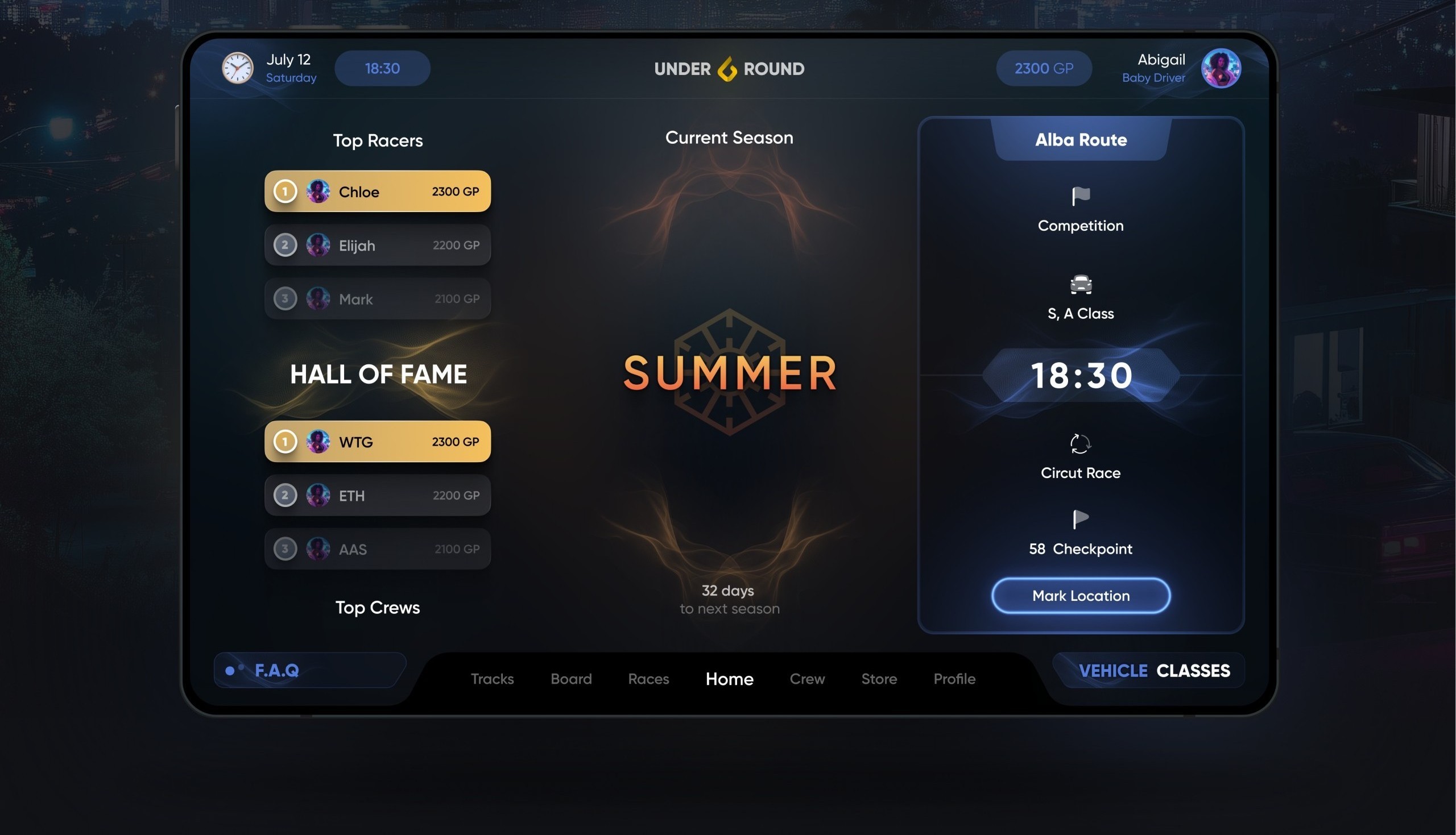
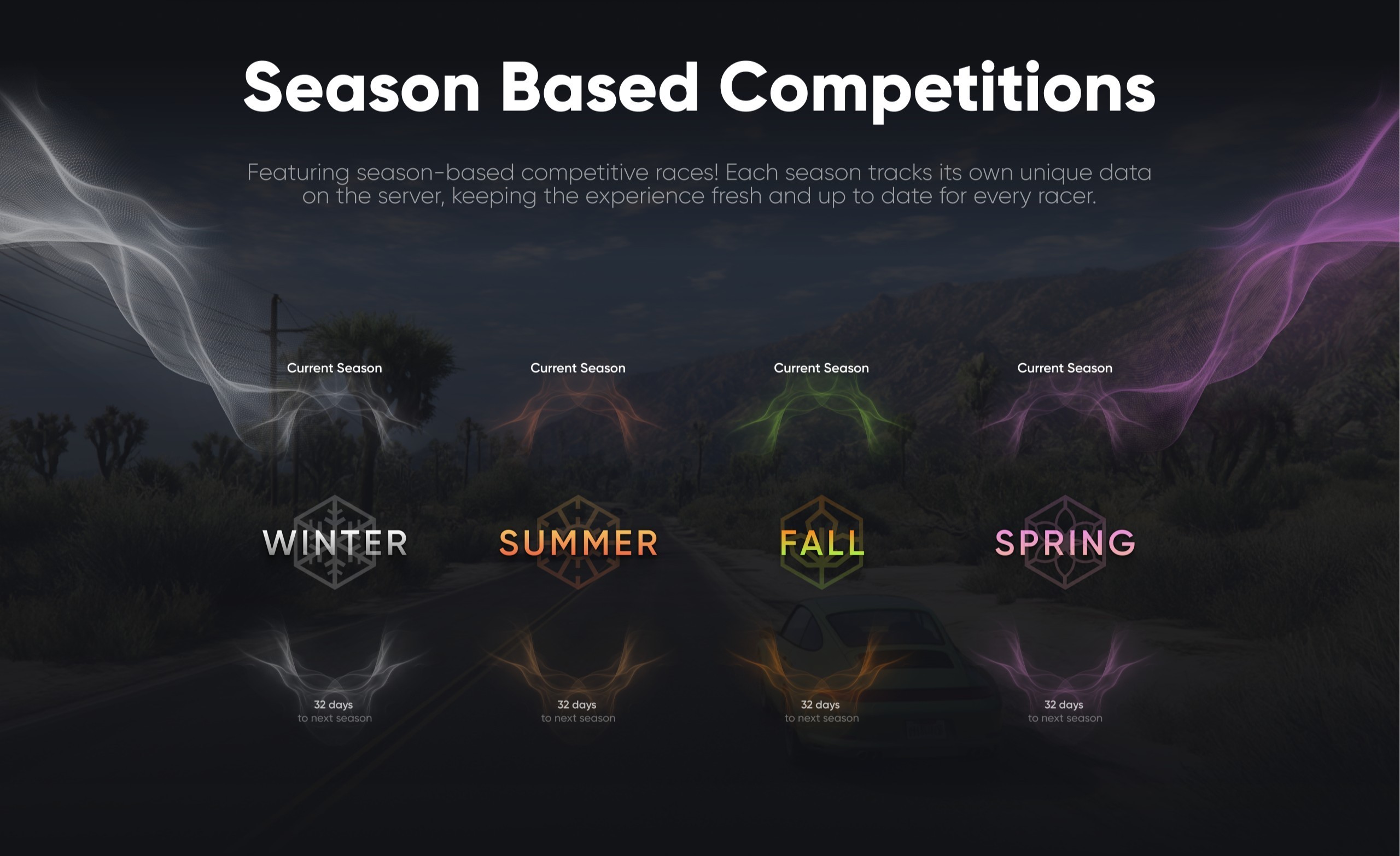

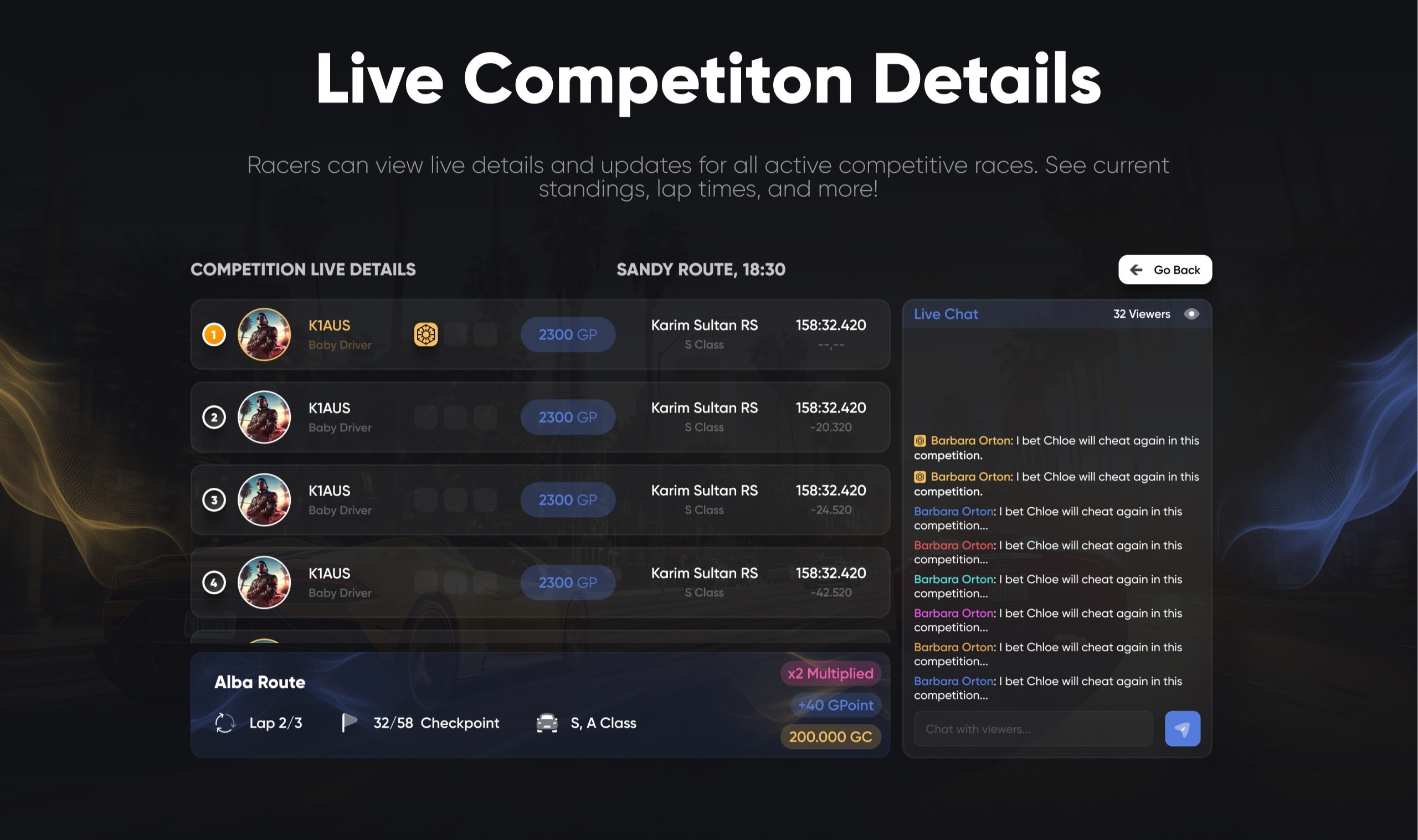
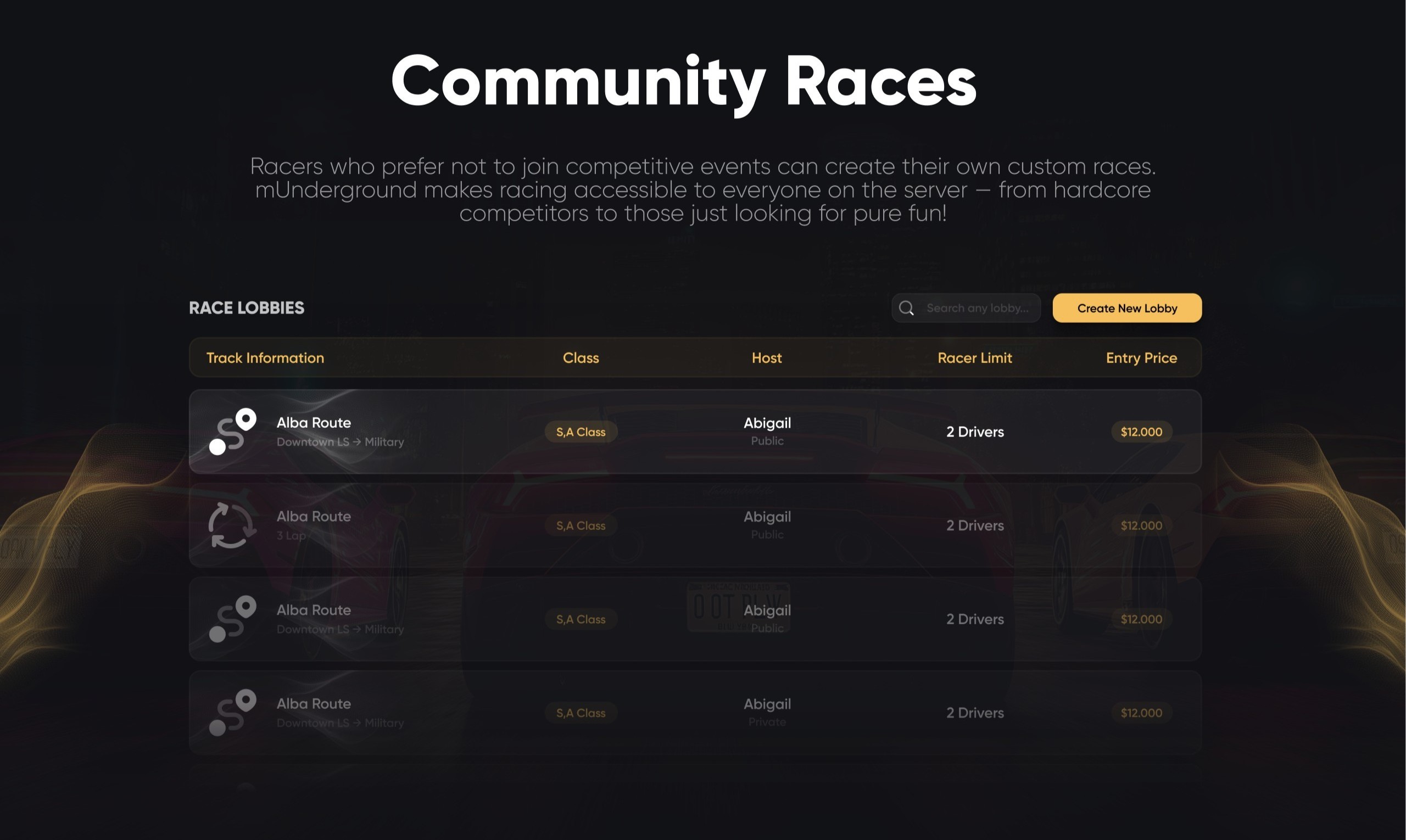
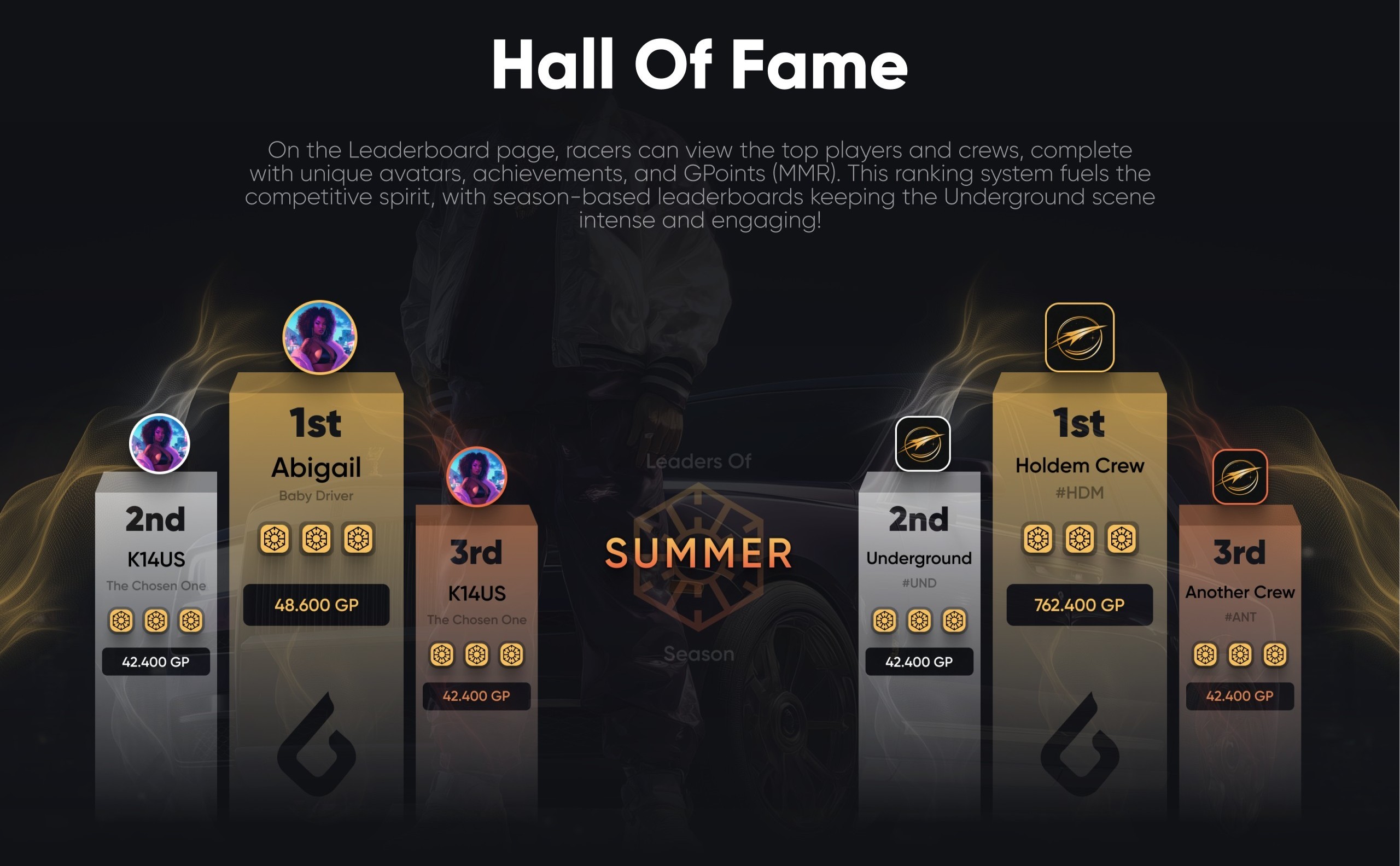
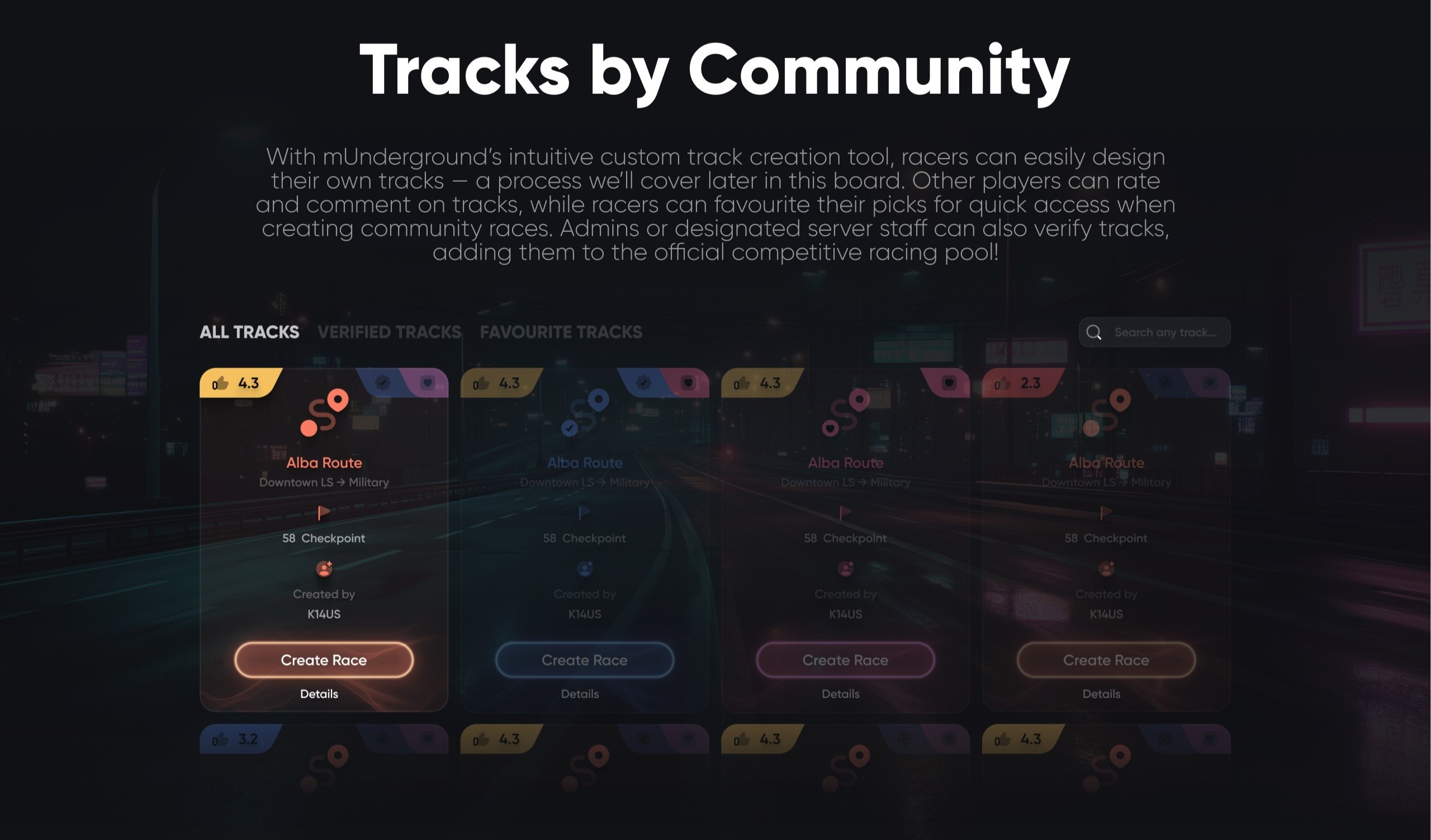
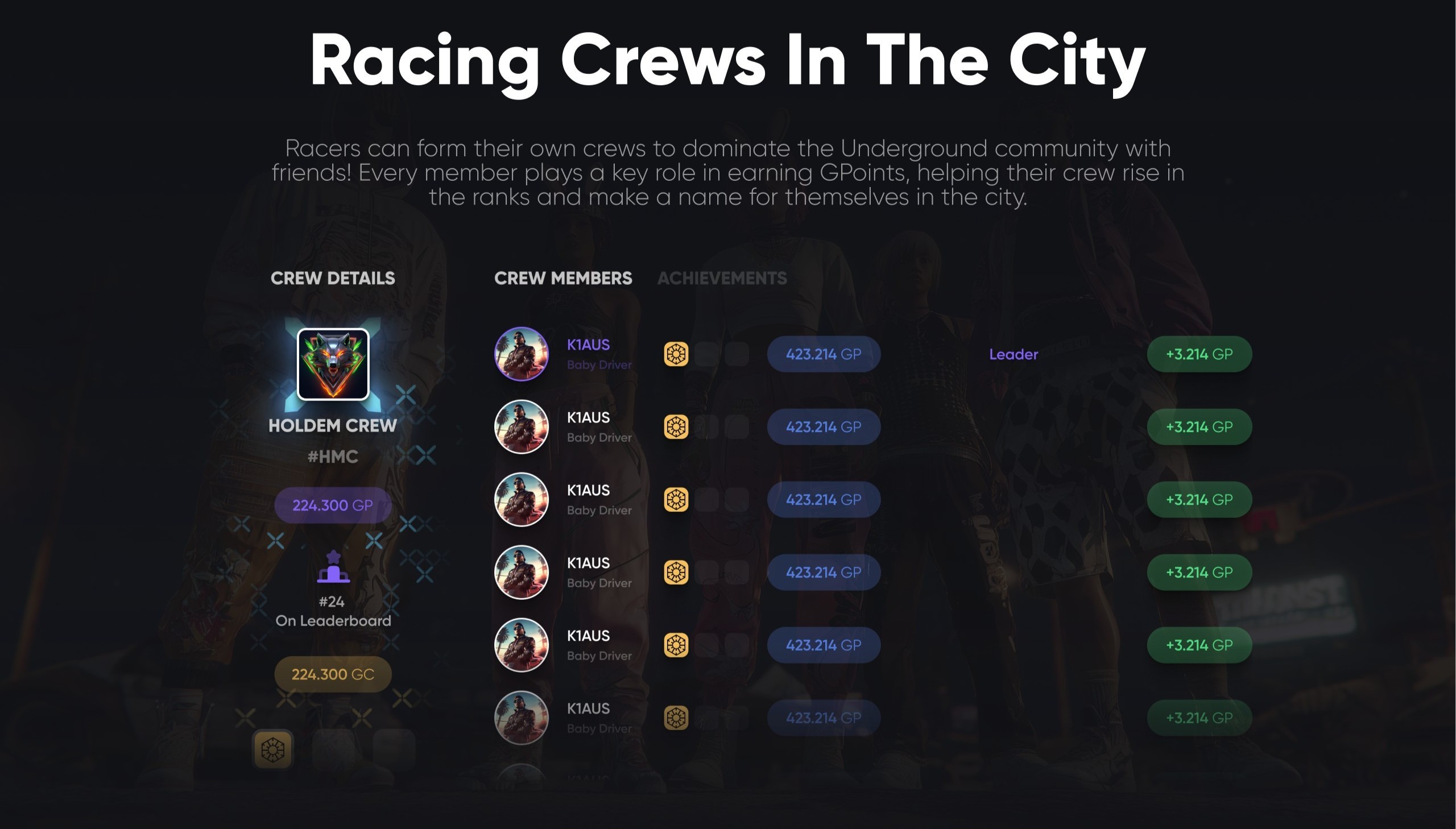
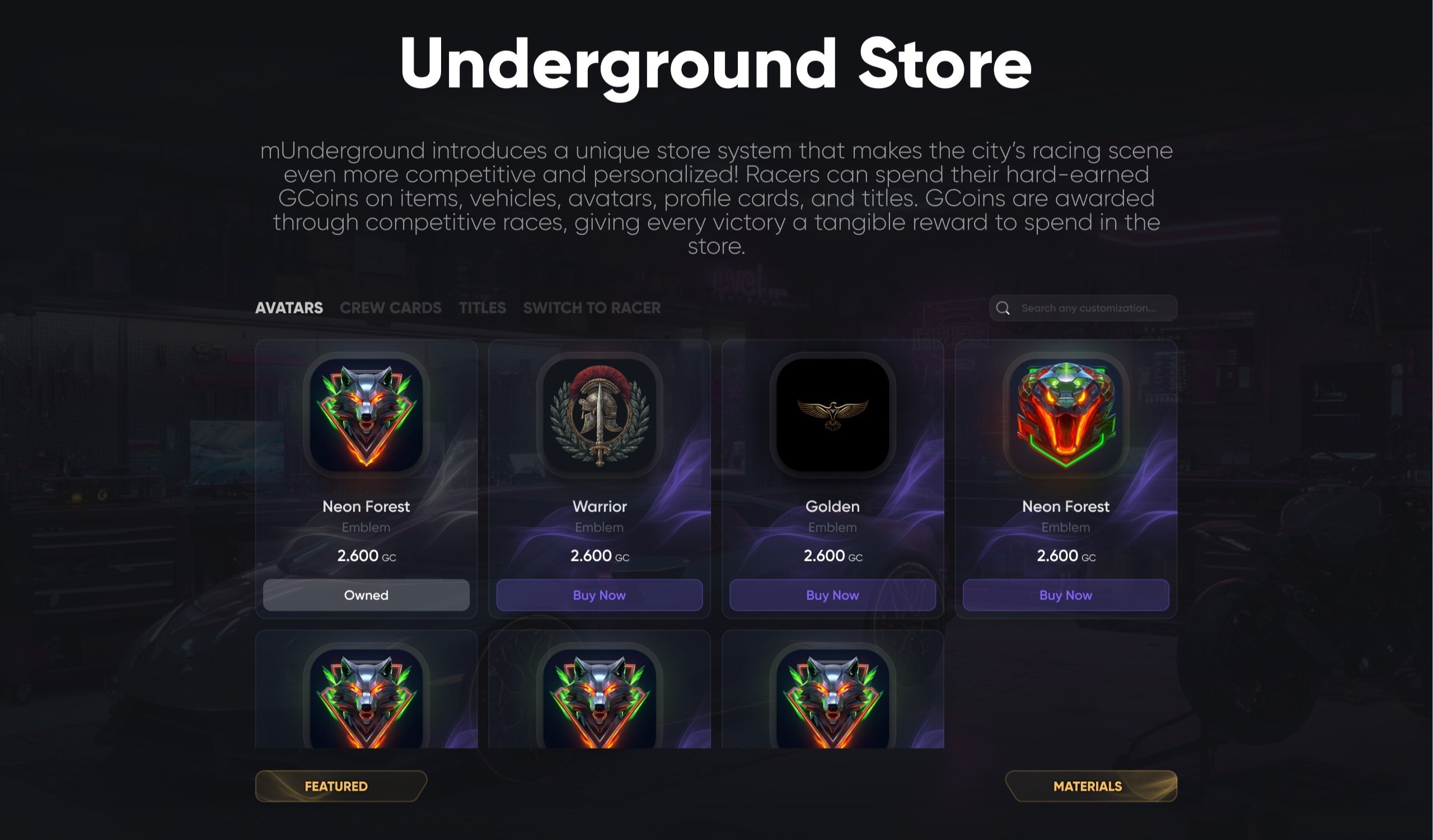
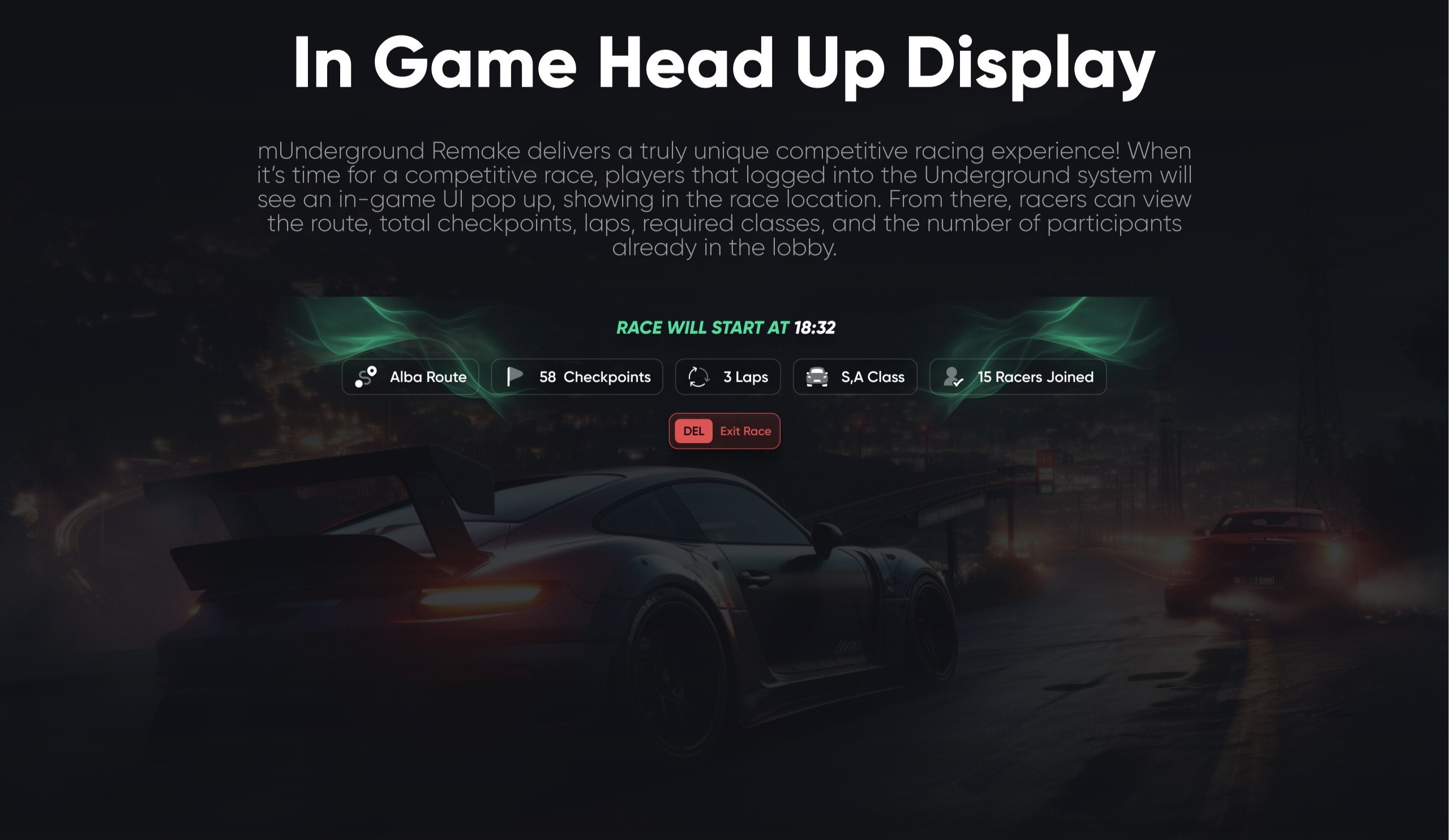
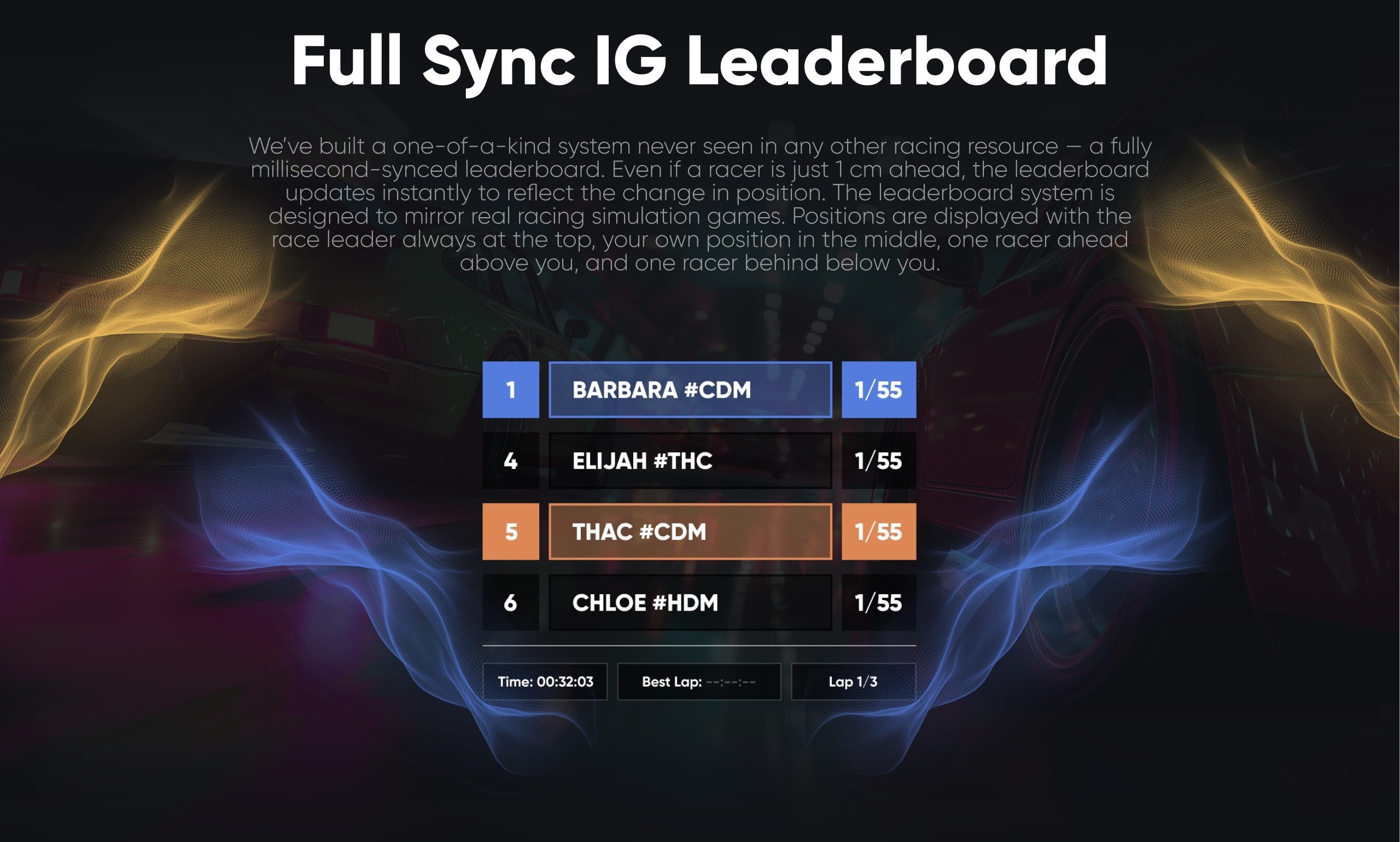
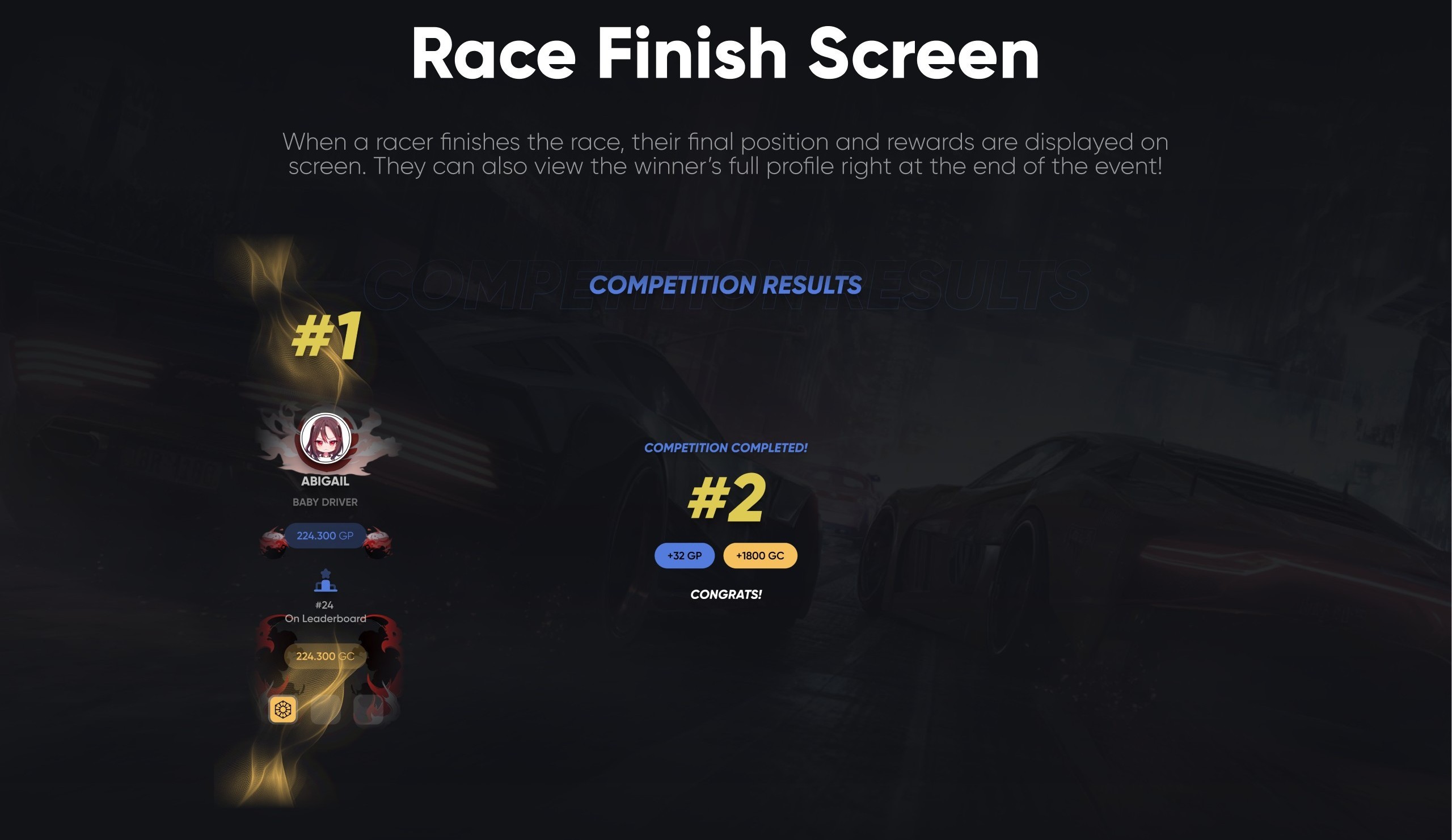
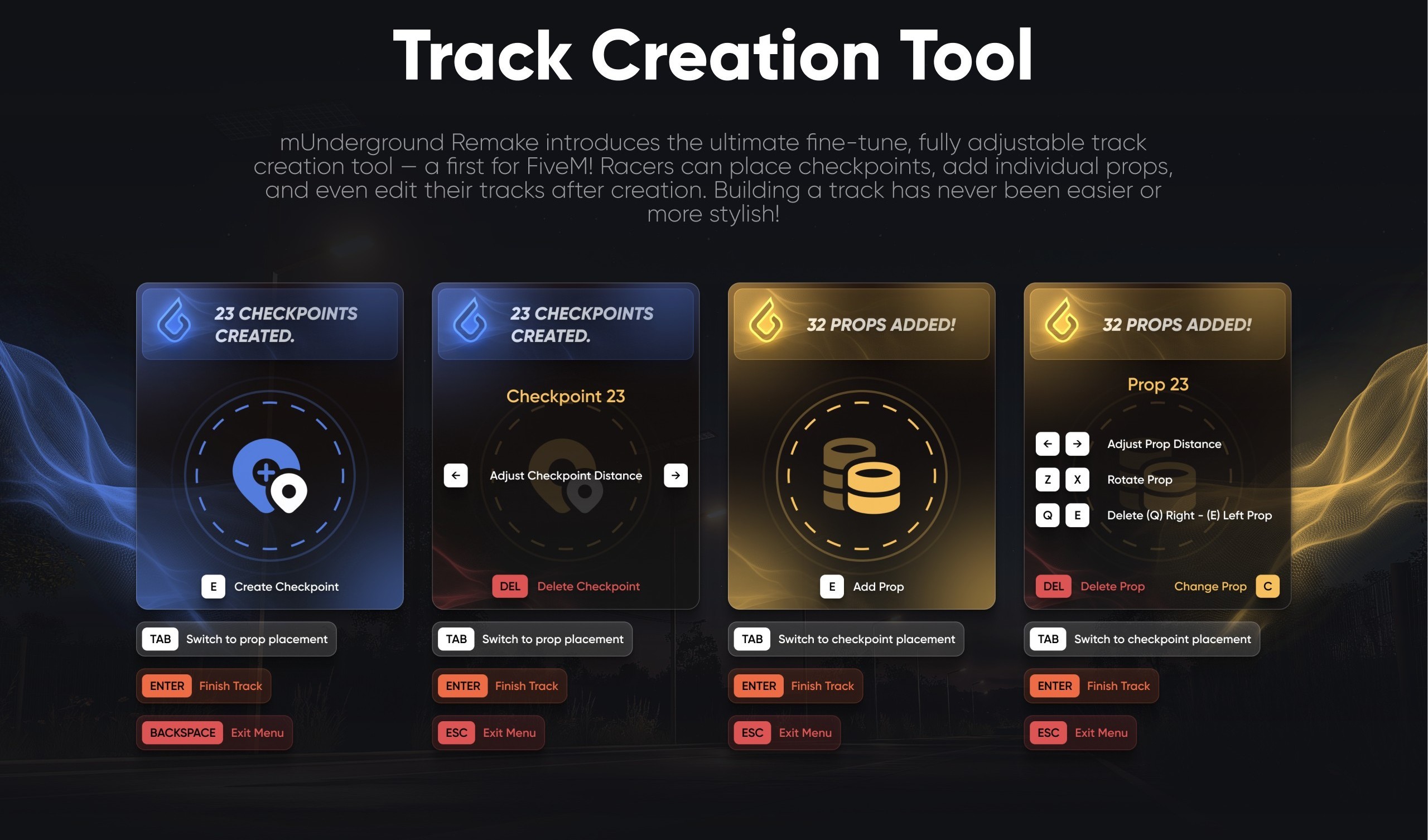
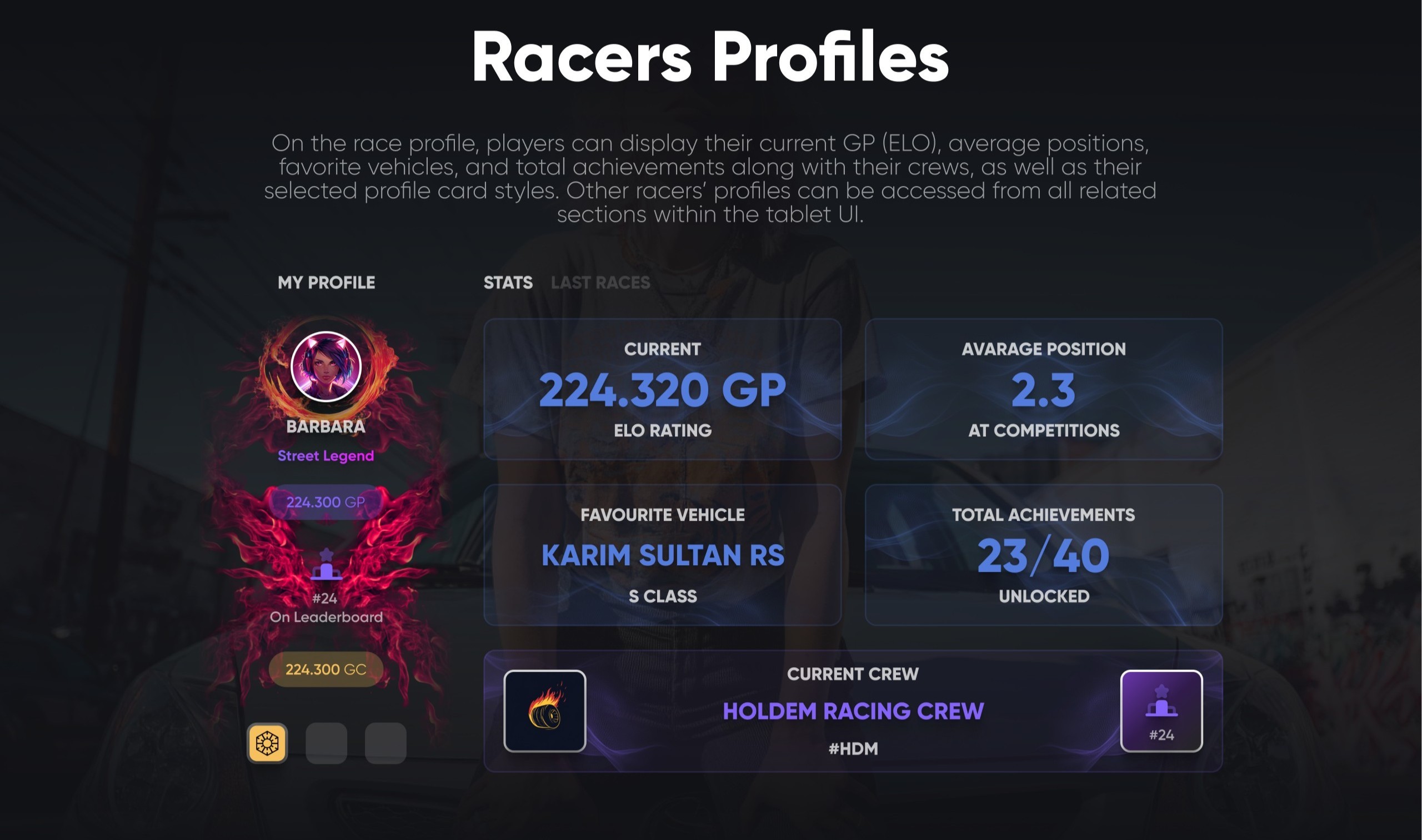
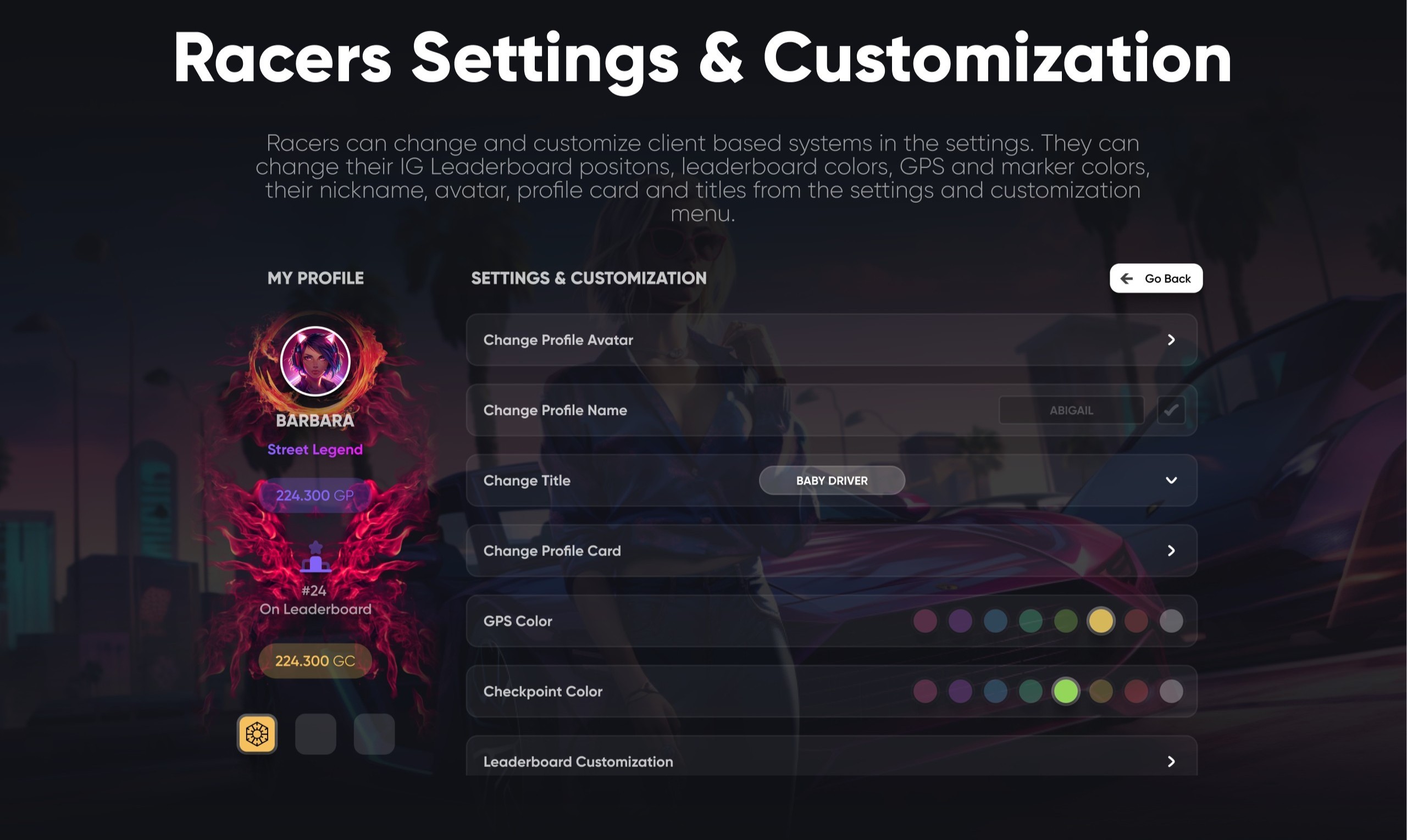
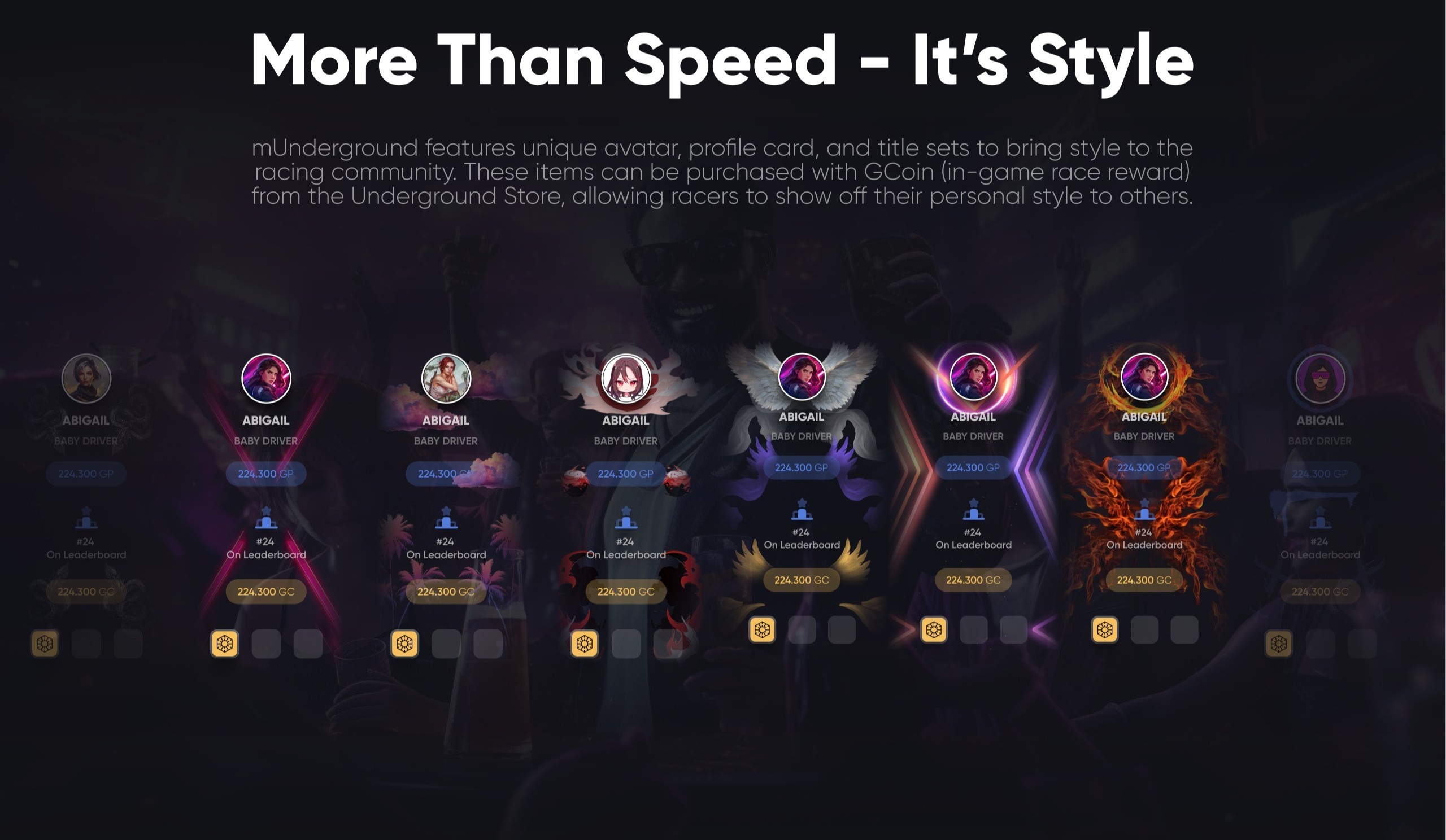
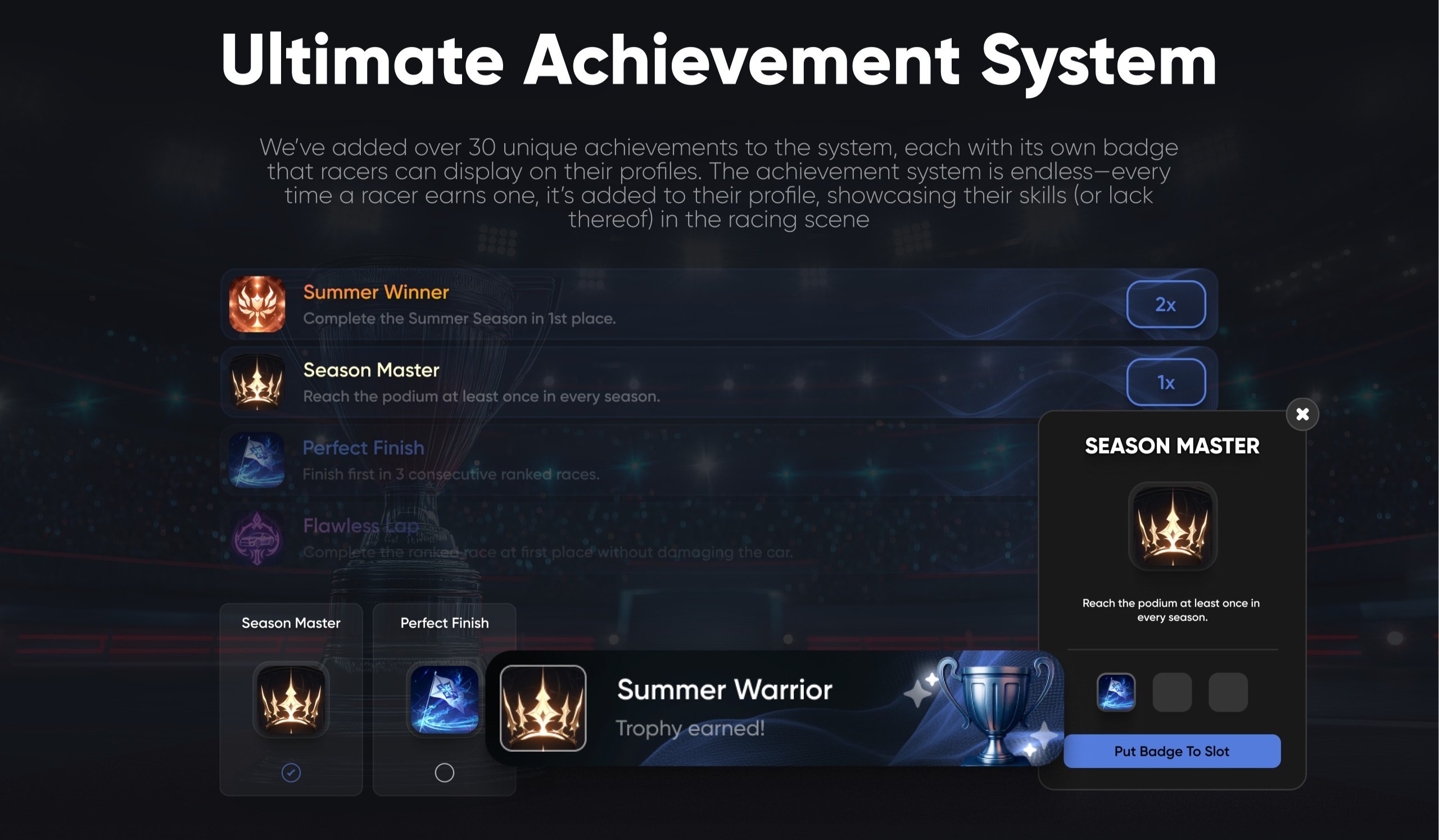
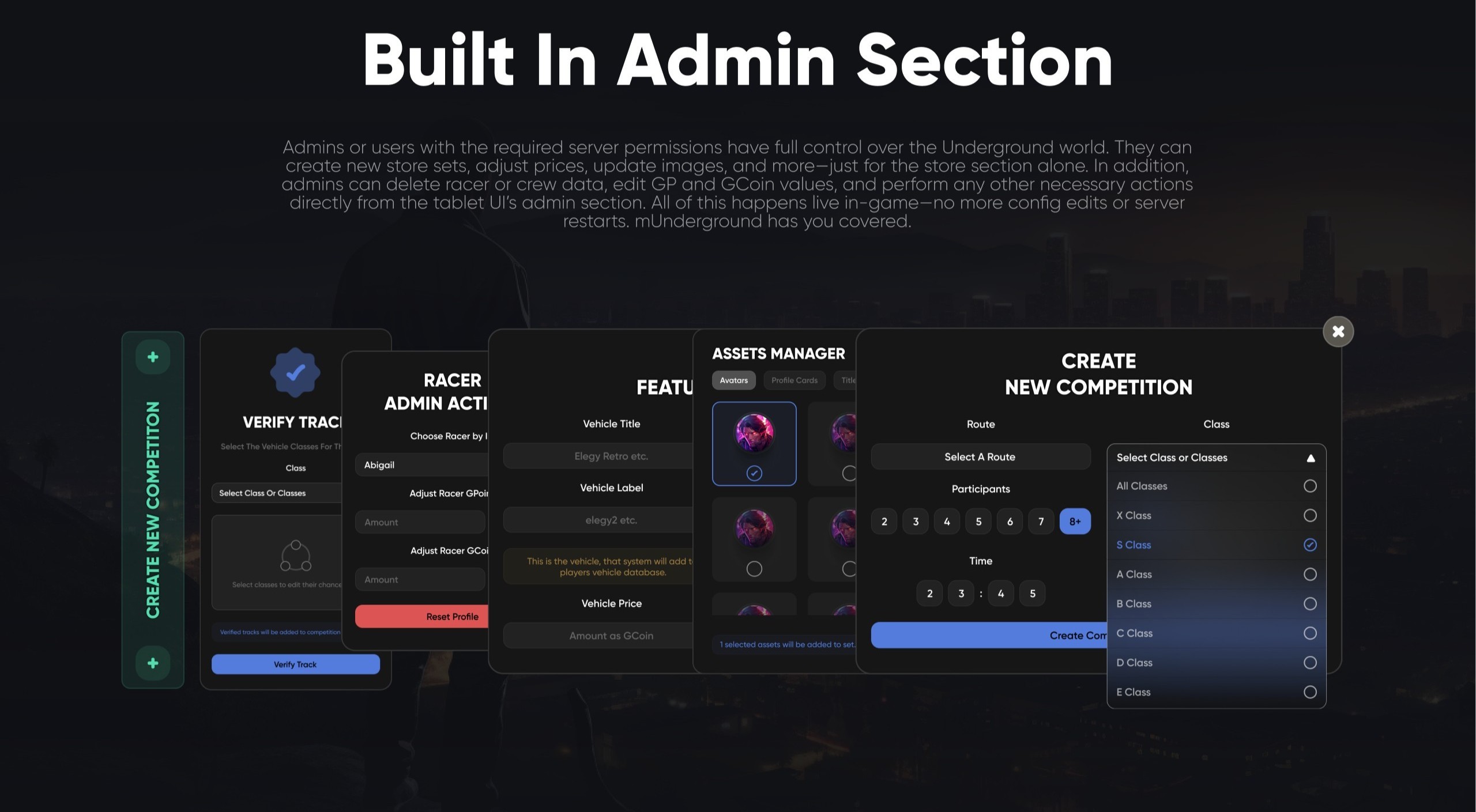
mUnderground Remake - The Most Detailed Racing System Ever Built for FiveM
Discover the ultimate racing script that has never been seen before on FiveM. mUnderground Remake brings a complete underground racing ecosystem to your server with seasons, competitions, crews, custom tracks, profiles, achievements and a full economy - all powered by the most detailed UI/UX ever built for a FiveM racing system.
Built from the ground up by CodeM for servers that take racing seriously.
FEATURES
- Season-Based Competitions with Winter, Summer, Fall and Spring cycles, each tracking its own unique data on the server to keep the experience fresh for every racer
- Daily Competitions page where racers can view all active and upcoming competitive events with detailed info on race type, required class and scheduled time
- Live Competition Details with real-time standings, lap times, GP rewards, GC prize pool, multiplier indicators and a built-in Live Chat with viewer count for spectators
- Community Races system with public and private race lobbies, host browsing, racer limits, entry price control and instant lobby creation for everyone on the server
- Hall Of Fame leaderboard showing top players and crews per season with avatars, achievements and GPoints (MMR) ranking
- Tracks by Community with intuitive custom track creation, rating and commenting, favorite tracks, search, and admin verification to add tracks to the official competitive racing pool
- Racing Crews system - form crews with friends, every member earns GPoints to push the crew up the leaderboard, full crew details, member list, achievements and #tag identity
- Underground Store powered by GCoin (in-game race reward) with avatars, crew cards, titles, vehicles, profile cards and switchable racer customization
- In-Game Head Up Display popup at race location showing route, total checkpoints, laps, required class and current participant count before the race starts
- Full Sync In-Game Leaderboard with millisecond-accurate position tracking - even a 1 cm lead instantly updates your standing, designed to mirror real racing simulation games
- Smart leaderboard layout with race leader always at top, your position in the middle, one racer ahead and one racer behind for instant context
- Race Finish Screen with final position, GP and GC rewards, animated competition results and full winner profile preview at the end of the event
- Track Creation Tool - a first for FiveM - place checkpoints, add and rotate individual props, fine-tune distances, edit tracks after creation and switch between checkpoint and prop placement modes
- Racer Profiles displaying current GP (ELO), average position at competitions, favorite vehicle and class, total achievements unlocked, current crew and selected profile card style
- Racer Settings & Customization - change profile avatar, profile name, title, profile card, GPS color, checkpoint color and full leaderboard customization
- Customizable in-game leaderboard positions, leaderboard colors, GPS markers and racer nickname
- Avatar, profile card and title sets purchasable from the Underground Store with GCoin earned through competitive races
- Ultimate Achievement System with 30+ unique achievements - Summer Winner, Season Master, Perfect Finish, Flawless Lap and many more, each with its own badge displayable on the racer profile
- Trophy earning notifications and badge slot system to showcase your best achievements to others
- Built-In Admin Section with full live in-game control - no more config edits or server restarts
- Admin tools include Verify Track, Racer Admin Actions (adjust GP, adjust GCoin, reset profile), Assets Manager (vehicles, avatars, profile cards, titles), and Create New Competition (route, class selection from X to E, participants and time)
- Full ELO/MMR-based GP system with smart distribution - top finishers gain GP, bottom finishers lose GP
- Random reward multiplier system with configurable chance tables (1x to 5x)
- Multi-class competitive races with single or multi-class support
- Built-in Ghost Mode (permanent, disabled or auto-timed)
- DNF detection for racers who abandon their vehicle
- Race timeout system after the first finisher to avoid endless waiting
- Real-time race leaderboard with configurable refresh interval
- Compatible with ESX, QBCore, QBox and VRP frameworks
- Clean and readable codebase, ideal for custom integrations
- Full GitBook documentation and active 6/24 ticket support
- Built by CodeM - Rockstar / CFX.re Verified asset creator with 8,000+ servers running CodeM scripts
Frameworks: ESX, QBCore
Documentation: https://codem.gitbook.io/codem-documentation/m-series/essentials/munderground-remake
Forum: https://forum.cfx.re/t/codem-racing-underground-remake-most-detailed-racing-ever/5352136
SubscriptionTiers: Diamond
Verified:yes
Related:https://codem.tebex.io/package/6541505,https://codem.tebex.io/package/5900170,https://codem.tebex.io/package/5898430
mFishing Remake


https://www.youtube.com/watch?v=t9HHXY8-kbU
mTaxijob Remake


https://www.youtube.com/watch?v=4sYywiEpryg
mTextUI
mTextUI - A Sleek, Multi-Theme Standalone Text UI for FiveM A standalone Text UI system with 10 unique themes.
Designed to display contextual key prompts on top of any FiveM gameplay - door unlocks, garage access, crafting menus, NPC interactions, item pickups and anything else that needs a key + label cue. Built around clean, modern themes - glowing key icons, halo and orbit effects, pill-style cards, color-themed glows and minimalist dark variants - so it fits any server identity out of the box. Built by CodeM as part of the M-series essentials toolkit for FiveM servers.
FEATURES
- Standalone Text UI System usable on any FiveM server with no framework lock-in
- 10 unique built-in themes - each visually distinct (color-glow pill, halo-around-key, lightning-orbit, soft glass, minimal dark, gradient pill and more) to match different server aesthetics
- Branded "M-series" design language consistent with the rest of the CodeM essentials lineup
- Glowing key-icon prompts that highlight the action key (E, F, G, etc.) alongside the action label
- Dual trigger system - open and close the UI through either events or exports, whichever fits your resource
- Open Event for showing the prompt from any client-side script
- Close Event for hiding the prompt cleanly when the player leaves the zone or finishes the action
- Open Export for direct, in-line calls from other resources without event boilerplate
- Close Export for instant hide calls from external scripts
- Documented Event Informations reference for the parameters accepted by the open call
- Built-in example file at client/examples.lua showing real usage patterns out of the box
- Drag-and-drop installation - drop the codem-textui folder into your resources and start it in server.cfg
- Production-tested on 4-5 servers across multiple frameworks with 100+ concurrent players
- Multi-framework friendly - standalone API works with any framework or custom script
- Available individually on Tebex and included free in the CodeM Premium Gold and Platinum subscription tiers
- Full GitBook documentation and active 6/24 ticket support
- Built by CodeM - Rockstar / CFX.re Verified asset creator with 8,000+ servers running CodeM scripts
Frameworks: Standalone, ESX, QBCore, QBox
Documentation: https://codem.gitbook.io/codem-documentation/m-series/mtextui
Forum: https://forum.cfx.re/t/codem-mtextui-standalone/5183448
SubscriptionTiers: Gold, Platinum,Diamond
Verified:yes
Related: 5296269,5900973,6354183
mBossmenu v2


mBossmenu V2 - Lead Smarter, Run Bigger, Control Everything
mBossmenu V2 empowers business owners with complete control and insights over their operations. Track employee shifts, monitor top-performing staff, review detailed income and expense reports - all in one sleek interface. Need to rally the team? With a single click, summon all your employees to your business instantly. Whether you're managing a small shop or a large organization, mBossmenu V2 gives you the tools to lead like a true boss.
Built from the ground up by CodeM as the most complete in-game business management system on FiveM.
FEATURES
- Sleek dashboard with LS Shift Tracker showing every employee's current shift duration in real time
- Employee Of The Week showcase with profile photo and total duty time
- Real-time Money Tracking with daily income and expense view
- Call To Action "Ring The Bell" feature that summons all your employees to the business with a single click
- Complete employee management - hire, promote, demote and fire directly from the menu
- Per-employee profile cards with avatar, online status, current rank, join date, total shift time and salary
- One-click Rank Up and Rank Down system with manager and junior tier indicators
- Powerful rank organization - create unlimited custom ranks (Boss, Manager, Senior Mechanic, Junior Mechanic and any custom tier)
- Granular per-rank permission system - Access To Bossmenu, Recruit/Rank/Fire Employees, Access To Vault, Access To Garage, Access To Logs, Access To Settings - all toggleable On/Off
- Full business logs page filtered by All, Employees, Ranks, Vault, Garage and Settings
- Tracked log events include New Recruit, New Rank, Employee Fired, Rank Adjustment, Money Withdrawal, Money Deposit and Inventory Action
- Searchable log history with timestamps and "by [user]" attribution for full accountability
- Dedicated Vault system with detailed transaction history showing deposits in green and withdrawals in red
- Business Inventory grid - store items inside the business with quantity tracking, viewable from the menu but accessible only at the business location for realism
- Business Garage system - assign business-specific vehicles that employees can take out from a dedicated garage
- In-game garage UI showing live "Vehicles In Garage" list (9F Cabrio, Avendator, Kuruma, Asea and any vehicle you assign)
- Comprehensive Settings Menu - rebrand business name and upload a new logo via URL
- Toggle key features (Shift Tracker, Vault, Inventory, Garage) On or Off per business
- Total Administrator Control - admins manage everything live in-game with no config edits or server restarts
- Business Tracker System showing all active businesses on the server with online employee counts
- Richest Business widget displaying the wealthiest organization on the server
- Businesses Total Money panel showing combined vault funds across all businesses
- Authorize Player To Business action - turn any player into a boss instantly
- Money Monitor - real-time ranked list of all businesses by vault balance for spotting suspicious activity and economy fraud
- Full business control panel - Delete Business, Fire Employees, Transfer ownership via Player ID, Unauthorize bossmenu access, jump into Business Settings or Business Logs
- Live business stat block - Total Employees, Money In Vault, Total Items In Inventory, Business Garage vehicle count, Current Boss
- Step-by-step in-game business creation wizard with logo upload, name and feature toggles (Shift Tracker, Business Vault, Business Garage)
- Admin Logs section tracking every admin action - New Business, Authorization, Unauthorization, Money Deposit, Money Withdrawal, Business Transfer
- Searchable admin log history for server owners to monitor high-rank admin behavior
- Modern tablet-style UI with clean dark theme and consistent design language across every section
- ESX and QBCore framework support
- Clean and readable codebase, ideal for custom integrations
- Full GitBook documentation and active 6/24 ticket support
- Built by CodeM - Rockstar / CFX.re Verified asset creator
Frameworks: ESX, QBCore
Documentation: https://codem.gitbook.io/codem-documentation/m-series/essentials/mbossmenu-v2
Forum: https://forum.cfx.re/t/release-mbossmenu-v2/123456
SubscriptionTiers:Platinum.Diamond
Verified:yes
Related: https://codem.tebex.io/package/6646067,https://codem.tebex.io/package/6541505,https://codem.tebex.io/package/6033667,https://codem.tebex.io/package/5900170,https://codem.tebex.io/package/5962921
mMDT AIO


mMDT AIO - The Most Detailed MDT Ever Built for FiveM
A complete all-in-one Mobile Data Terminal designed for police, EMS and any law enforcement role on your server. mMDT AIO brings every tool a department needs into one polished tablet UI - from dispatch and CCTV to suspect databases and unit management. Built for the most detail-oriented roleplay communities.
Tested and refined across thousands of FiveM servers. Set the new standard for law enforcement on your city.
FEATURES
- Full-featured tablet-style MDT UI with police, EMS and custom-job support
- Complete suspect database with profiles, criminal records, mugshots and editable details
- Vehicle database with registration lookup, owner info and flag system
- Weapons database with serial numbers, owner tracking and registration
- Property and address records integrated into citizen profiles
- Built-in dispatch system with custom dispatch types and codes
- On-Duty Only dispatch alerts so notifications only reach officers actively on duty
- Custom dispatch creation API - any other resource can trigger dispatches via export with type, header, text and code
- Real-time incident feed and live call tracking
- Reports and case management - create, edit, store and search incident reports
- Evidence tracking system with the ability to attach evidence and notes to reports
- Active warrants system tied to citizens and cases
- BOLO (Be On The Lookout) management for vehicles and suspects
- Announcements module - create, browse and pin department-wide messages
- Unit and officer management with online status, current callsign and rank visibility
- Quick search across citizens, vehicles, weapons, evidence, cases and notes from one bar
- Built-in chat system for real-time communication between officers
- Full CCTV system with synced in-game props, multi-camera switching and configurable control keys
- Default and custom CCTV cameras - copy/paste a camera in config to add your own
- Server-side and client-side CCTV exports - toggleCCTV and tempDisableCCTV for full integration with other resources
- Tag system for marking and categorizing pages, with mmdt_tags database table
- Asset upload support via Fivemanage and Discord, configurable through editable/server/apKeys.lua
- Customizable AssetsKeys with key combinations and labels
- Unit commands and key mappings - works with or without RegisterKeyMapping
- Boss grade system - works even on frameworks that do not natively support boss grades
- Granular access and permissions per profession with grade-based control
- Items and commands system - assign MDT access to items, commands or both
- Prop fix command (/propfix) for solving rare prop attachment issues
- Configurable prop model and offsets for in-hand tablet
- Discord webhook integration for full audit trail of MDT activity
- Database driven with automatic table creation
- Available as Lifetime or Subscription license
- ESX and QBCore framework support
- Compatible with CodeM, Quasar, ESX and QBCore defaults out of the box
- Open integration points - all places designed to connect your custom scripts are accessible
- Multi-job MDT support so police, EMS, sheriff and custom departments can use one resource
- Approximately 12,500-16,000 lines of polished, optimized code
- Modern, clean UI/UX styled for immersion and built for high-population servers
- Continuously updated since 2024 with regular feature additions
- Full GitBook documentation and active 6/24 ticket support
- Built by CodeM - Rockstar / CFX.re Verified asset creator with 8,000+ servers running CodeM scripts
Frameworks: ESX, QBCore
Documentation: https://codem.gitbook.io/codem-documentation/m-series/essentials/mmdt-aio
Forum: https://forum.cfx.re/t/codem-mmdt-all-in-one-most-detailed-mdt/5249465
SubscriptionTiers: Diamond
Verified:yes
mMDT AIO Subscription

mMDT AIO - The Most Detailed MDT Ever Built for FiveM
A complete all-in-one Mobile Data Terminal designed for police, EMS and any law enforcement role on your server. mMDT AIO brings every tool a department needs into one polished tablet UI - from dispatch and CCTV to suspect databases and unit management. Built for the most detail-oriented roleplay communities.
Tested and refined across thousands of FiveM servers. Set the new standard for law enforcement on your city.
FEATURES
- Full-featured tablet-style MDT UI with police, EMS and custom-job support
- Complete suspect database with profiles, criminal records, mugshots and editable details
- Vehicle database with registration lookup, owner info and flag system
- Weapons database with serial numbers, owner tracking and registration
- Property and address records integrated into citizen profiles
- Built-in dispatch system with custom dispatch types and codes
- On-Duty Only dispatch alerts so notifications only reach officers actively on duty
- Custom dispatch creation API - any other resource can trigger dispatches via export with type, header, text and code
- Real-time incident feed and live call tracking
- Reports and case management - create, edit, store and search incident reports
- Evidence tracking system with the ability to attach evidence and notes to reports
- Active warrants system tied to citizens and cases
- BOLO (Be On The Lookout) management for vehicles and suspects
- Announcements module - create, browse and pin department-wide messages
- Unit and officer management with online status, current callsign and rank visibility
- Quick search across citizens, vehicles, weapons, evidence, cases and notes from one bar
- Built-in chat system for real-time communication between officers
- Full CCTV system with synced in-game props, multi-camera switching and configurable control keys
- Default and custom CCTV cameras - copy/paste a camera in config to add your own
- Server-side and client-side CCTV exports - toggleCCTV and tempDisableCCTV for full integration with other resources
- Tag system for marking and categorizing pages, with mmdt_tags database table
- Asset upload support via Fivemanage and Discord, configurable through editable/server/apKeys.lua
- Customizable AssetsKeys with key combinations and labels
- Unit commands and key mappings - works with or without RegisterKeyMapping
- Boss grade system - works even on frameworks that do not natively support boss grades
- Granular access and permissions per profession with grade-based control
- Items and commands system - assign MDT access to items, commands or both
- Prop fix command (/propfix) for solving rare prop attachment issues
- Configurable prop model and offsets for in-hand tablet
- Discord webhook integration for full audit trail of MDT activity
- Database driven with automatic table creation
- Available as Lifetime or Subscription license
- ESX and QBCore framework support
- Compatible with CodeM, Quasar, ESX and QBCore defaults out of the box
- Open integration points - all places designed to connect your custom scripts are accessible
- Multi-job MDT support so police, EMS, sheriff and custom departments can use one resource
- Approximately 12,500-16,000 lines of polished, optimized code
- Modern, clean UI/UX styled for immersion and built for high-population servers
- Continuously updated since 2024 with regular feature additions
- Full GitBook documentation and active 6/24 ticket support
- Built by CodeM - Rockstar / CFX.re Verified asset creator with 8,000+ servers running CodeM scripts
Frameworks: ESX, QBCore
Documentation: https://codem.gitbook.io/codem-documentation/m-series/essentials/mmdt-aio
Forum: https://forum.cfx.re/t/codem-mmdt-all-in-one-most-detailed-mdt/5249465
SubscriptionTiers: Diamond
Verified:yes
mTraderjob


https://www.youtube.com/watch?v=3i9Cs-iDNk4
mBilling v2


mBilling v2 - The Most Detailed Billing & Tax System for FiveM
Brand new advanced billing system brought to you by CodeM with some unique features. mBilling v2 lets authorized players or businesses bill anyone in the city, manage their taxes, track every transaction and run the entire billing economy from a polished tablet UI. Switch between personal and business modes with a single click, no friction, no compromise.
Built for serious roleplay servers that want a real billing ecosystem.
FEATURES
- Bill anyone as Business or Individual - authorized players and businesses can issue bills to other players seamlessly
- Quick swap button at the bottom for effortless toggling between Individual and Business billing modes
- Full Personal Dashboard to track anything - seasonal billing statistics, current LS tax rates, and a comprehensive billing graph showing paid and unpaid bills
- Unpaid Bills as Personal page - view and manage outstanding invoices, settle them individually or all at once
- Pay Others' Bills via Invoice ID feature for full flexibility
- Bills That On Overdue - dedicated Overdue Bills page with late payment interest rate determined by administrators, keeping players transparent about financial obligations
- Paid Bills as Personal page - clear overview of which bills have been settled and full payment history
- Awaiting Payments as Individuals - track unpaid bills you've issued to others and cancel invoices when necessary
- Pay Taxes as Individuals - comprehensive personal tax system with the Personal Tax page for viewing and settling tax obligations directly
- Business Dashboard mode - employees gain access to seasonal business data, performance insights and operational metrics
- Paid Bills From Players - businesses get a comprehensive list of bills paid by players with complete transaction tracking
- Awaiting Payments From Players - employees view detailed unpaid invoices issued to players and can cancel any outstanding bill if needed
- Business Taxes page - taxes determined by admins, reviewed and paid through a dedicated streamlined page
- Business Bill Templates - create, edit and delete customizable bill templates for quick and efficient billing
- Dedicated Templates button during bill creation for one-click template-based billing
- Business Bill Vault - private vault for storing business bill payments separately from operational money
- Vault to bank transfer, money deposit, tax payment from vault and full vault transaction history
- Business Bill Permissions - assign specific billing permissions to employees, granting access to view the billing tablet or authorize them to bill players directly
- Streamlined Bill Creation Page - issue bills via two methods: select nearby players or enter their player ID
- Pre-defined bill templates available during bill creation for faster invoicing
- Total Admin Control - built-in admin management system with full control over the server's billing operations
- Admin overall city tax revenue dashboard with seasonal data, invoice tracking, vehicle/houses/business owner tax categories
- Adjust Tax Rates feature for live tax rate management
- Authorize players or businesses for billing privileges directly from the admin panel
- Servers Unpaid Bills section in admin panel - view all outstanding bills across the server with the ability to cancel any bill as needed
- Server's Paid Bills section with detailed view of all paid bills and a search function for quick data location
- Tax Creation and Taxes - default tax system aligned with vehicle ownership, house ownership and more
- Create custom taxes for any reason, set intervals, enable or disable default taxes, configure income/VAT/withholding/invoice tax categories
- Admin Logs - robust admin log system tracking every billing-related admin action with timestamps for full transparency and accountability
- Authorized Players Or Businesses page - comprehensive list of all authorized billing accounts with one-click revoke
- Apply To Billing Menu Via Office - players must visit an in-city NPC to apply for billing authorization, either as Individual or Business
- Two color-coded application paths (blue for Individual Billing Authorization, green for Business Billing Authorization) at the in-game Billing Management Office
- Application approval system requiring admin review before billing rights are granted
- Modern tablet-style UI with consistent dark theme across personal, business and admin modes
- ESX and QBCore framework support
- Clean and readable codebase, ideal for custom integrations
- Full GitBook documentation and active 6/24 ticket support
- Available on CodeM Premium
- Built by CodeM - Rockstar / CFX.re Verified asset creator with 8,000+ servers running CodeM scripts
Frameworks: ESX, QBCore
Documentation: https://codem.gitbook.io/codem-documentation/m-series/essentials/mbilling-v2
Forum: https://forum.cfx.re/t/codem-mbilling-v2-advanced-billing-script-esx-qb/5300712
SubscriptionTiers:Platinum,Diamond
Verified:yes
Related: 6843540,5900973,5962921
mVehicleshop v2
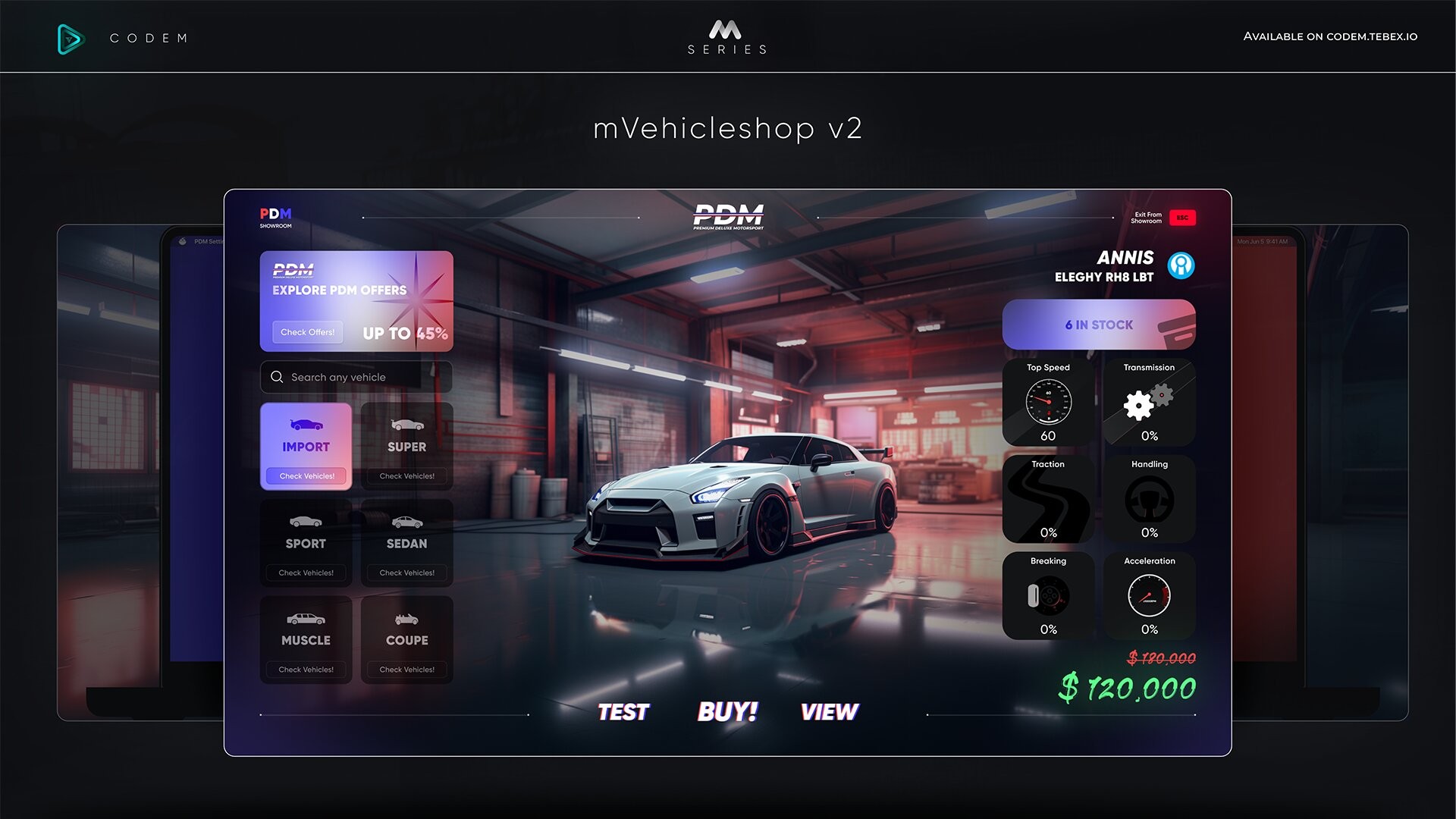
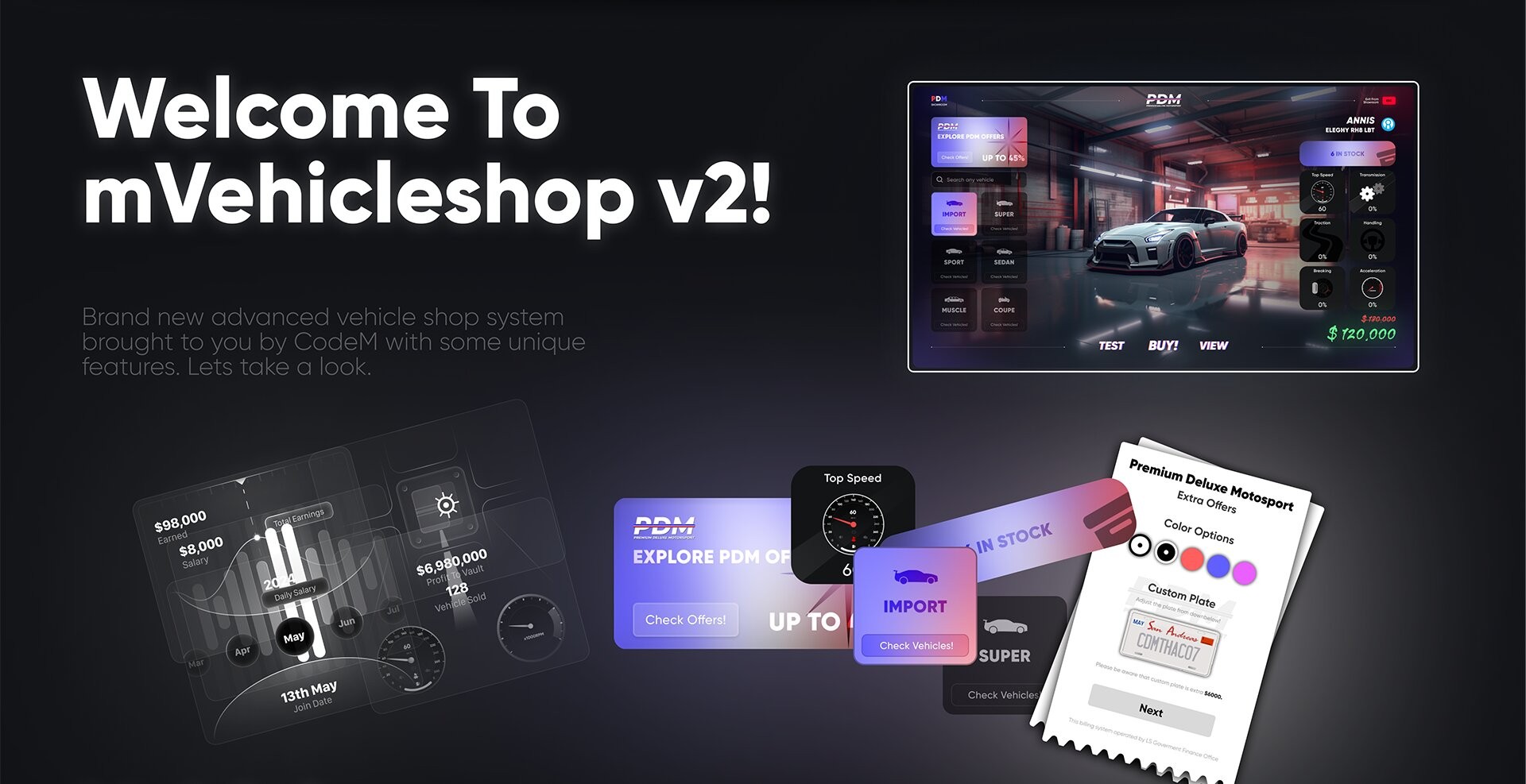
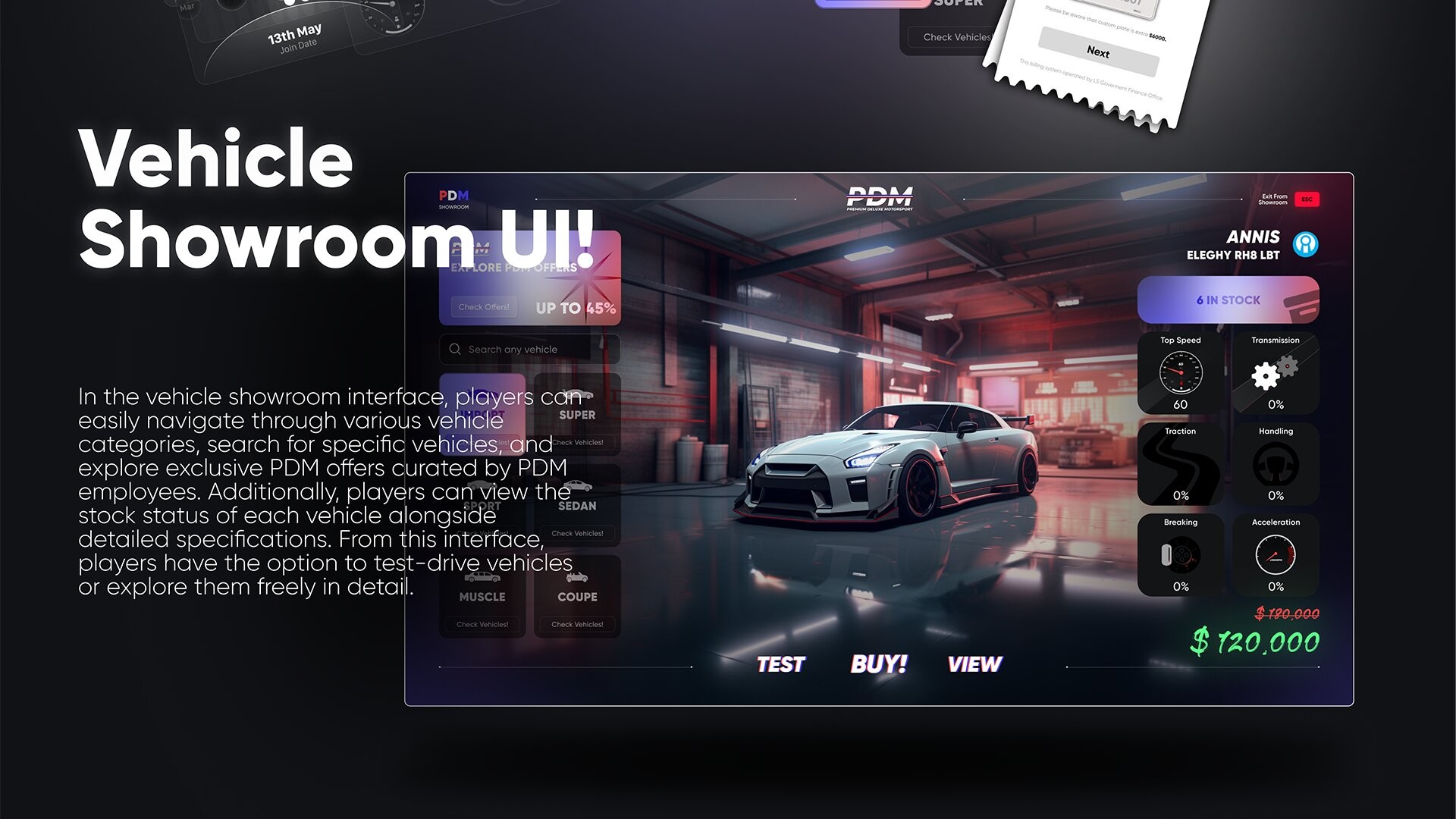
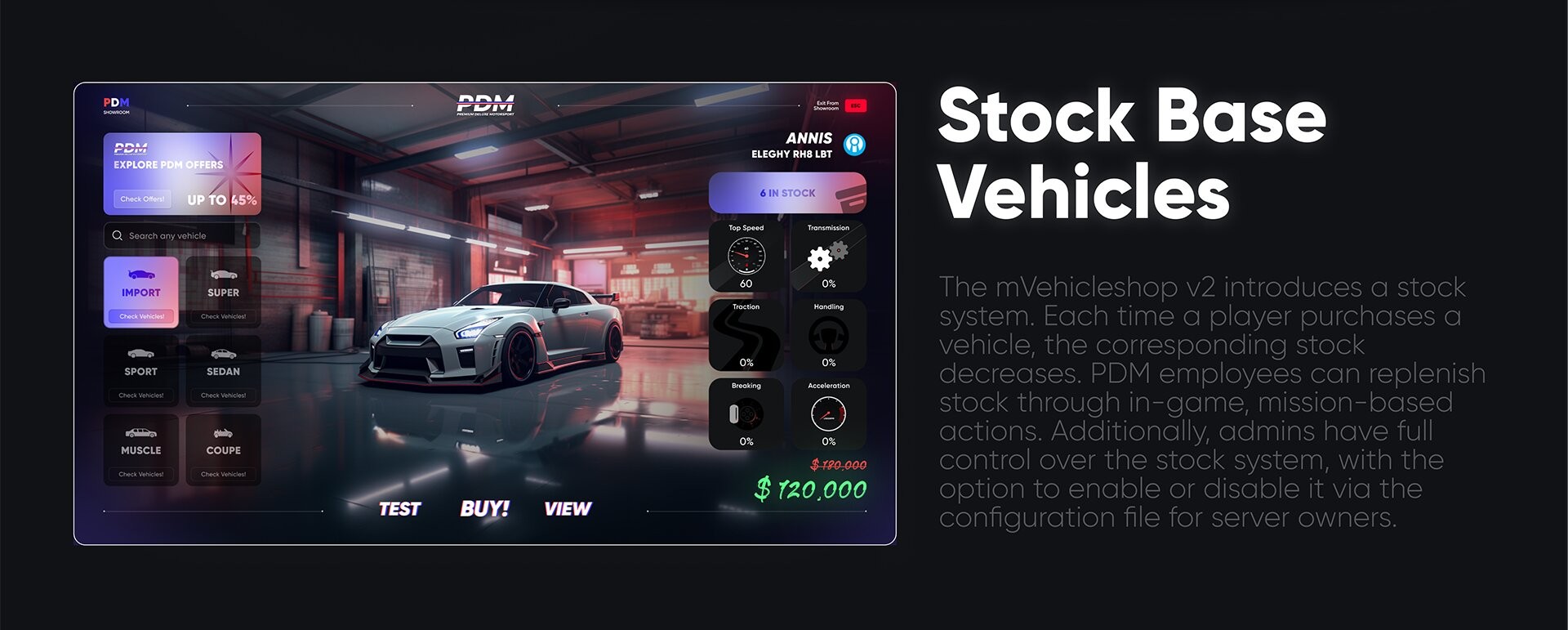
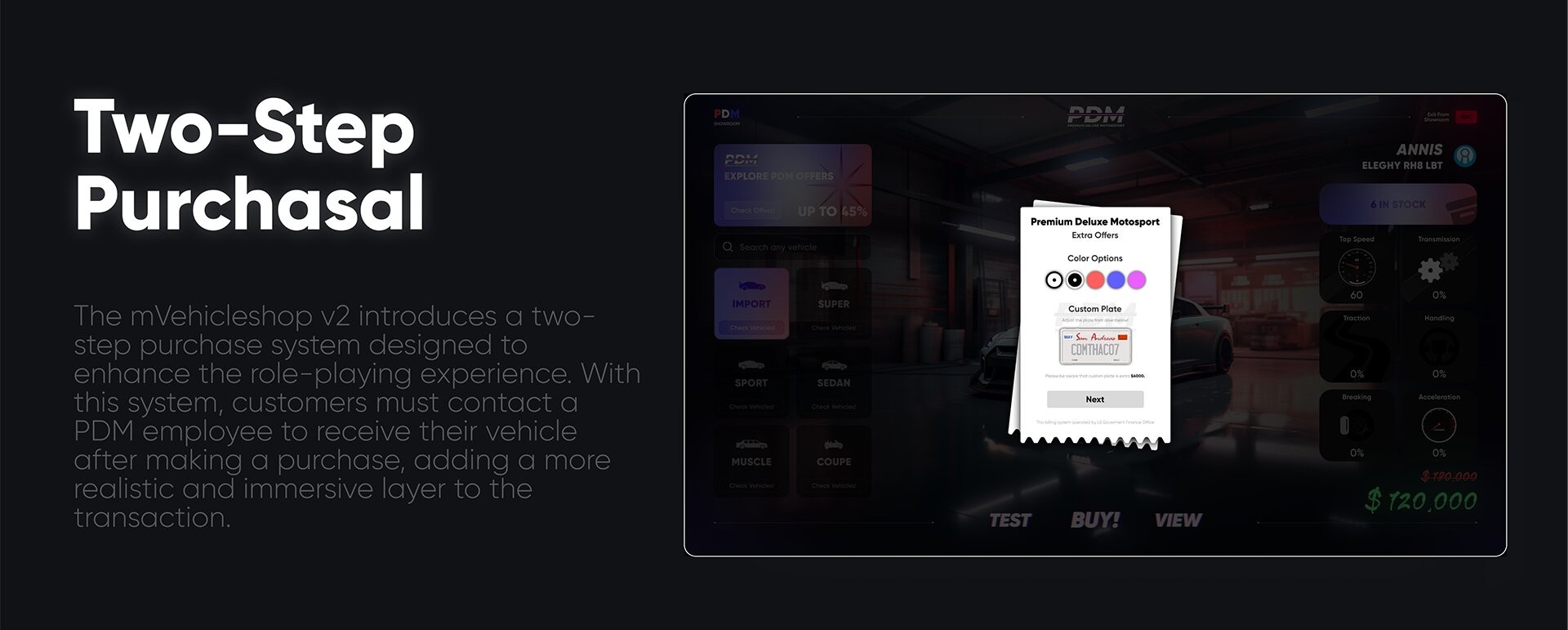
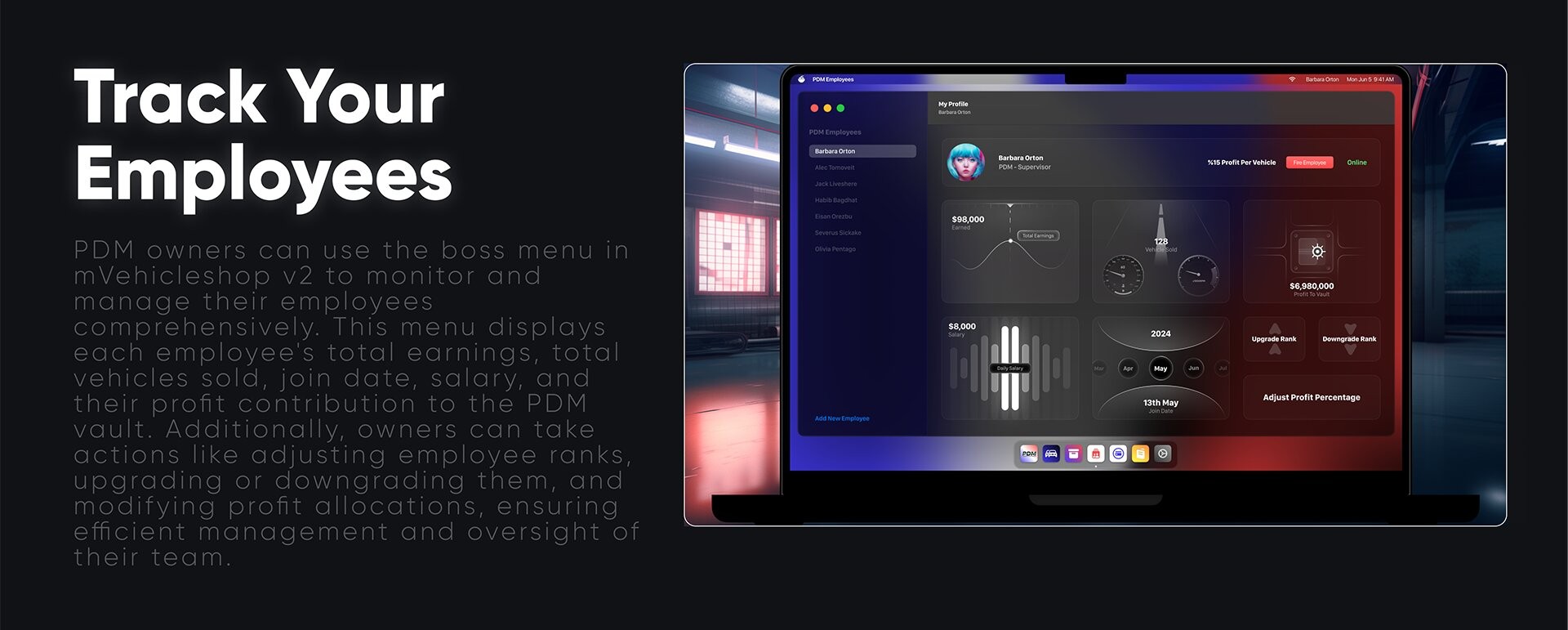
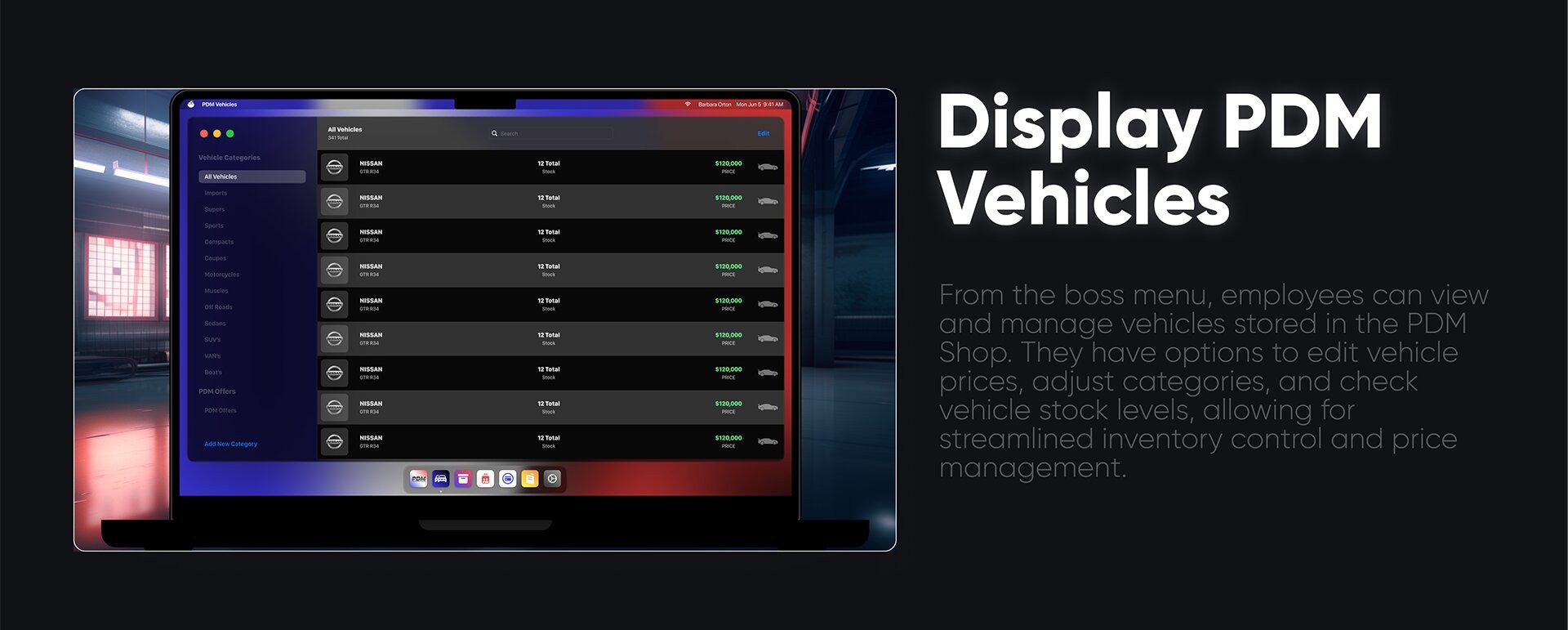
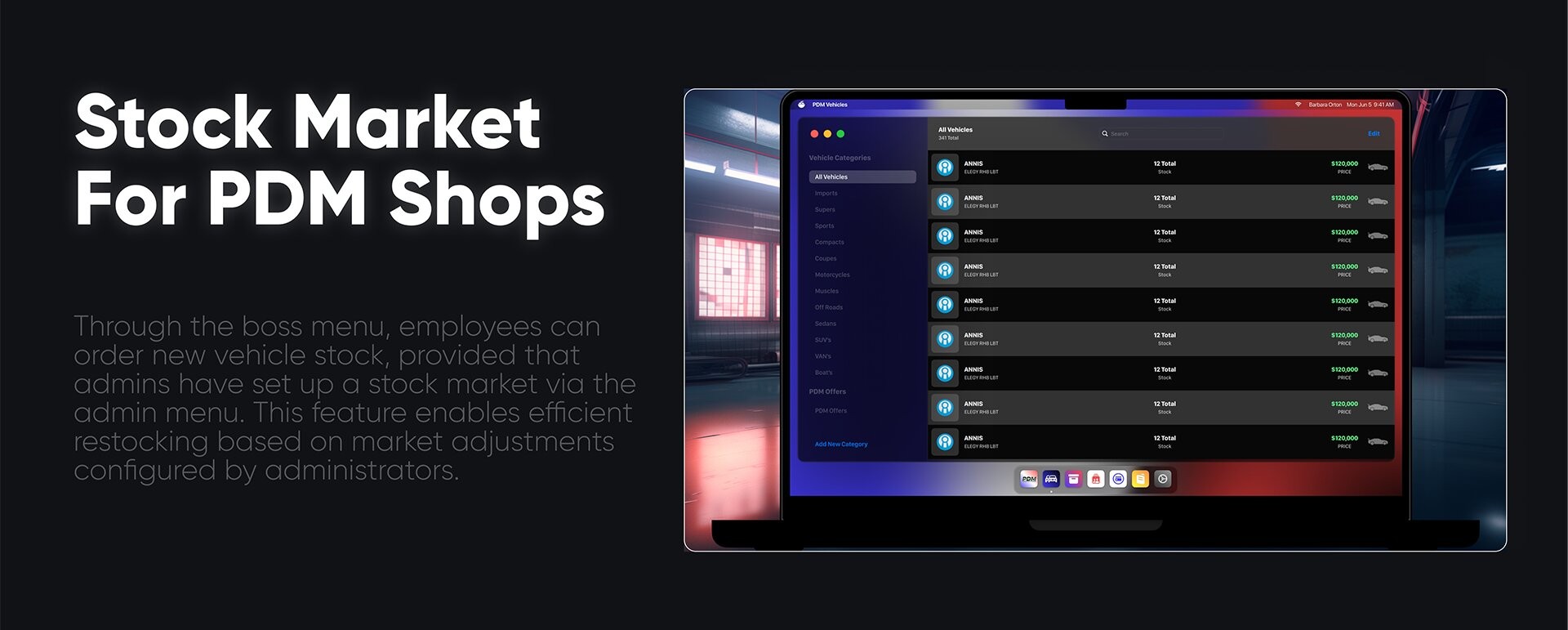
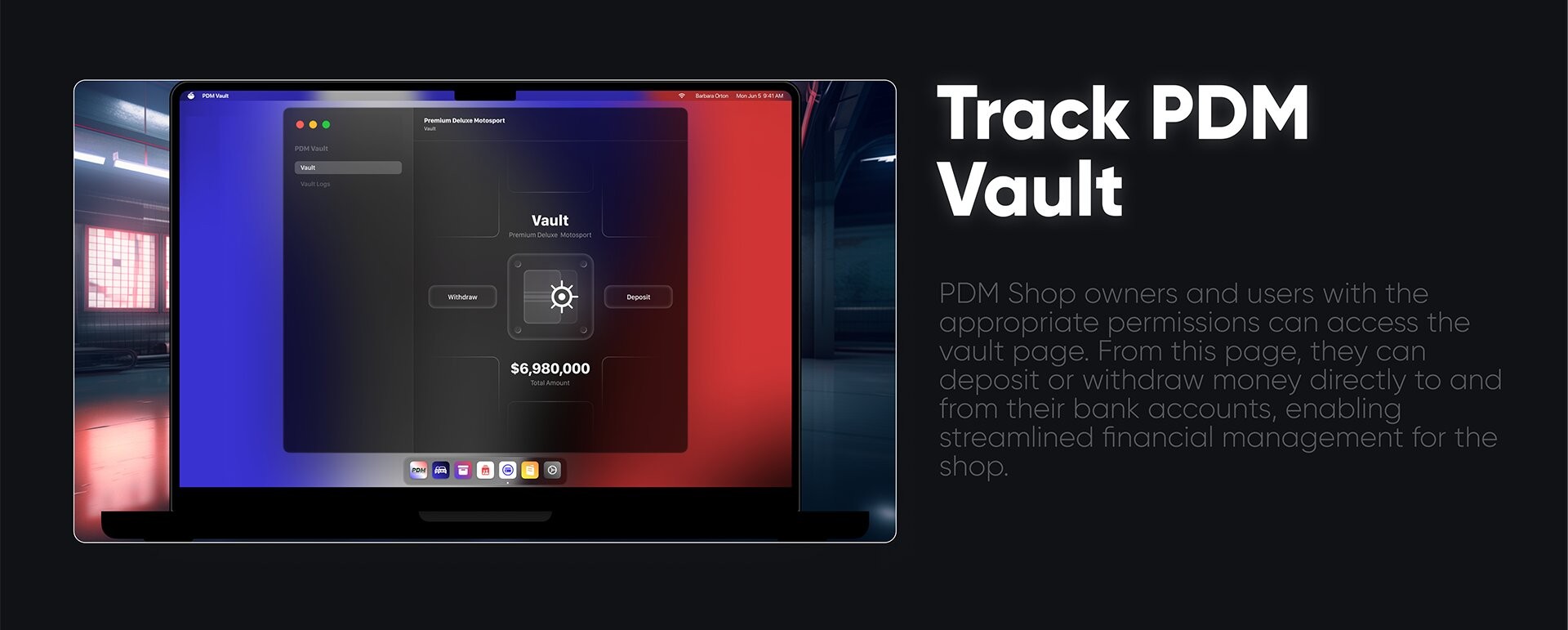
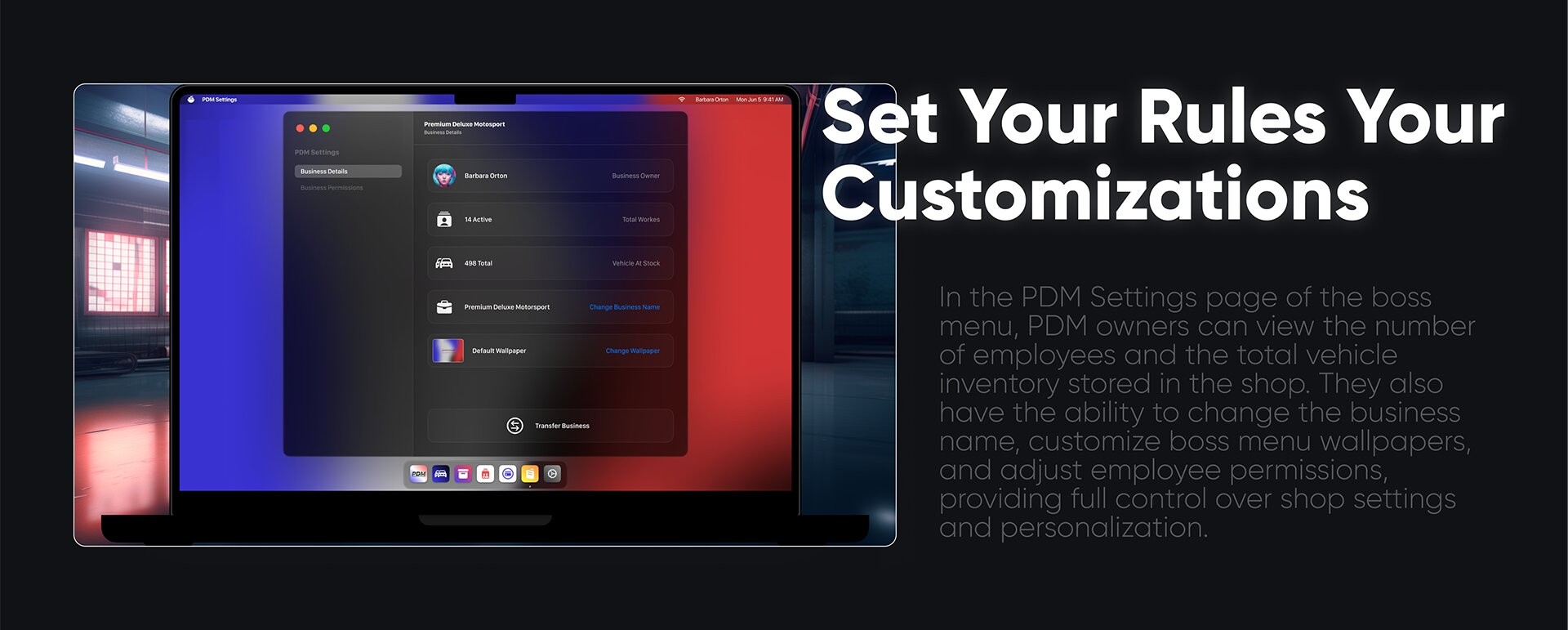
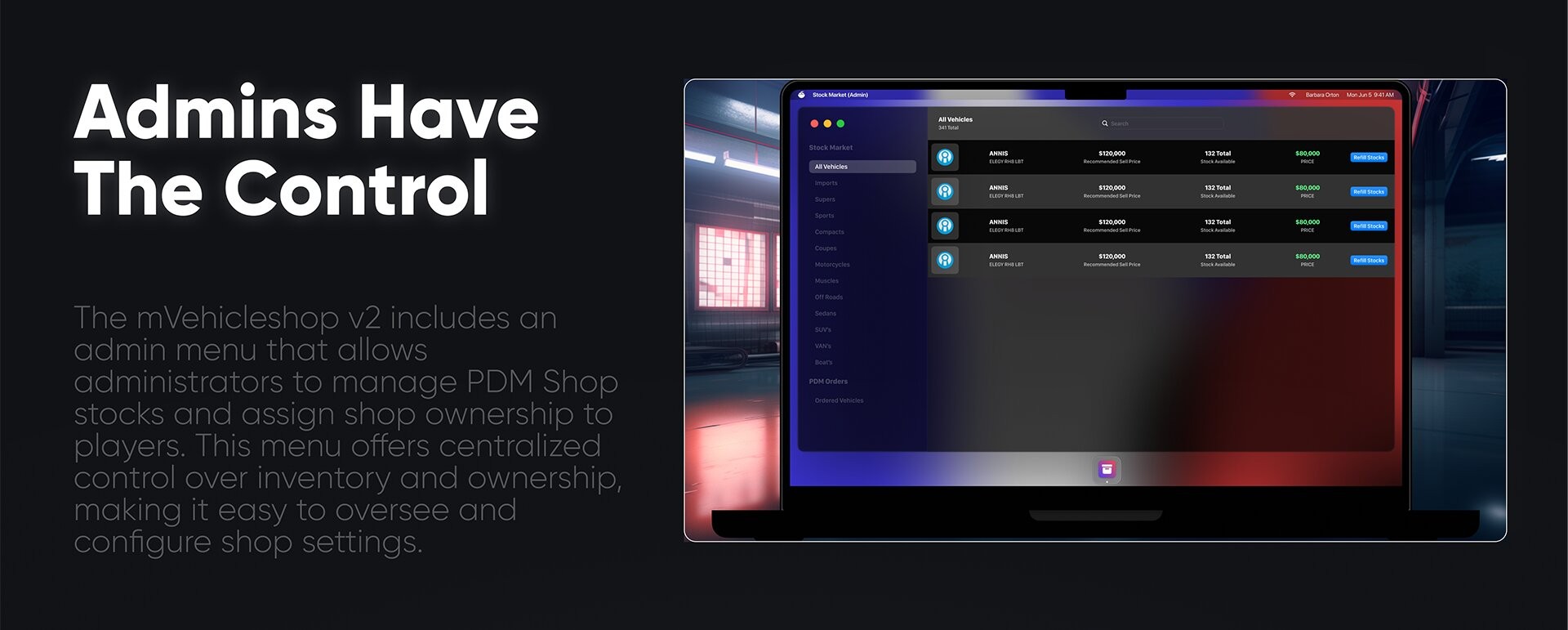
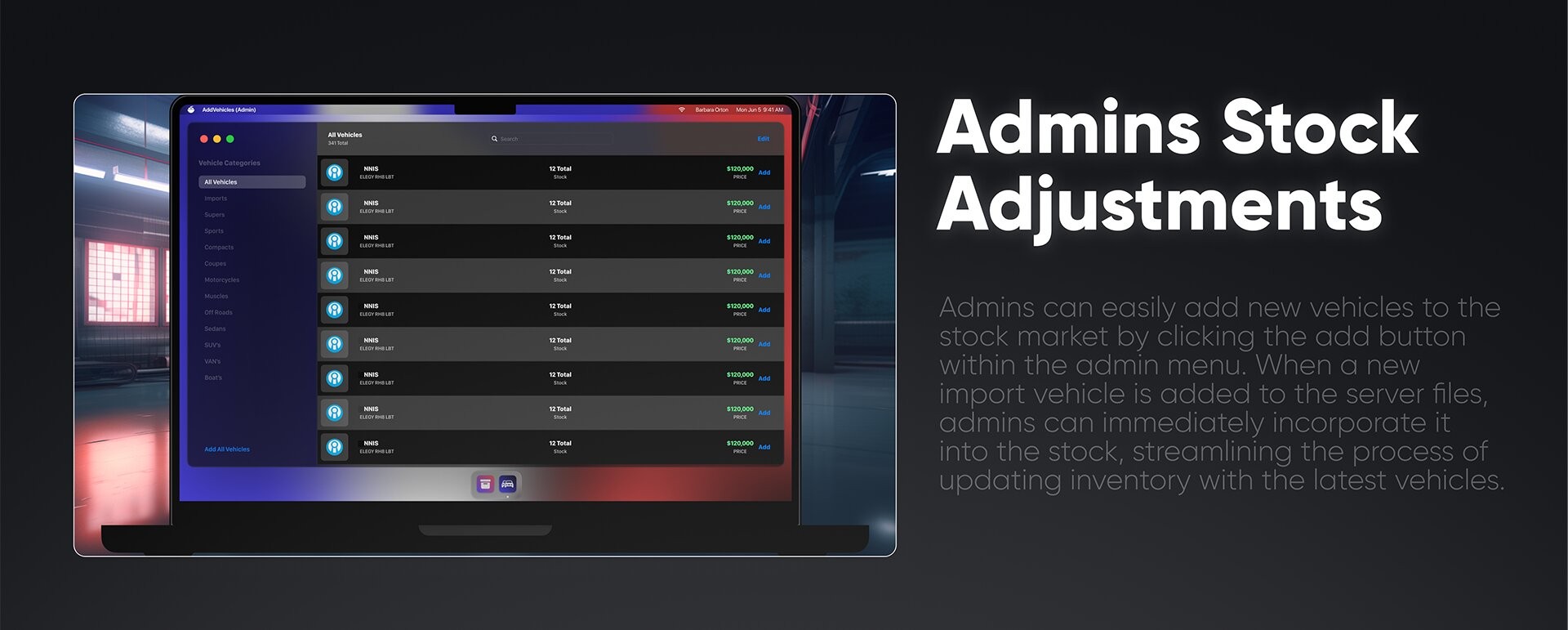

mVehicleshop v2 - The Most Detailed Vehicleshop Ever Built for FiveM
A complete next-generation vehicleshop system with full boss menu, employee management, stock control, vehicle delivery and admin oversight. mVehicleshop v2 transforms PDM and any car dealership into a real, working business - from the dockside delivery truck to the salesman's commission, every detail is built in.
Approximately 4,500-6,000 lines of polished code, designed for serious roleplay communities.
FEATURES
- Modern tablet-style vehicleshop laptop UI with dynamic vehicle preview, rotating camera angles and clean dark theme
- In-game vehicle test drive system with configurable test area and timed test duration
- Multi-vehicleshop support - run unlimited dealerships from one config (PDM, luxury, used cars, motorcycles - any concept)
- Custom plate system with configurable fee, can be enabled or disabled per server
- Configurable PDM Fee deducted on every vehicle purchase
- Complete stock management - each vehicleshop has its own stocks with default stock setup per shop
- Vehicle ordering system - employees order vehicles to refill stock with realistic estimated delivery time (configurable, can be disabled)
- Dockside delivery truck system - drive a phantom truck with trailer from docks back to the shop to refill stocks, preventing instant stock refills
- Full Bossmenu integration accessible at the shop or via item (configurable item like vehshoptablet)
- Built-in Boss Menu with employee hire/fire, rank management, vault, transactions and stock control
- Customizable rank system with rank labels, salary per rank and isBoss flag (Recruit, Supervisor, Manager, Boss out of the box)
- Automatic salary payment by configurable interval - salaries deducted directly from the vehicleshop vault
- Commission system - employees earn a configurable percentage on every vehicle they sell
- Paper signing flow - employee signs the sale paper, money lands in vault, commission added to employee
- Built-in Admin Menu accessible via vehshopadmin console command for moderator/admin/superadmin/god ranks
- Granular admin moderation - configure which admin ranks can access the admin panel
- Admin panel for editing vehicle prices, stock amounts, categories, vault balance and employee data live
- Custom category creation, editing and deletion - sort vehicles by super, sport, sedan, motorcycle or any custom group
- Default category protection - prevents accidental deletion of essential categories
- Vehicle key system integration out of the box - qb-vehiclekeys, qs-vehiclekeys, wasabi-carlock, cd_garage
- Custom vehicle key export support for any other key system
- Spawn-after-purchase locations - configure multiple parking spots so vehicles spawn realistically outside the shop
- Plate validation system with max length checks, duplicate plate prevention and proper trim handling
- Order Vehicles category for employees to track their pending stock orders
- Smart "no space in vehicleshop" detection - vehicles redirect to garage when shop is full
- Automatic log clear system to prevent server log overload, with configurable retention period in days
- Default profile picture for employees with optional Discord bot integration to auto-fetch real Discord avatars
- Multi-language support out of the box - English, French, Portuguese (BR/PT), Urdu and Hungarian
- Full notification system with 30+ pre-configured success and error messages, fully editable
- Universal interaction handler support - markers, drawtext, qb-textui, esx-textui, ok-ok textui, codem-textui, eth-textui
- Configurable marker style, color, size and open key
- Customizable blip settings (sprite, scale, display) for every vehicleshop location
- Customizable currency mark for any server economy
- ESX, QBCore and legacy versions (oldesx, oldqb) support with autodetect option
- oxmysql, ghmattimysql and mysql-async database support
- Clean and readable codebase, ideal for custom integrations
- Full GitBook documentation and active 6/24 ticket support
- Built by CodeM - Rockstar / CFX.re Verified asset creator with 8,000+ servers running CodeM scripts
- Documentation: https://codem.gitbook.io/codem-documentation/m-series/essentials/mvehicleshop-v2
- Discord: https://discord.gg/codem
Frameworks: ESX, QBCore
Documentation: https://codem.gitbook.io/codem-documentation/m-series/essentials/mvehicleshop-v2
Forum: https://forum.cfx.re/t/codem-mvehicleshop-v2-with-boss-and-admin-menu/5283465
SubscriptionTiers: Platinum,Diamond
Verified:yes
Related: 6843540, 5900170, 6984626
mPausemenu v2
mPausemenu v2 - The Most Detailed Pausemenu Ever Built for FiveM
A complete next-generation pause menu that transforms ESC into the central hub of your server. Daily rewards, battlepass, server store, online players, hot deals, guidebooks, keybindings, command list and more - all packed into a single sleek interface that turns every pause into an opportunity.
Built from the ground up by CodeM to keep your players engaged every single time they hit ESC.
FEATURES
- All In One Pausemenu - daily rewards, online players list, server hot deals, battlepass missions, character switching, store, guidebook, settings and map all in one place
- Live online players counter and player profile preview right inside the pause menu
- Player profile card showing username, character ID, current job, ping, cash and bank balance at a glance
- Battlepass Missions sidebar with live progress tracking and time-remaining indicators visible directly on the pause menu
- Hot Deal panel with countdown timer and one-click access to display deals on the store
- Integrated Daily Rewards system - classic 28-day reward cycle with claim button, time remaining indicator and full reward preview
- Daily reward system fully toggleable through config for server owners who don't want it
- Encourages players to log in at least once a day to boost daily engagement and maintain a vibrant community
- Integrated Battlepass system with both free and paid reward tracks
- Tebex ID integration for fully automatic battlepass operations - no manual paid reward distribution
- Battlepass Missions players can complete to gain levels (e.g. play in the server at least 1 hour for 1200BP)
- Battlepass level grid (Level 1-50+) with claimable rewards per level
- "Get Battlepass Now" promotional banner integrated for paid pass upgrades
- Integrated Server Store accessible directly from the pause menu
- Store categories include Main, Vehicles, PEDs, Weapons, MLOs and Other - all configurable
- Players can purchase items using in-game currency, with full server-owner control over offerings via config
- Detailed product pages with description, price, "Buy Now" button and Inspect option for previews
- Hot Deal flag system on store items to highlight discounted offerings
- Live currency display in the store header for instant balance awareness
- Search functionality across the entire store catalog
- Keybindings page in the Guidebook section showing every server keybind on a visual keyboard layout
- Press any key to display its bound action - perfect for new players learning the server
- Admins or authorized server staff can add new keybinding combinations directly through the UI
- Commands page listing all server commands with descriptions and search bar
- Create New Command Information button for admins to document commands live in-game
- Guidebooks system - admins create job guides and instructions directly from the UI
- Job-specific guidebooks (Post Op, Hunting, Garbage, Taxi, Fishing, Trucker and any custom job)
- Map images, step-by-step instructions and NPC location previews inside each guide
- Businesses sub-section in the guidebook for company and organization documentation
- Built-in Discord support card "Need an extra help?" linking directly to the support server
- Character switching screen for seamless multi-character workflow (requires mMultichar Remake)
- Quick navigation buttons for Exit, Map, Store, Settings, Guidebook, Battlepass and Characters
- 5 different color themes out of the box - Orange, Purple, Blue, Red and Green
- Server owners can pick any theme to match their branding
- Modern dynamic background with character art and city visuals for an immersive feel
- ESC-style "Exit From Pausemenu" hotkey for instant return to game
- Clean tablet-style UI with consistent design language across every section
- ESX and QBCore framework support
- Clean and readable codebase, ideal for custom integrations
- Full GitBook documentation and active 6/24 ticket support
- Built by CodeM - Rockstar / CFX.re Verified asset creator with 8,000+ servers running CodeM scripts
Frameworks: ESX, QBCore
Documentation: https://codem.gitbook.io/codem-documentation/m-series/essentials/mpausemenu-v2
Forum: https://forum.cfx.re/t/codem-mpausemenu-v2-advanced-pausemenu-esx-qb/5273622
SubscriptionTiers: Platinum,Diamond
Verified:yes
Related: 6263305, 5900973,5343842,5941418
mMultichar Remake
mMultichar Remake - The Most Detailed Multicharacter Ever Built for FiveM
A complete next-generation character selection and creation system that turns the first impression of your server into a cinematic, polished experience. mMultichar Remake brings rich character profiles, paid character slots, full identity setup and live ID previews into a single sleek interface that sets the standard for serious roleplay communities.
Built from the ground up by CodeM as the most detailed multichar UI on FiveM.
FEATURES
- Cinematic Character Selection screen with dynamic character art, blurred city background and clean dark theme
- Display Character Info's - every character profile shows full life details at a glance
- Occupation field showing current job and city (e.g. Los Santos - Citizen)
- Faction display tied to underground organizations, gangs, or any custom group (e.g. Underground - Member)
- Birthdate, Nationality, Phone Number, Cash and Bank balance all visible on the character card
- Last Location field showing exactly where the character was last seen on the map
- Detailed Character Creation flow with welcome message and step-by-step setup
- Gender selection with color-coded Male and Female buttons
- Name and Surname input fields with proper validation
- Birthdate picker with date format support
- Height field accepting metric input (160cm etc.)
- Nationality dropdown with multiple countries pre-configured
- Live Identification Card preview showing San Andreas ID with name, surname, birthdate, sex and unique CTZID
- Live Boarding Pass preview for LS International Airport tied to the character profile
- Live wallet interface preview during character creation - players see their ID before they even spawn in
- Paid Character Slots system - server owners set a maximum number of free slots and offer additional ones for purchase
- "Buy Slot" prompt automatically appears when default slots are full, with full Tebex/in-game currency integration
- Character Playtime tracking - every character has a live playtime counter (e.g. 128 hr 42 mn Playtime)
- Visible playtime badge directly on the character card for instant context
- Delete Character button with proper confirmation flow to prevent accidental deletion
- Character Slider with left/right arrows for browsing all characters on the account
- Continue button per character for seamless spawning into the world
- Exit From Server hotkey (ESC) for quick disconnects from the selection screen
- 6 different color themes out of the box - Dark, Orange, Green, Purple, Blue and Red
- Server owners can choose any theme to match their server branding
- Modern animated background with character art and city visuals
- Fully integrated with mPausemenu v2 for in-game character switching without disconnecting
- Identification card design styled after real-world IDs for full immersion
- All character data persists across sessions with proper database integration
- Configurable default slots, slot prices and currency type
- ESX and QBCore framework support
- Clean and readable codebase, ideal for custom integrations
- Full GitBook documentation and active 6/24 ticket support
- Built by CodeM - Rockstar / CFX.re Verified asset creator with 8,000+ servers running CodeM scripts
Frameworks: ESX, QBCore
Documentation:https://codem.gitbook.io/codem-documentation/m-series/essentials/mmultichar-remake
Forum: https://forum.cfx.re/t/codem-mmultichar-remake-advance-multicharacter-system/5233531
SubscriptionTiers: Gold, Platinum,Diamond
Verified:yes
Related: 6493254, 5900973,5702579
mBossmenu
mBossmenu - The Most Detailed Bossmenu Ever Built for FiveM
A complete next-generation business management system that brings every detail of running a job, gang or organization into one polished tablet UI. mBossmenu transforms how bosses lead their employees - employee tracking, rank permissions, business inventory, vaults, dress codes, logs and full admin oversight, all in one place.
Built from the ground up by CodeM as the foundation of every serious roleplay business.
FEATURES
- Display Your Employees - full employee list with profile photos, online/offline status indicators, rank labels and total employee count
- Per-employee card showing join date, salary indicator and Details button for deeper management
- Live Online/Offline counter at the bottom of the employee list (e.g. "13 Online / 13 Offline")
- Search any employee bar for instant filtering across the entire roster
- One-click Recruit button for hiring new players directly from the boss menu
- Full employee management - hire, promote, demote, fire and adjust salary live in-game
- Business Ranks page - create unlimited custom ranks with rank icons, labels and descriptions
- Visual rank cards (Chief of Police, Chief Assistant, Lieutenant, Officer or any custom rank) showing player count per rank
- Rank tier indicators - Highest Rank, Secondary Highest Rank, Tertiary Highest Rank for clear hierarchy
- Access level display per rank (All Access, Partial Access) for at-a-glance permission overview
- Create New Rank button for adding new tiers on the fly without config edits
- Rank Details page with full configuration - rank level, salary type (State Salary or custom), creation date and rank protection
- Default System Rank flag prevents accidental deletion of essential ranks
- Granular Rank Permissions Per Page - toggle access individually for Employees, Ranks, Vault, Inventory, Clothes, Logs and Business sections
- Inventory Page Permissions split further into Access To Inventory Page, Take Item and Disable/Enable Actions
- Players In This Rank sidebar showing every employee currently assigned to the rank with quick View action
- Business Inventory grid system with company-wide inventory and personal "My Inventory" side-by-side view
- Add and take items between personal inventory and business inventory with amount input
- Disable/Enable Actions toggle - bosses can lock the inventory live with one button
- Search any item bar for fast filtering inside large business inventories
- Business Vaults section with company money display, deposit and withdraw flow
- Money Log feed with full transaction history per employee, From/To/Date/Amount fields and color-coded amounts (green for deposits, red for withdrawals)
- Filter money logs by All or by individual employee with profile photo selection
- Enable/Disable Actions toggle for vault security on demand
- Business Clothes - dress code system with custom outfit categories (Lieutenant, Officer, Solo Cadet, Cadet, Field Training, Ceremony, S.W.A.T, Motorcycle and any custom dress)
- Per-dress code item slots (Tops & Jackets, Undershirt, Hands & Arms, Legs, Shoes, Masks, Scarfs & Chains, Decals, Hats & Helmets, Glasses, Watches, Bracelets) with selectable index numbers
- Open Clothing Menu, Edit Dress Codes, Delete Dress Preset and Add Dress Code actions
- Searchable dress catalog and full per-rank dress code assignment
- Business Logs page tracking every action made through the boss menu - employee changes, money flows, inventory actions and more
- Searchable log history with timestamps and "Clear Logs" admin button for old log cleanup
- Business Overall dashboard showing Business Name, Business Type, Business Creation Date, Total Employees, Total Ranks, Total Items and current Business Boss
- Company Money Details panel with live business income (green) and business expense (red) indicators
- Business Most Contributors widget showing the top 3 employees who deposited the most into the vault
- Business Adjustments section - upload custom business logo via image link, change theme colors and delete the business
- Transfer Business button for instantly handing ownership over to another player
- 6 different color themes per business - White, Blue, Red, Purple, Orange and Green - for unique branding per organization
- Admin Menu for Businesses - server admins control every business on the server from a unified panel
- Job Lists view showing all jobs (LSPD, EMS, custom jobs) with creation date, employee count and quick Details access
- Give Access button to authorize new players or grant business ownership instantly
- Search any job bar for fast filtering across the entire server's businesses
- Admin Menu Business View - admins inspect any business with the same Business Overall, Money Details and Adjustments layout bosses see
- Edit Business action for live admin overrides without server restart
- Admin can change color themes, upload logos, transfer ownership and even delete businesses entirely
- Created By tracking on every business showing which admin created it
- Modern tablet-style UI with consistent dark theme across boss, employee and admin views
- ESX and QBCore framework support
- Clean and readable codebase, ideal for custom integrations
- Full GitBook documentation and active 6/24 ticket support
- Built by CodeM - Rockstar / CFX.re Verified asset creator with 8,000+ servers running CodeM scripts
Frameworks: ESX, QBCore
Documentation: https://codem.gitbook.io/codem-documentation/m-series/essentials/mbossmenu
Forum: https://forum.cfx.re/t/codem-mbossmenu-advanced-boss-menu-system-esx-qb/5192456
SubscriptionTiers: Gold, Platinum,Diamond
Verified:yes
Related: 6843540, 6354183,5900170
mCraft v2
mCraft v2 - An Advanced Craft Point-Based Crafting System for FiveM.
With Learnable Blueprints, 4-Branch Skill Tree, Dismantle, Improve-Craft Chance Boost, Crafting History and Per-Table Unique Data A brand-new advanced crafting system for FiveM - 100% unique UI, Craft Points economy, learnable blueprints with hidden Learn Receipts, per-craft-table unique data so every workbench can be different, a 4-branch Skill Tree (Time / XP Boost / Chance / Craft Points), Improve-Craftsmanship chance boost, Dismantle Items into materials, a full Crafting List queue with timers, per-craft Crafting History with success/fail/cancel logs, and a detailed per-blueprint item card with stats, required level, XP and Craft Point payout. Built for ESX and QBCore servers that want crafting to feel like an actual game system. Built by CodeM as part of the M-series essentials toolkit for FiveM servers.
FEATURES
- An advanced crafting system for FiveM with a polished M-series Craft Table UI
- 100% unique UI - "Made only for the FiveM. Players can display their learned blueprints, crafting queue lists, item details and receipt easily."
- Per-Craft-Table Unique Data - "Each craft table has their own unique data. So server owners can create tables that different from another."
- Per-Craft-Table Unique Blueprints - server owners can configure each table's blueprint set independently
- Job-permission gated blueprints - "Normal players can display some determined blueprints and mechanic workers will display some extra blueprints on their craft table."
- Header shows server logo + CRAFT TABLE pill + player name + level + live Craft Point balance
- Learned Blueprints sidebar (left) with searchable blueprint list and per-blueprint Lv. and crafting time tags
- Item Description panel for each blueprint: • Item name (e.g. Pistol MK I) • Full lore-style description • Required Level For Crafting • XP You'll Earn • Crafting Process Time • Craft Point You'll Earn
- Live 2D blueprint preview in the center of the craft table
- Inventory panel - the player's relevant materials shown with live x-count badges (e.g. Steel x25)
- Ingredients placeholder grid where players drag the listed materials
- Receipt panel (right) showing recipe ingredients (e.g. 20x Metal Piece, 3x Coil, 1x Barrel)
- Learn Receipts system - "Server owners can also hide some of the receipt elements for the blueprints. Player can pay more craft point to learn those elements or can try their chance to get the right element from their inventory." Hidden ingredient slots show as "??????????" with a Learn button (pay craft points) or play the inventory dice
- CRAFT action button with progress feedback
- Improve Craft button - boosts the success chance for a craft point cost
- Improved Craftsmanships - "mCraft v2 has a chance system. With this system crafting items can be getting it from the players for a chance. This chance value can be editable for each blueprints that the server owners provides. Improved Craftsmanships needs a determined value of craft points to took that chance to %100 chance rate."
- Amount input - queue multiple of the same craft in one click
- Dismantle Items system - "Players can dismantle their items on the craft tables. For example player want to dismantle his gun he will gain the craft materials of that gun (Iron, Coil etc.)"
- Dismantle preview modal showing Dismantled Item (1x) → "You may receive" (10x Metal Piece) + Dismantle action
- Crafting List queue (right sidebar) - active and pending crafts shown live with thumbnail, item name, time remaining ("1 min 6 sec left") and per-line Pause / Cancel buttons
- Blueprints Store / All Blueprints library: • Category tabs - ALL / GUNS / AMMO / MECHANIC / OTHERS (configurable) • Live Craft Point balance shown in the header ("You have 2500 [CP]") • Per-blueprint card with thumbnail, weapon/item name, level requirement and unlock Craft Point cost (e.g. 250 CP) • Lock indicator on level-gated blueprints • Buy-with-Craft-Points unlock flow
- Crafting History page (Craft History): • Per-blueprint history filter on the left sidebar • Full per-craft log with thumbnail, item name, status (Obtained = green, Canceled = red, Unsuccessful Craft = red) and timestamp • Search craft history input
- Brand-new Craft Skill Tree with 4 branches and full visual node tree: • TIME branch - "Reduces every crafting process time by %5" per unlock (250 CP cost example) • XP BOOST branch - "Reduces the chance of the item being destroyed by %5" / XP gain modifiers (250 CP cost example) • CHANCE branch - "Reduces the chance of the item being destroyed by %5" per unlock (250 CP cost example) • CRAFT POINTS branch - "Gives %2 more craft points for each level up" per unlock (250 CP cost example)
- Skill nodes connected in a branching tree pattern with multiple tiers per branch
- "Select A Skill To Display Skill Property" hover/click flow
- Level progression bar at the bottom of the skill tree (e.g. Lv.21 → Lv.22 with XP fill bar)
- Per-skill UNLOCK button with explicit craft point cost
- Craft Points (CP) economy: • "mCraft v2 is a craft point based system crafting resource. Server owners can add any craft point to players to craft items, learn blueprints or even unlock crafting skills." • "When a crafting done people are also earning craft points to grind the blueprints or crafts!" • Live CP balance in the header on every page
- BLUEPRINTS, HISTORY and SKILL TREE quick-jump buttons at the bottom of the UI
- Player profile in the header with avatar + name + Lv. + live CP balance
- Configurable framework via the Framework Configuration ("Select the framework you are using on your server.")
- Configurable SQL Database driver via SQL Database Configuration
- Configurable Inventory backend via Inventory Configuration
- Configurable Interaction Handler via Interaction Handler Configuration
- Configurable Inventory Items Picture folder so blueprint thumbnails render from your inventory's image path
- Players First Craft Points starting balance (configurable)
- Craft Settings configuration - copy/paste settings between jobs and tables
- PED Visibility toggle (
['ped'] = falseto hide every craft-table ped) - Blip Visibility toggle (
['show'] = falseto hide every blip) - Unique Craft Tables system - create as many independent workbenches as needed (
craftable1,craftable2,craftable3, ...) each with its own location, ped and category set - Per-job Craft Tables Configuration - restrict tables to specific jobs with multi-job support
- Public table mode via
['all'] = true- flip a craft table to be available to every player - Multiple Categories per table with full CRUD via config (mandatory "all" category preserved)
- Per-item properties: Craft Chance (0-100), Craft Point Reward, XP Reward, Improved Craft Chance, Required Items recipe
- Production-tested on 4-5 servers across multiple frameworks with 100+ concurrent players
- Full GitBook documentation and active 6/24 ticket support
- Built by CodeM - Rockstar / CFX.re Verified asset creator with 8,000+ servers running CodeM scripts
Frameworks: ESX, QBCore,
Documentation: https://codem.gitbook.io/codem-documentation/m-series/essentials/mcraft-v2
SubscriptionTiers: Platinum,Diamond
Verified:yes
Forum: https://forum.cfx.re/t/codem-mcraft-v2-advanced-craft-system/5181453
Related: 5900973,5341915,6354183,5296269
mBank v2
mBank v2 - An Advanced Banking System for FiveM
A brand-new advanced banking system for FiveM under the FLEECA brand - polished dashboard with My Spendings chart and Spendigs Analytics, Send / Request / Withdraw / Deposit flows with 3-way identification and on-screen numpad, full transaction history, mBilling-compatible Invoice Payments, a complete Bank Loans system with due dates, a Savings vault, real-time Crypto Market, full Society Accounts, a player Profile with statistics and Notification Center, and FLEECA Bank ATMs with face-detection fast login.
Built from the ground up by CodeM as the most complete banking experience on FiveM.
FEATURES
- Brand-new advanced banking system under the FLEECA brand - 100% unique UI that causes no copyright issue, made only for FiveM
- Advanced Dashboard with everything at a glance - "Welcome, [Player Name]" greeting card with notification bell and Cash Balance display
- My Cards panel with full card mockup showing card type (PERSONAL), balance and masked card number
- Account selector pill with dropdown for switching between accounts
- Recent Activities feed with merchant name and signed amounts
- My Spendings line chart with Daily / Monthly toggle, day-of-week timeline and peak marker
- 4 primary action buttons on the dashboard - Send, Request, Withdraw, Deposit
- Most Sent Players list with avatar, name and per-row Send shortcut
- Spendigs Analytics breakdown with per-category progress bars and totals - Bills, Shopping, Gas and Transfers
- Send Money To Players with 3 different identification systems - search player by name, Player ID input or Player IBAN input
- "Sending Money from [Selected Card]" header so the source account is always explicit
- On-screen Numpad for keyboard-free entry, plus full keyboard support
- Request Money From Players with the same 3-way identification, numpad and amount input
- Money requests pushed straight into the recipient's Profile and Notification Center
- Withdraw & Deposit flow with Fast Withdrawal preset buttons - $10, $100, $1,000, $10,000, $100,000, $1,000,000
- Numpad and keyboard support for custom withdraw/deposit amounts with live account balance display
- Transactions history page with 4 transaction categories - Money Transaction, Bill Payments, Shop Payments, Gas Payments
- Per-transaction cards showing From / To / Date / Amount in a clean grid
- Search any transaction input with sort by Transaction Date Latest or Earliest
- Invoice Payments page with receipt-style invoice tickets showing sent date, due date, From/To, line-item breakdown, summary and total
- Per-invoice PAY action with Billed Date Latest / Earliest sorting
- Fully compatible with mBilling and other popular billing systems for FiveM
- Fleeca Bank Loans page with multiple loan tiers - Fleeca Entry, Fleeca Welcome, Fleeca 50, Fleeca 75, Pacific 100, Pacific 200, Pacific Millionaire and more
- Dedicated state-job loan tiers giving LSPD and EMS players more flexible borrowing
- My Loans sidebar with active loan card, progress ring and Loan Details panel (taken date, due date, amount to pay, interest %, Pay and Pay All actions)
- Per-loan due-date enforcement - unpaid loans are automatically deducted from the player's account
- Savings vault page with a full grid of Fleeca and Pacific saving plans, each with required lock days and percentage payout
- My Savings sidebar with active plan card and Savings Details ring chart (start date, finish date, total profit, percentage, amount, cancel action)
- Locked vault flow - money is deducted on deposit and returned with the saving percentage once the days complete
- Real-time synced Crypto Market with live coin prices - Bitcoin, Ether, TetherUS, Ripple, Binance, USD Coin, Cardano, Solana, Doge and more
- My Crypto Coins panel with per-coin holdings, Coin Details, Amount input and Sell / Sell All actions
- Society Accounts system with a request-to-join flow tied to the player's Citizen ID and job
- Society Account Application sends a join request to the highest-ranked player on the job for approval
- Society Dashboard with Society Spendings chart, society account card, Withdraw / Deposit actions and Society Activities feed
- Society Members list with avatars and count, plus a Members Activity panel showing the most active members
- Society Transactions page with per-member filter row and full transaction cards, viewable as all or divided by player
- Profile (My Profile) page with My Statistics rings - total transactions count, total income and total expense
- Associated Society card with Leave action and Card ATM Options card with Change ATM PIN
- Notification Center column with Clear All bulk action covering transaction, money request, market payment and savings notifications
- Money Requests inbox showing pending requests from other players with accept/reject and a Disable Requests option
- FLEECA Bank ATMs with face-detection fast login - "Welcome to Fleeca Bank ATM" screen with the player's photo and one-click Login
- "Login To Another Bank Account" option to authenticate into another player's account via IBAN and PIN, enabling account-hacking roleplay
- Modern tablet-style UI with consistent FLEECA dark theme across every page
- ESX and QBCore framework support
- Clean and readable codebase, ideal for custom integrations
- Full GitBook documentation and active 6/24 ticket support
- Built by CodeM - Rockstar / CFX.re Verified asset creator with 8,000+ servers running CodeM scripts
Frameworks: ESX, QBCore
Documentation: https://codem.gitbook.io/codem-documentation/m-series/essentials/mbank-v2
Forum: https://forum.cfx.re/t/codem-mbankv2-advanced-banking-system/5179325
SubscriptionTiers: Platinum, Diamond
Verified:yes
Related: 6843540, 7325842, 6354183
Venice Multichar & Spawn



Venice Multicharacter & Spawn Selection is a premium FiveM character creation and spawn management script built for ESX and QBCore frameworks. Designed for serious roleplay servers that demand a polished, immersive first impression, this resource combines a stylized multicharacter UI with a fully integrated spawn selection system — all in one package.
Key Features
Give your players a cinematic character selection experience with a built-in music player, animated character idles, and a sleek UI that sets your server apart from the competition. Players can create characters with full heritage, gender, name, birthday, and height fields. Each character profile displays job title, playtime, net value, nationality, and last known location — giving returning players instant context before they hit Play.
The built-in spawn selection lets players choose exactly where they log in: LS Airport, Bus Station, Pillbox Medical Center, Mission Row PD, Legion Square, and more — all configurable. No need for a separate spawn script.
Premium Character Slots allow server owners to monetize additional character slots beyond the default limit, with Tebex integration built directly into the UI. Players can unlock premium slots without leaving the game.
Additional highlights include a name blacklist system to keep roleplay clean, configurable starter items for new characters, random idle animations on the selection screen, full clothing system compatibility (codem-appearance, qb-appearance, illenium-appearance, fivem-appearance), and a built-in changelog and credits panel to keep your community informed.
Technical Details
- Compatible with ESX and QBCore frameworks
- Built with Vue.js | Powered by Venice Core
- 0.00 resmon on idle, 0.01 on active use
- 4000–7000 lines of clean, structured code
- Highly detailed and well-documented configuration file
- Built-in spawn system (can be disabled for third-party spawn scripts)
- Streamer mode support
- Access to Figma source file included
- 6/24 ticket-based support
Player Settings Panel — Players can individually toggle music, hide social media links, hide character artwork, enable streamer mode, and choose whether their most-played character loads by default.
This script is part of the Venice Series by CodeM — built for servers that take roleplay seriously.
mScoreboard
mScoreboard - An Advanced Scoreboard System for FiveM
A clean, modern and feature-rich scoreboard for FiveM that goes far beyond a simple player counter. mScoreboard combines a full player list, live job tracking, a robbery availability board and waypoint integration into one polished interface - all heavily optimized for high-population servers.
Built from the ground up by CodeM for servers that want a scoreboard players actually use.
FEATURES
- Modern, clean scoreboard UI with a fully custom design
- Live player list showing every online player with name and server ID
- Player profile pictures pulled from Discord or Steam (configurable)
- Toggleable player list and player ID display for servers that prefer a minimal view
- Real-time online player counter
- Live Job Tracking panel - see how many players are online for each configured job
- Per-job custom styling with background image, logo and text color (Ambulance, Police, Mechanic, Taxi and any custom job)
- Robbery Availability Board showing which heists can currently be done on the server
- Pre-configured robbery types - Jewelry, Pacific, Bank, Vehicle, Shop and Lester robberies
- Smart availability logic - each robbery unlocks only when the required jobs have enough players online (configurable minimum police count per robbery)
- Per-robbery required jobs configuration (police, FBI, SWAT or any custom job)
- Admin toggle to manually enable or disable any robbery server-wide, synced live to every player
- Custom background image per robbery for a clean visual board
- Waypoint integration - set a GPS waypoint directly from the scoreboard
- Built-in job-setting feature for admins straight from the UI
- Admin permission system with configurable admin groups (admin, superadmin, god, mod, moderator)
- On-duty only mode - optionally restrict scoreboard visibility to on-duty players
- Configurable open and close keybinds
- Heavy performance optimization suite - player data caching, configurable cache timeout, update throttling, job update throttling and automatic cache cleanup
- Asynchronous avatar loading with configurable request timeout to prevent UI lag
- MenuOpen and MenuClose hooks for custom integrations
- Configurable server name display
- Customizable notification system compatible with ESX and QBCore notify events
- Framework auto-detect supporting ESX, QBCore and legacy versions (oldesx, oldqb)
- Clean and readable codebase, ideal for custom integrations
- Full GitBook documentation and active 6/24 ticket support
- Built by CodeM - Rockstar / CFX.re Verified asset creator with 8,000+ servers running CodeM scripts
Frameworks: ESX, QBCore
Documentation: https://codem.gitbook.io/codem-documentation/m-series/essentials/mscoreboard
Forum: https://forum.cfx.re/t/codem-mscoreboard-advanced-scoreboard-system-esx-qb/5174742
SubscriptionTiers: Platinum,Diamond
Related: 6263305, 6843540, 7084758,6984626
mMechanic
mMechanic - An Advanced Vehicle Mechanic & Tuning System for FiveM
A complete next-generation mechanic and vehicle customization system for FiveM, built around a cinematic walk-around camera and a fully detailed tuning catalog. mMechanic brings performance upgrades, bodywork, interiors, liveries, paint, repairs and a full boss management suite into one polished interface - designed for serious mechanic roleplay on any framework.
Built from the ground up by CodeM for servers that want their mechanic job to feel like a real workshop.
FEATURES
- Modern, fully custom mechanic UI with 5 built-in color themes - red, blue, purple, orange and white
- Cinematic in-game camera with multiple angles (front, left, main) that automatically frames each modification as you work
- Three operating modes - no_job (everyone can use the mechanic menu), only_job (restricted to mechanic jobs) and half_job (anyone can use it when no mechanic is online)
- Full multi-shop support - run multiple mechanic businesses at once (Benny, Los Santos Custom and any custom shop) each with its own job, coordinates, blip and boss menu
- Performance Upgrades catalog with detailed per-mod pricing - Engine, Transmission, Suspension, Brakes, Armor, Turbo, Engine Block, Air Filter, Struts and more
- Full Bodywork section - spoilers, bumpers, side skirts, exhaust, roll cage, hood, fender, roof, wheels, plates, lights, arc covers, aerial, window tint, wings, grille, trim and hydraulics
- Complete Interior customization - dashboard, door speakers, seats, steering wheels, speedometer, shifter levers, ornaments, fuel tanks, trunk, speakers and plate holders
- Liveries, Horns, Neons, Extras and Paint customization included
- Vehicle Repair and Clean options built into the menu
- Free-cam category for a full walk-around view of the vehicle
- Per-category lock system - enable or disable any category (upgrades, bodyparts, interiors, liveries, horns, neons, paint, extras, repair, clean, freecam)
- Class-based price modifier - upgrade prices automatically scale per vehicle class (motorcycle, C, B, A, A+, S, S+)
- Per-upgrade fixed-price and price-doubling options for full pricing control
- Configurable per-mod lock to gate specific upgrades
- NPC Missions system - dynamic mechanic jobs with male and female mission peds for solo gameplay and income
- Complete Boss Menu with full business management
- Hire, promote, demote and fire employees directly from the boss menu
- Rank permission system - assign custom permissions to each grade
- Society money management - withdraw and deposit from the business account
- Boss inventory system with drag-and-drop item management
- Full logs system tracking every boss action and transaction
- Configurable boss grade level per shop
- Choice of payment source - charge modifications to the mechanic doing the work, or deduct from the society funds
- Cash or bank money type support
- Blacklisted vehicles and blacklisted items configuration
- Three interaction methods - drawtext, qb-target or ox-target
- Billing integration with codemBilling, codemBilling v2, okokBilling, jaksamBilling, ESX default and QBCore default
- qb-banking and qb-management support with automatic job account creation
- Configurable keybinds - F7 register keymapping and F6 job menu key
- Custom blip settings per shop (sprite, color, scale, label)
- Multi-language locale system for easy translation
- Framework auto-detect supporting ESX, QBCore and legacy versions (oldesx, oldqb)
- oxmysql, ghmattimysql and mysql-async database support
- Clean, optimized and readable codebase with extensive editable files
- Full GitBook documentation and active 6/24 ticket support
- Built by CodeM - Rockstar / CFX.re Verified asset creator with 8,000+ servers running CodeM scripts
Frameworks: ESX, QBCore
Documentation: https://codem.gitbook.io/codem-documentation/m-series/essentials/mmechanic
Forum: https://forum.cfx.re/t/codem-mmechanic-job-advanced-mechanic-job-system/5167412
SubscriptionTiers: Gold, Platinum,Diamond
Related: 5898430,6843540,5900973
mTuningchip
mTuning - An Advanced Vehicle Handling & Tuning Tablet for FiveM
A complete tablet-based vehicle handling tuning system for FiveM, built for car-meet, drift and racing communities. mTuning gives players a sleek tuner tablet to fine-tune every aspect of their vehicle's performance - from quick presets to deep handling editing - while giving authorized staff a tuner checker tablet to inspect any vehicle on the road.
Built from the ground up by CodeM for servers that take car culture seriously.
FEATURES
- Sleek tablet-style tuner UI with a clean, modern LS Tuning design
- Quick Tuning page with simple slider controls - Boost, Acceleration, Gear Change, Braking and Drivetrain
- Maximize All option to instantly push every setting to its peak
- Front / Rear adjustment toggles for fine-grained tuning control
- Preset system with built-in modes - Drift Mode, Normal Mode and Sport Mode
- Drift Mode preset that retunes the vehicle's handling for proper drifting
- Normal Mode preset that restores the vehicle to stock factory handling
- Sport Mode preset with configurable power and torque multipliers for a faster, modded feel
- Custom presets - players can save, name and reload their own handling configurations per vehicle
- Delete preset option for full preset management
- Advanced page for deep handling editing with full vehicle handling parameters
- Aero tuning - downforce, air resistance and full aerodynamic control
- Chassis tuning - mass, center of mass and rotational inertia
- Engine tuning - power acceleration, drive inertia and top speed
- Transmission tuning - number of gears, shift time up/down and power bias
- Brakes tuning - brake strength, brake bias and handbrake strength
- Traction tuning - tire grip max/min, traction curve, tire grip bias, offroad traction loss and low-speed burnout multiplier
- Suspension tuning - spring strength, spring dampen and rebound strength, compression limits, suspension raise and strength bias
- Antiroll and steering control with max steer angle adjustment
- Raw XML handling import - paste handling XML data directly into the tablet
- Tuner Checker Tablet - a separate tablet for authorized jobs to inspect any vehicle's tuning status
- Configurable job authorization for the checker tablet (police, sheriff, state troopers or any custom job)
- Advanced page access control - hide the advanced page from regular players and restrict it to authorized admin groups
- Vehicle status display showing the current handling state at a glance
- Drift mode speed limit - vehicles above the configurable max drift speed cannot drift
- MPH or KMH speed unit support
- Item-based or command-based access - open the tablets via inventory items or chat commands
- Configurable tablet item names and command names
- Plate-based data saving so each vehicle keeps its own tuning and presets
- Multi-language locale system for easy translation
- Framework support for ESX and QBCore
- oxmysql, ghmattimysql and mysql-async database support
- Clean, optimized and readable codebase with editable server and client functions
- Full GitBook documentation and active 6/24 ticket support
- Built by CodeM - Rockstar / CFX.re Verified asset creator with 8,000+ servers running CodeM scripts
Frameworks: ESX, QBCore
Documentation: https://codem.gitbook.io/codem-documentation/m-series/essentials/mtuning
Forum: https://forum.cfx.re/t/codem-mtuningchip-advanced-tuning-system/5167227
Verified: yes
SubscriptionTiers: Gold, Platinum,Diamond
Related: 5900170, 7325842,6354183,6541505
mBilling
mBilling - An Advanced Billing & Invoice System for FiveM
A clean and modern billing system for FiveM that lets job duties like police, EMS and mechanics create, send and manage invoices with ease. mBilling combines preset bill templates, society-account payments, a full invoice history and a developer-friendly export into one polished interface.
Built from the ground up by CodeM as a reliable billing backbone for any roleplay server.
FEATURES
- Modern, clean billing UI with a fully custom design
- Create and send invoices to any player with amount and reason
- Preset bill templates per job for fast, consistent invoicing (Traffic Violation, Parking Violation, Reckless Driving and any custom bill)
- Nearby player picker to quickly select who to invoice
- Send invoices to a target player by ID with player name lookup
- Society-account billing - invoices are paid into the job's society funds, not a personal pocket
- Optional staff-account invoicing - allow or block sending invoices from a staff account
- Block personal-account invoicing so duties always bill through the correct society
- Pay a single invoice or pay all outstanding invoices at once
- Lump-sum payment support with proper billing-address resolution
- Full invoice history - players can view every bill sent to them
- My Billing Data page showing all invoices a player has created
- Cancel invoice option for both players and job duties
- Search invoices by ID or by player name
- Configurable due-date system - unpaid invoices automatically double after a set number of days
- Configurable tax rate applied to every invoice (default 18%)
- Check invoice status to see whether a bill is pending, paid or cancelled
- Per-job billing authorization - define exactly which jobs can send invoices (Police, EMS, Mechanic or any custom job)
- Per-job player-bill search authorization
- Society bill viewing - see all invoices tied to a job's society account
- Admin system with configurable admin identifiers (citizen ID, steam or license)
- Developer-friendly exports - createBilling and CheckBilling for full integration with other resources
- codemBilling export compatible with mBank, mPhone and other CodeM resources
- Anti-spam protection with a cooldown between invoice requests
- Fully customizable notification system compatible with ESX and QBCore
- Item-based or keybind access - open the billing menu via an inventory item or a configurable key (default Y)
- qb-banking and qb-management support with automatic job account creation
- Multi-language locale system for easy translation
- Framework auto-detect supporting ESX, QBCore and legacy versions (oldesx, oldqb)
- oxmysql, ghmattimysql and mysql-async database support
- Clean, optimized and readable codebase with editable server and client files
- Full GitBook documentation and active 6/24 ticket support
- Built by CodeM - Rockstar / CFX.re Verified asset creator with 8,000+ servers running CodeM scripts
Frameworks: ESX, QBCore
Documentation: https://codem.gitbook.io/codem-documentation/m-series/essentials/mbilling
Forum: https://forum.cfx.re/t/codem-mbilling-advanced-billing-system-esx-qb/5171060
Verified: yes
SubscriptionTiers: Gold, Platinum,Diamond
Related: 6646067, 6843540, 6372523
mReport
mReport - A Simple Player Report System for FiveM
A clean and modern report system for FiveM that connects players and admins through a polished ticketing interface. mReport gives players an easy way to submit reports with in-game footage, and gives staff a full management panel with live chat, player actions and report claiming.
Built from the ground up by CodeM for servers that want fast, organized admin support.
FEATURES
- Modern, clean report UI with a fully custom design for both players and admins
- Player report submission with title, description and category selection
- Three report categories - Player, Bugs and Other (fully customizable)
- In-game photo capture - players attach a screenshot of their situation directly to the report
- Click-to-zoom footage viewer so admins can inspect attached screenshots
- Live two-way chat inside every report between the player and assigned admins
- New message notifications when a report receives a reply
- Report claiming system - admins claim a report so it's clear who is handling it
- Report status tracking - Pending and Closed states
- My Reports page for players with search-by-title
- Claimed Reports and All Reports tabs for admins with full search
- Online Admins display so players know staff is available
- Admins In This Report panel showing every staff member on a ticket
- Multiple admins can join and respond to the same report
- Add Player to Report - pull another player into an existing report
- Player In This Area panel listing nearby players within a configurable distance
- Built-in admin actions straight from the report - Go To, Bring and Freeze
- Copy to clipboard for player identifiers
- Player identifier display - Discord ID, Steam ID and License ID for fast moderation
- Anti-spam protection - configurable maximum number of open reports per category per player
- Close report with a confirmation step
- Configurable permission groups for admin access (superadmin, admin, mod / god, mod, admin)
- Steam or Discord profile picture support
- Item-free access - open via a configurable command or keybind (default H for admins, /report for players)
- Separate commands for the admin panel and the player report menu
- Multi-language ready - every UI string is fully translatable from the config
- Customizable notification system compatible with ESX and QBCore
- Framework support for ESX, QBCore and legacy QBCore (old-qb, new-qb)
- oxmysql, ghmattimysql and mysql-async database support
- Clean, optimized and readable codebase with editable server files
- Full GitBook documentation and active 6/24 ticket support
- Built by CodeM - Rockstar / CFX.re Verified asset creator with 8,000+ servers running CodeM scripts
Frameworks: ESX, QBCore
Documentation: https://codem.gitbook.io/codem-documentation/m-series/essentials/mreport
Forum: https://forum.cfx.re/t/codem-mreport/5106581
Verified: yes
SubscriptionTiers: Gold, Platinum,Diamond
Related: 6214962, 5727730, 6372523
mAppearance


https://www.youtube.com/watch?v=9LQ-3mDFS5Q
mSpawn
mSpawn is Spawn Selection System for ESX and QBCore
Documentation
https://codem.gitbook.io/codem-documentation/m-series/mspawn
Showcase Video
https://www.youtube.com/watch?v=9OxtNelZF04
https://www.youtube.com/watch?v=9OxtNelZF04
mChat
mChat is Standalone you can use it on any framework.
Documentation : https://codem.gitbook.io/codem-documentation/mchat
Preview Video : https://www.youtube.com/watch?v=8A5VuJUkxBE
https://www.youtube.com/watch?v=8A5VuJUkxBE&t
mBlvckmarkt
mBlvckmarkt is a Black Market system for ESX and QBCores
Showcase
https://www.youtube.com/watch?v=ZlVisI9u1bI&t=1s
Documentation
https://codem.gitbook.io/codem-documentation/
https://www.youtube.com/watch?v=ZlVisI9u1bI
mTrade
mTrade is a trade script for ESX and QBCore Frameworks
https://www.youtube.com/watch?v=frGpSMBBDQc
mBank
mBank for ESX And QB Framework
Documentation
https://codem.gitbook.io/codem-documentation/m-series/mbank
Showcase Video
https://www.youtube.com/watch?v=AcR2xgPJ0Pw
https://www.youtube.com/watch?v=AcR2xgPJ0Pw
mPausemenu
CodeM mPausemenu is a pause system for ESX - QBCores.
Documentation : https://codem.gitbook.io/codem-documentation/m-series/mpausemenu
https://www.youtube.com/watch?v=1gAnPQMxUB4
mNotification



🔔 mNotification — M Series
Welcome to mNotification
A modern and flexible notification system developed by CodeM, designed to elevate your roleplay experience with immersive visuals, custom SFX, and full configurability.
🎨 23 Different Notification Types
mNotification comes with 23 unique notification themes — each with its own layout, animation, and color scheme.
All color presets and display styles can be edited directly from the config.
⚙️ Adjust Position, SFX & Display
Choose where your notifications appear — top, bottom, left, or right.
Enable or disable sound effects, adjust fade animations, and fine-tune the visual style.
Every detail is customizable to fit your server’s atmosphere.
🔔 All Notifications in One System
From Status, Error, and Success to Twitter, Dispatch, Custom Calls, and Job Alerts —
mNotification handles them all with a consistent and polished UI.
🧠 Fully Configurable
Every parameter — timing, position, icon, SFX, and more — can be easily modified in the config file.
No code editing required; plug, tweak, and play.
✨ Designed by CodeM
Clean, optimized, and performance-friendly —
crafted with precision for seamless integration in any FiveM environment.
Part of the M Series by CodeM
Premium systems. Unified design. Infinite possibilities.
🟢 Available on Premium.
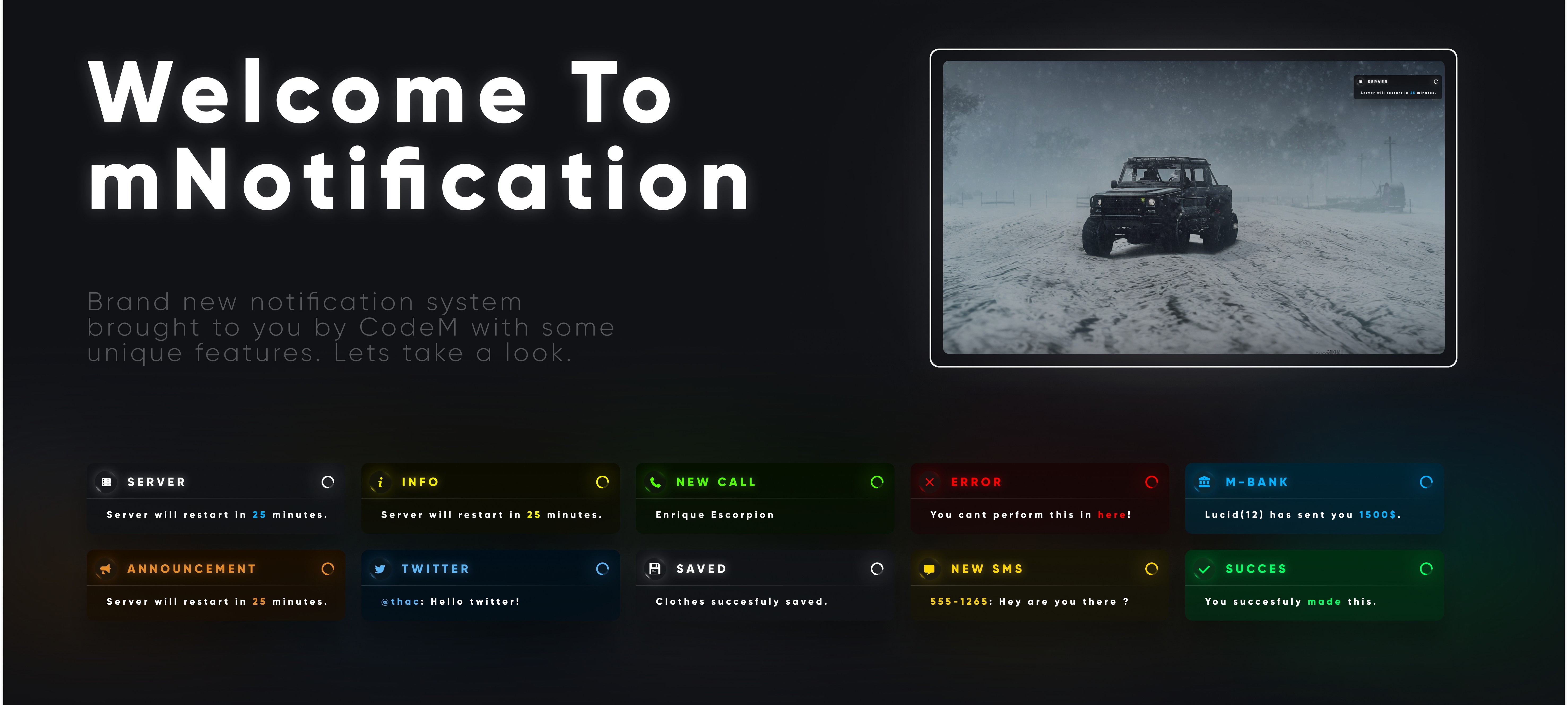
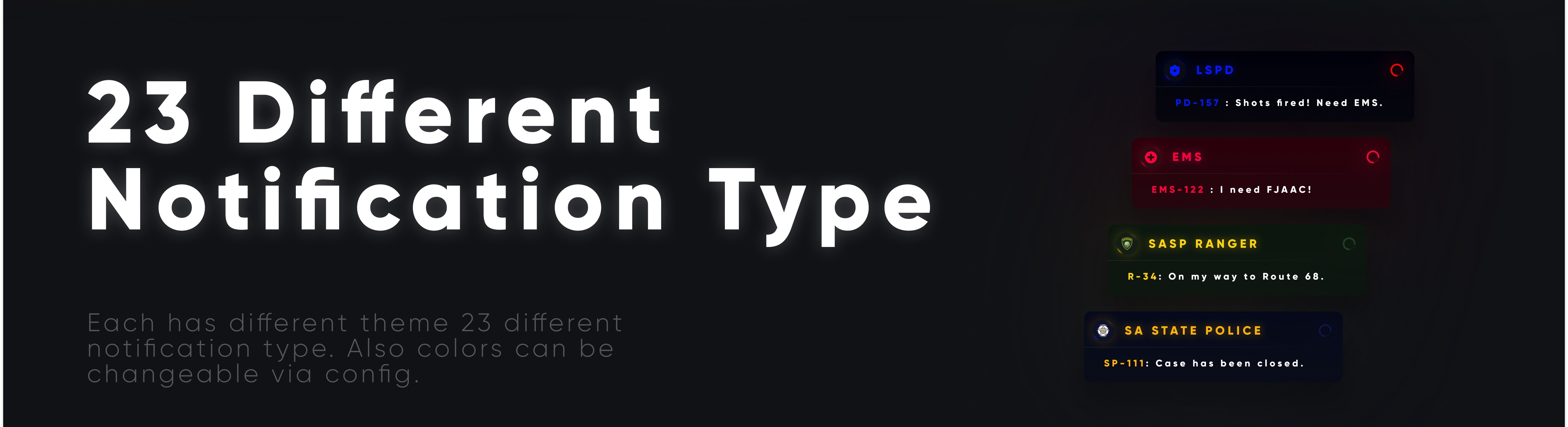
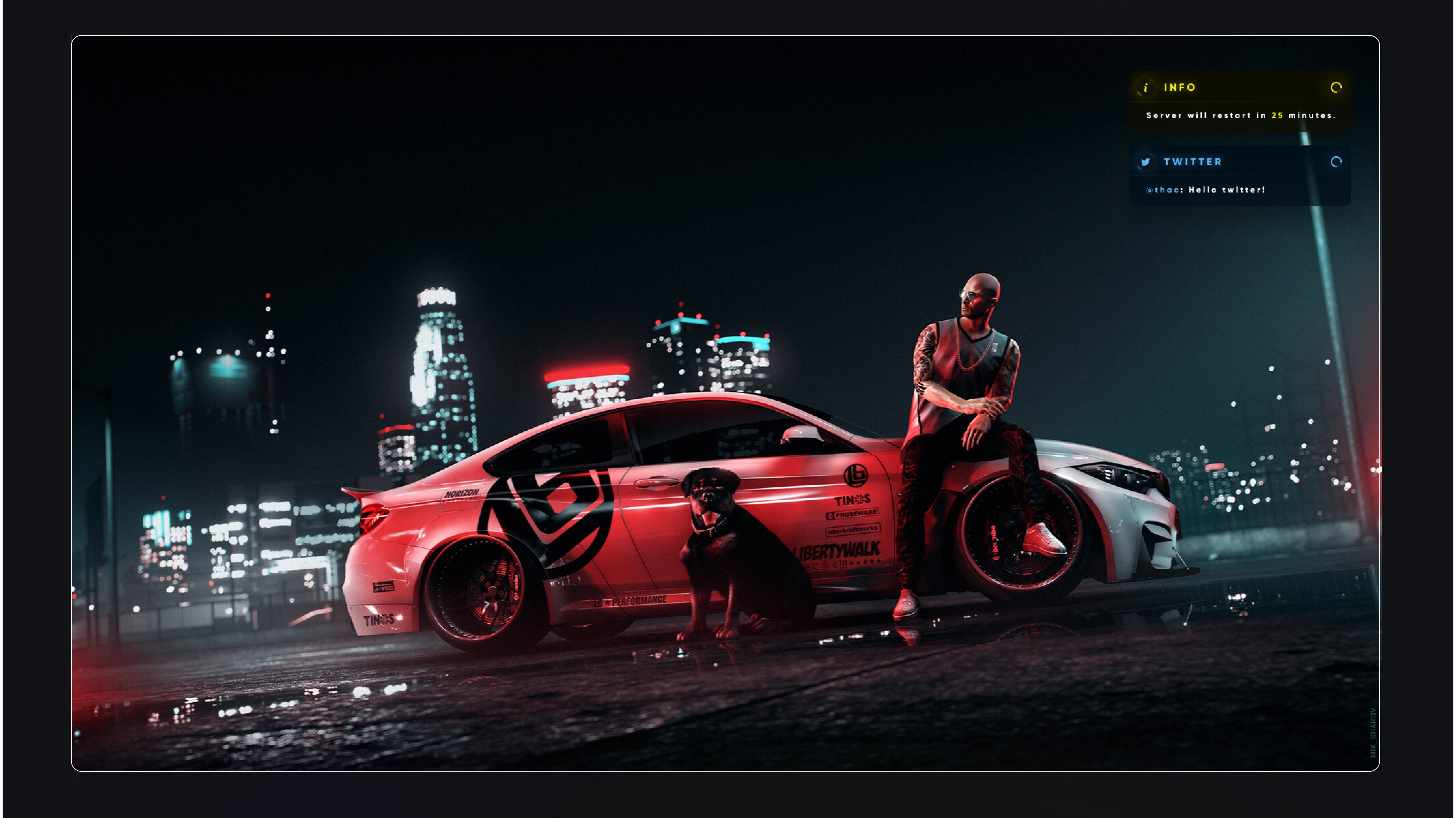
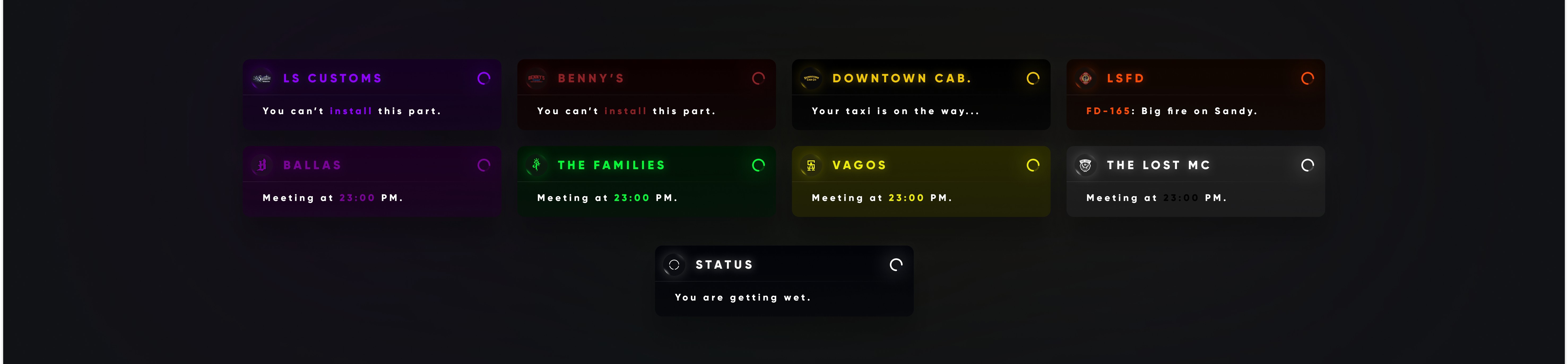
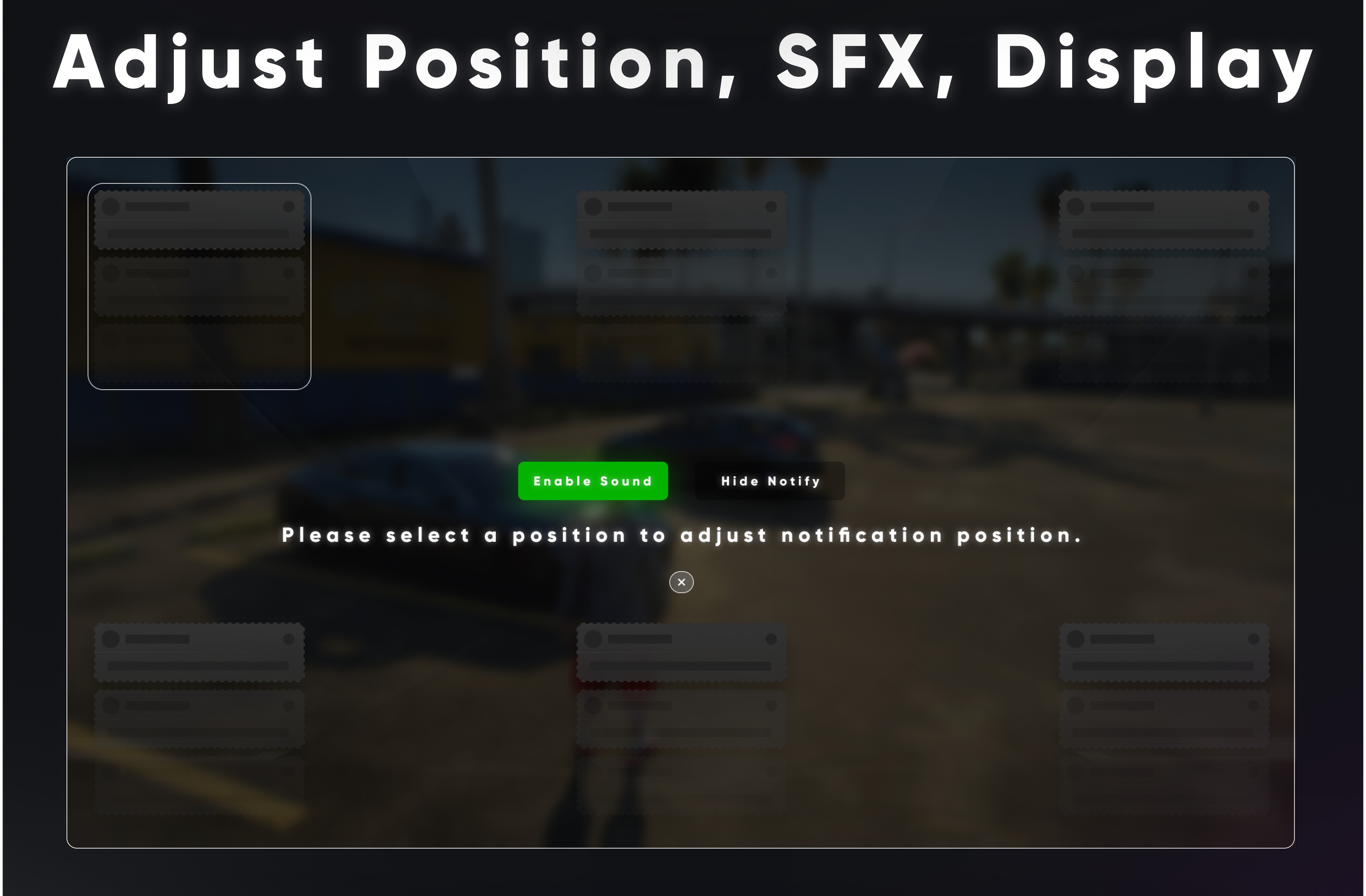

https://www.youtube.com/watch?v=kAHcOR__eaI
mDeathscreen
mDeathscreen for ESX and QB Cores
https://www.youtube.com/watch?v=GH8NCQspfQQ
mWeaponshop


🔫 mWeaponshop —M Series
Welcome to mWeaponshop
A next-generation weapon shop system designed by CodeM.
Built with a stylish and intuitive UI, it provides a complete and immersive weapon purchasing experience for your players.
🧩 Categorized Weapons
All weapons are neatly organized into clear categories — Pistols, SMGs, Shotguns, Assault Rifles, LMGs, Snipers, Heavy Weapons, Throwables, Melee, and more.
You can easily add or remove categories directly from the config.
⚙️ Detailed Attachments
Customize every weapon down to the smallest detail.
Add, remove, and modify attachments such as scopes, grips, muzzles, and tints.
Each attachment can be configured individually for maximum flexibility.
🎯 Live Preview
Preview your weapon customizations in real-time.
See changes instantly — attachments, skins, and tints are displayed live on the UI.
This gives players a fully interactive and dynamic shop experience.
🧠 Detailed Config File
Easily edit every aspect of the system through the config file.
Weapon categories, attachments, and prices are fully customizable.
All configuration options are explained in detail in the GitBook documentation.
|
✨ Designed by CodeM
Clean design, smooth animations, and optimized performance —
crafted for the ultimate roleplay immersion.
Part of the M Series by CodeM
Premium systems. Unified design. Infinite possibilities.
🟢 Available on Premium.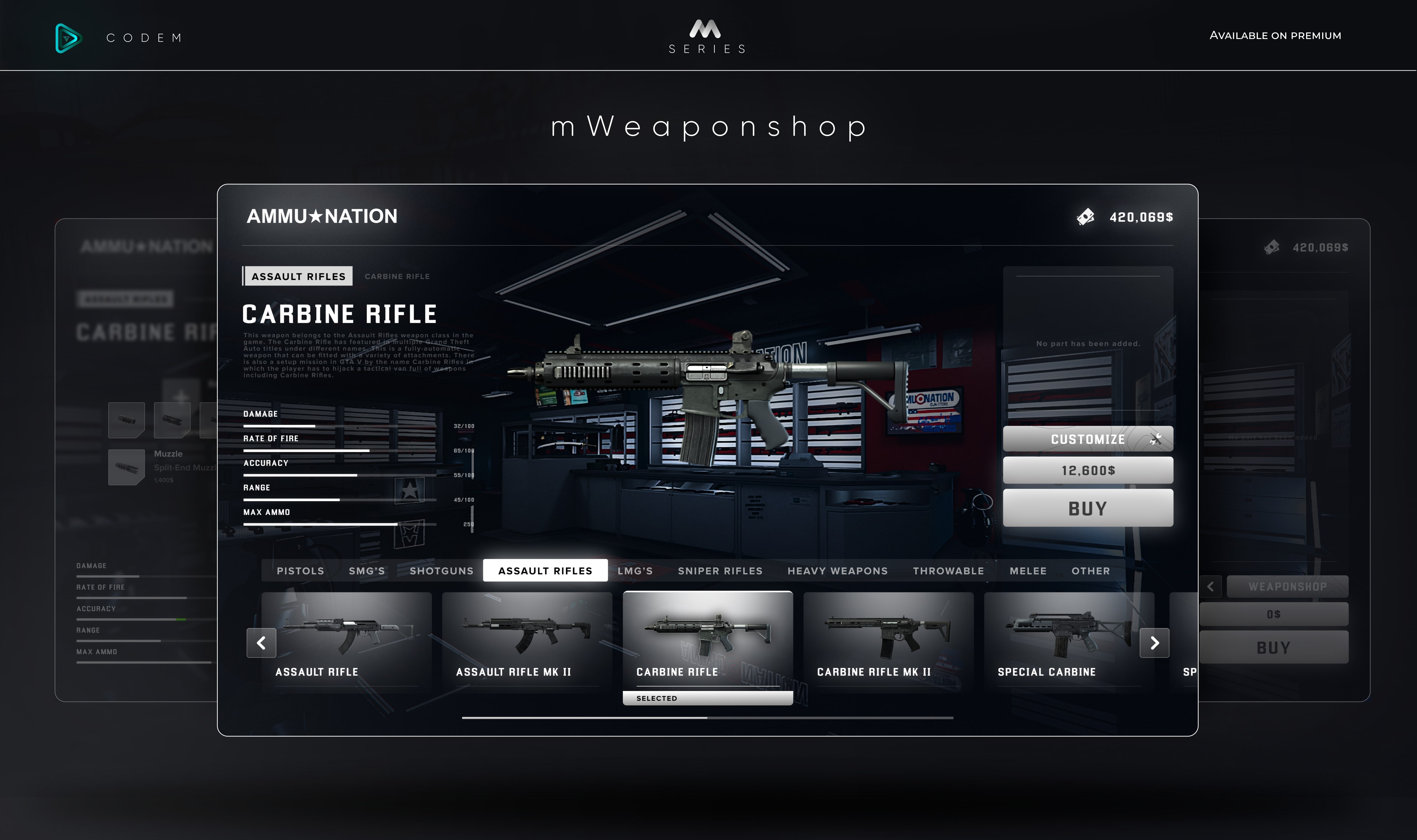
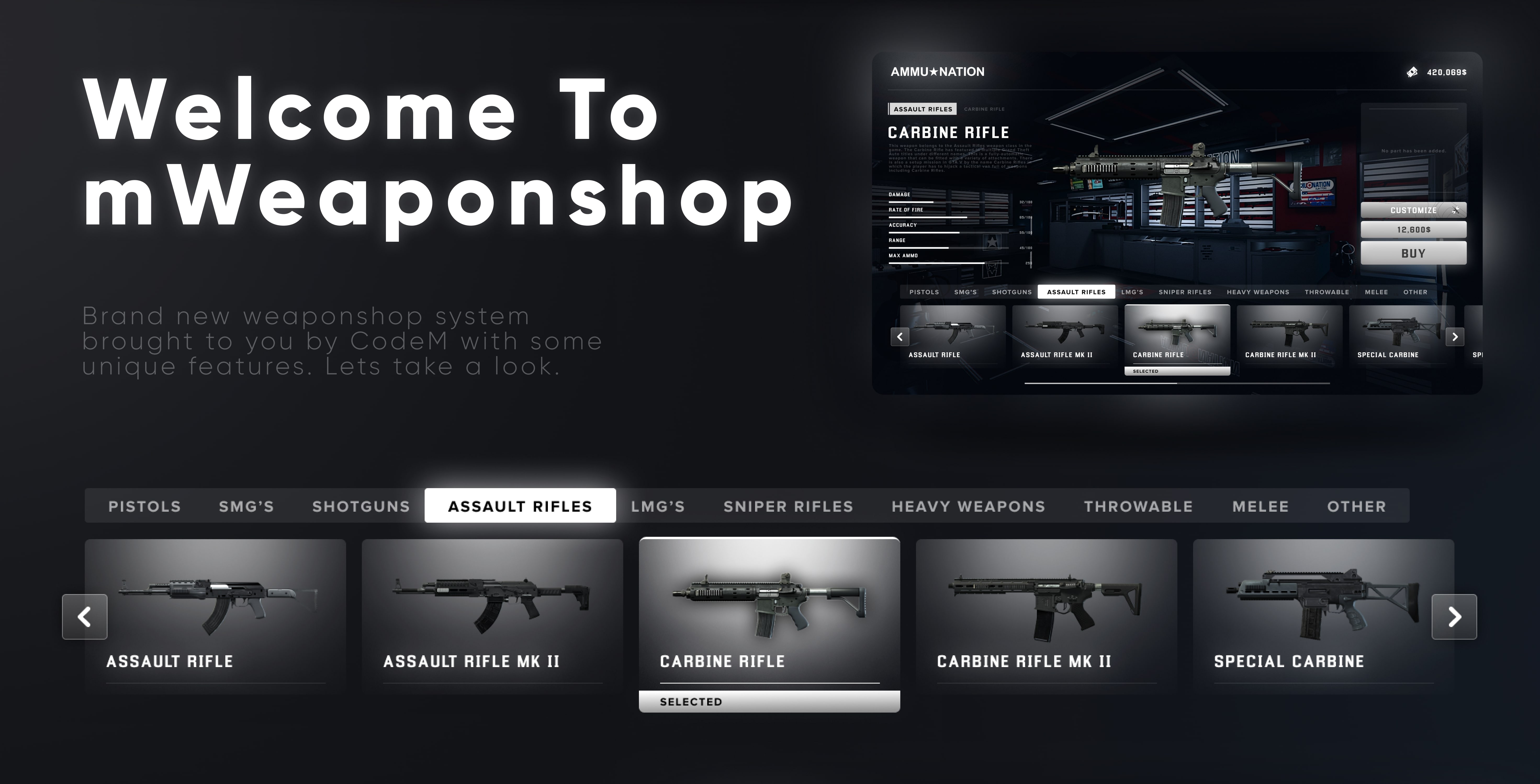
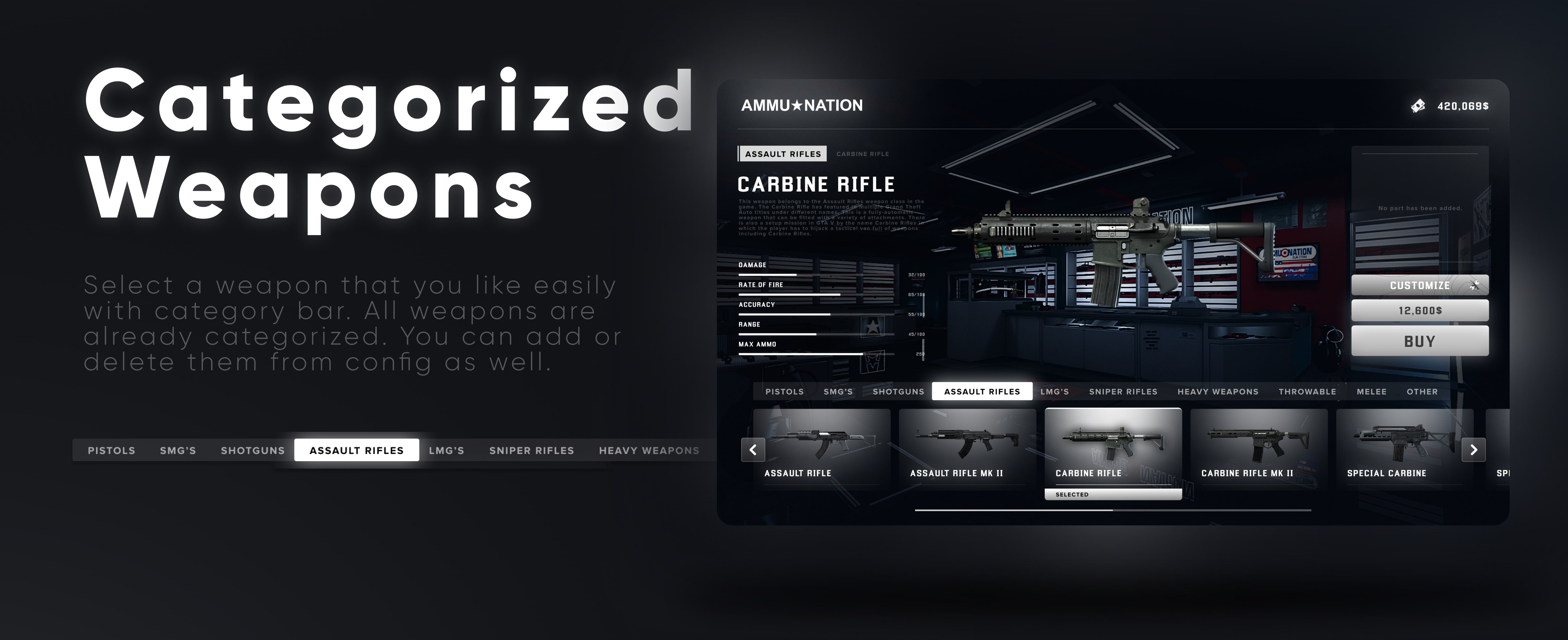
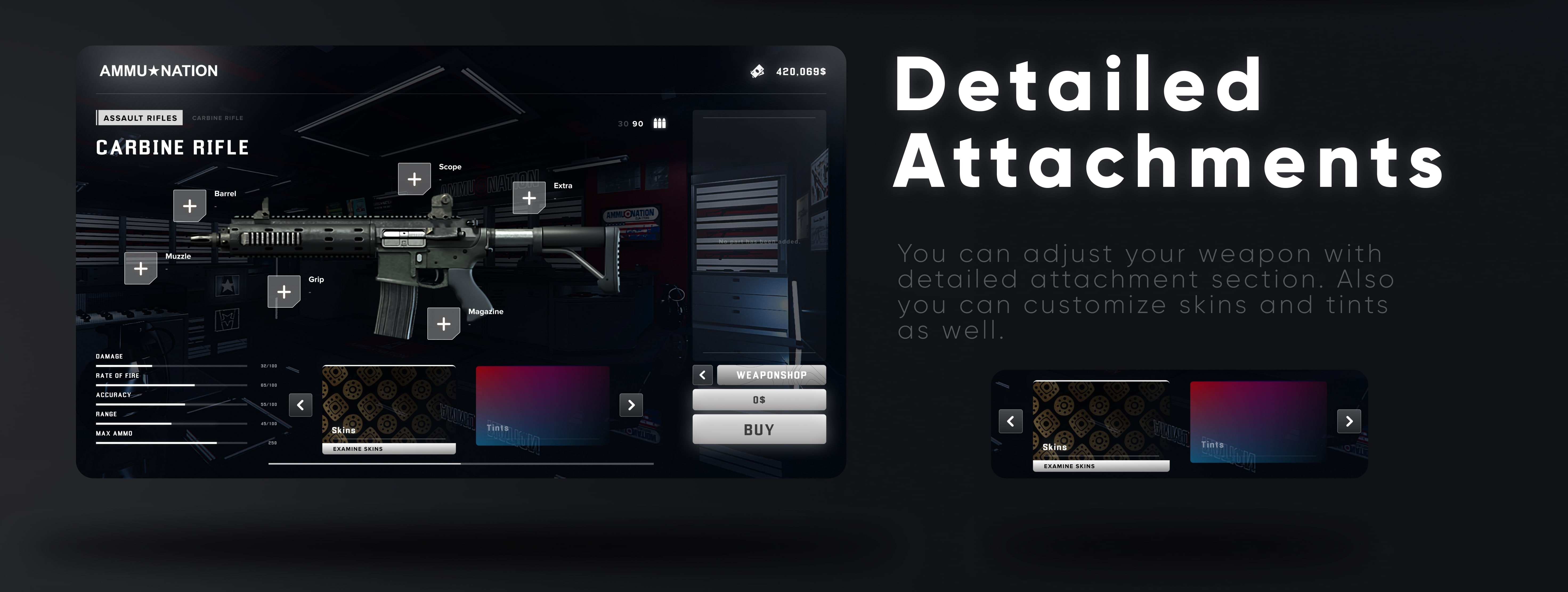
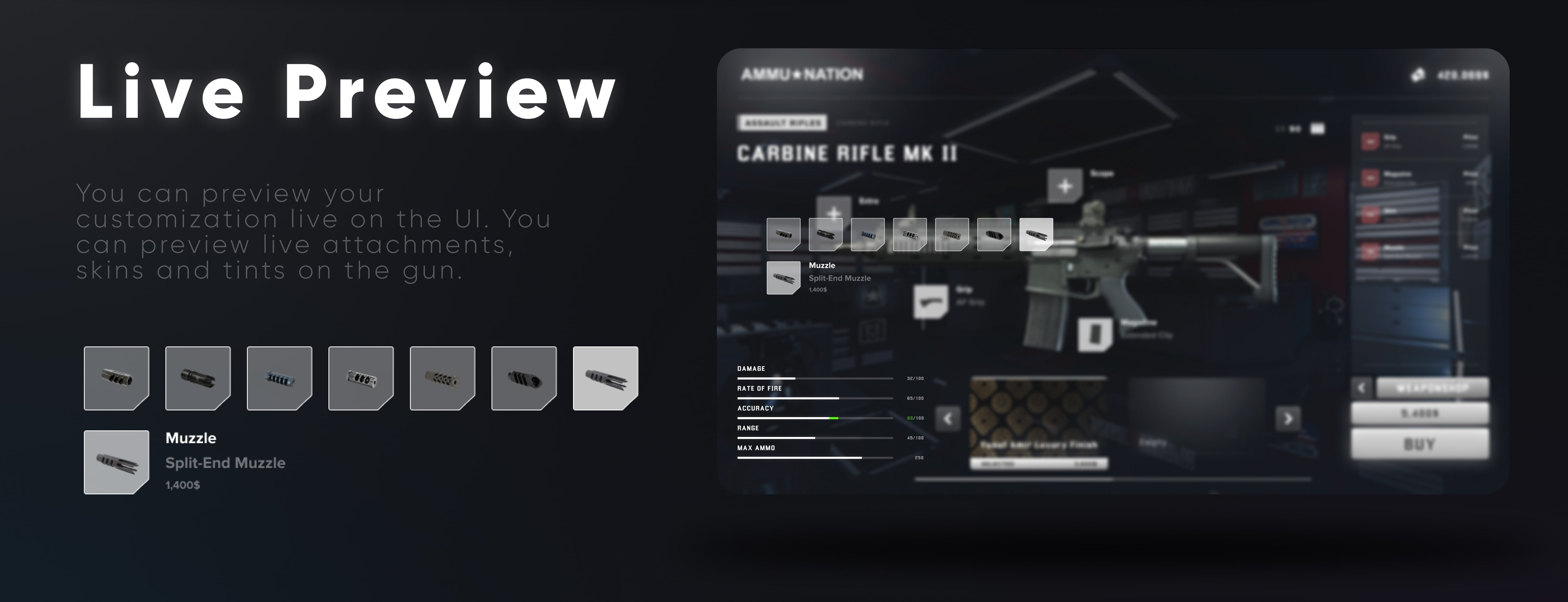
https://www.youtube.com/watch?v=0BaplErfPbs
mCraft


🧩 mCraft — M Series
Welcome to mCraft
A brand-new crafting system built by CodeM with a clean and immersive UI.
Supports unlimited categories, custom blueprints, and a fully dynamic level-based progression system.
⚙️ Level-Based Craft System
Progress through crafting tiers as your skill increases.
Each blueprint has its own level requirement — giving players a sense of mastery and reward.
The entire level system can be fully customized through the config.
🧱 Categorized Blueprints
Organize your blueprints by category for a smoother experience.
Default categories include Weapons, Ammo, and Tools, but you can freely add more from the config.
🔍 Awaiting Craft List
Easily track all your ongoing crafts.
Once a craft is started, your item automatically appears in the awaiting list — no confusion, no clutter.
Stay in control and follow your crafting progress at a glance.
🎨 Crafting UI Designed by CodeM
Crafting has never looked this good.
Clean, futuristic interface — designed with a professional touch for seamless player interaction.
Every element is built for performance, clarity, and immersion.
Part of the M Series by CodeM
Premium systems. Unified design. Infinite possibilities.
🟢 Available on Premium.
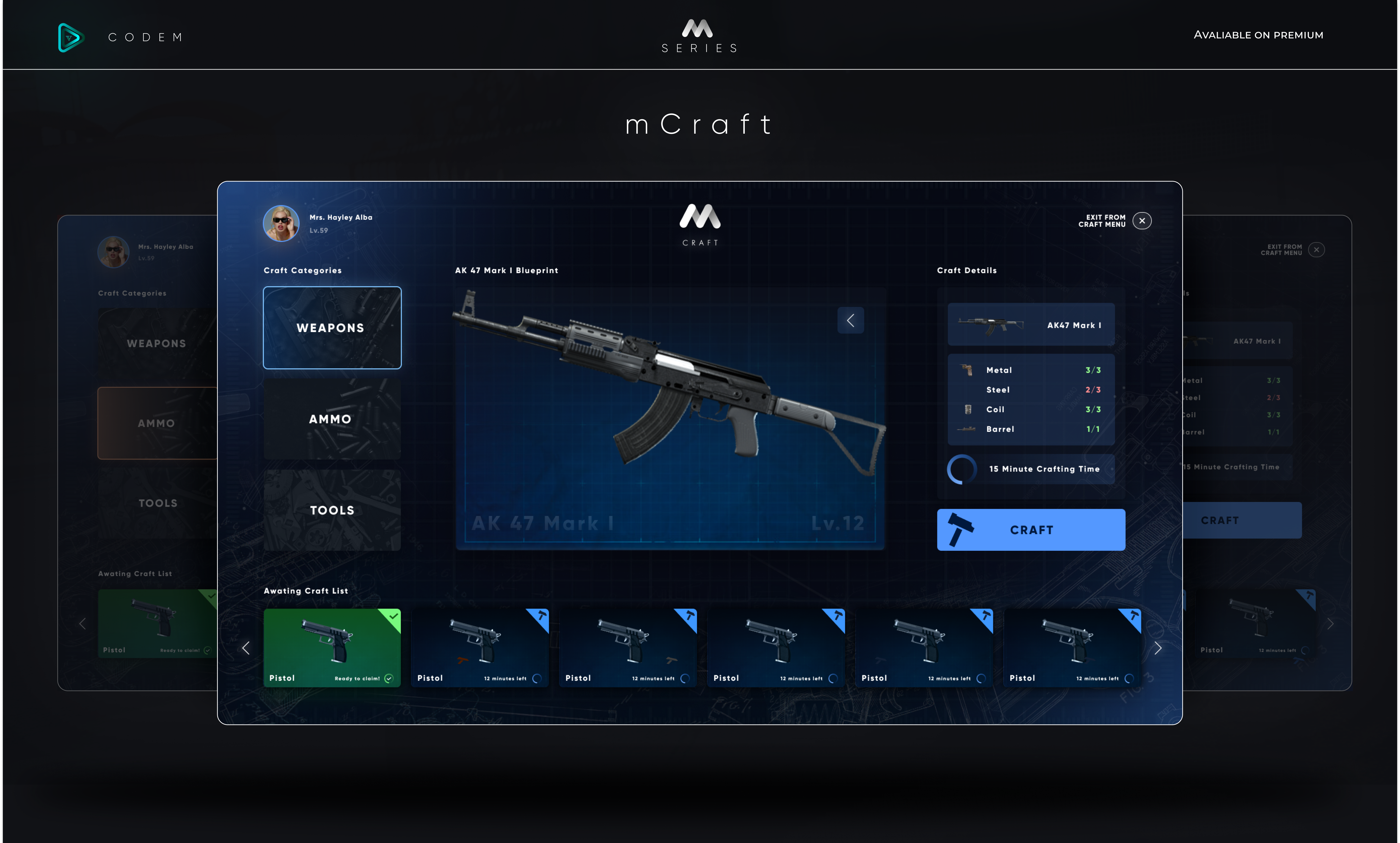
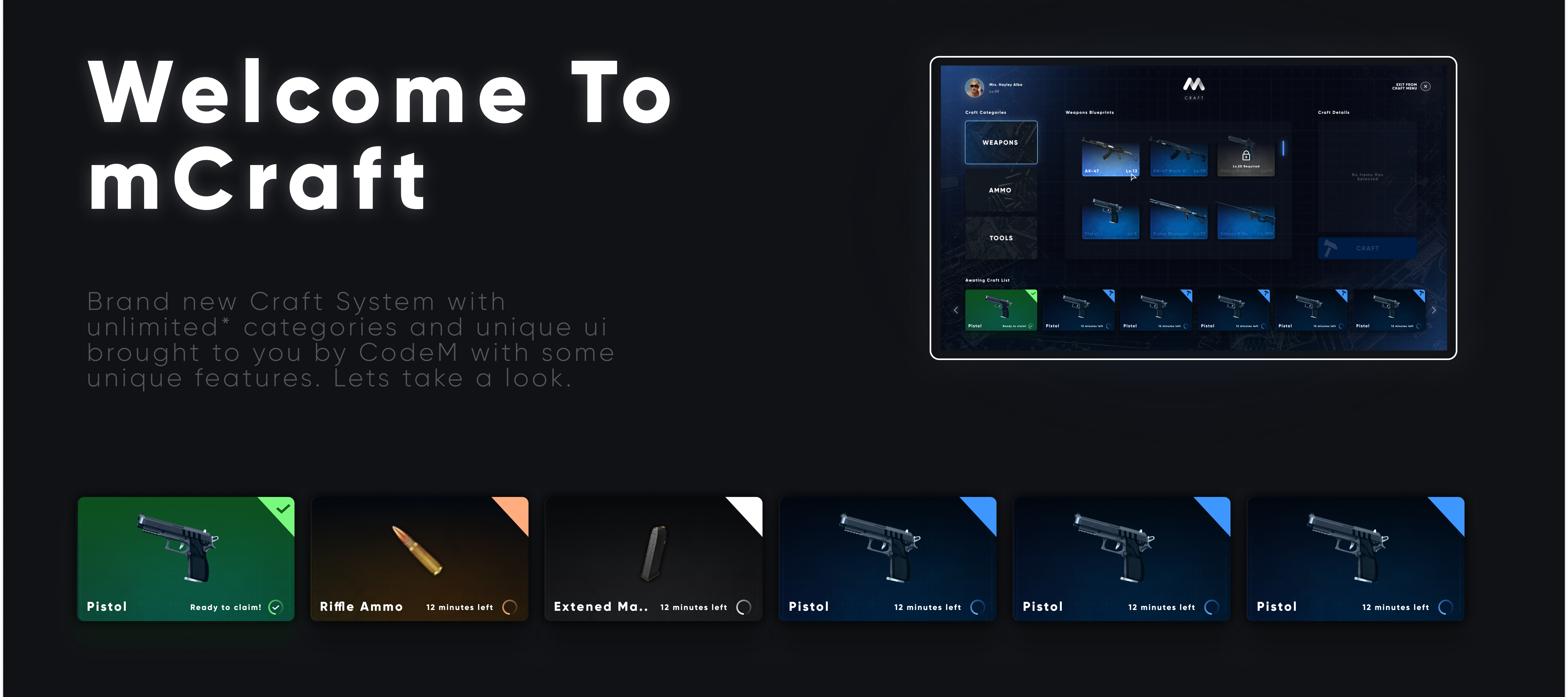
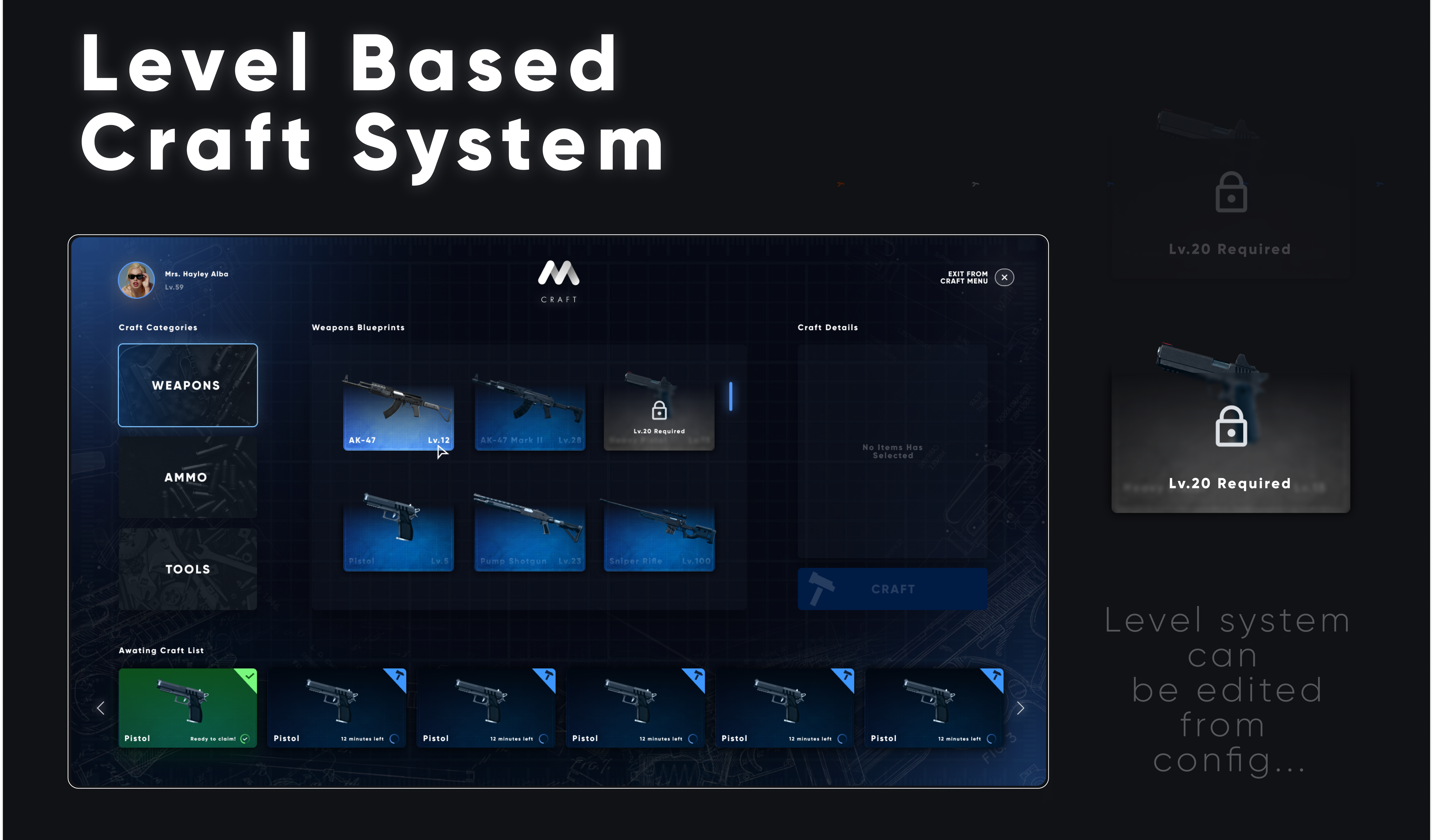
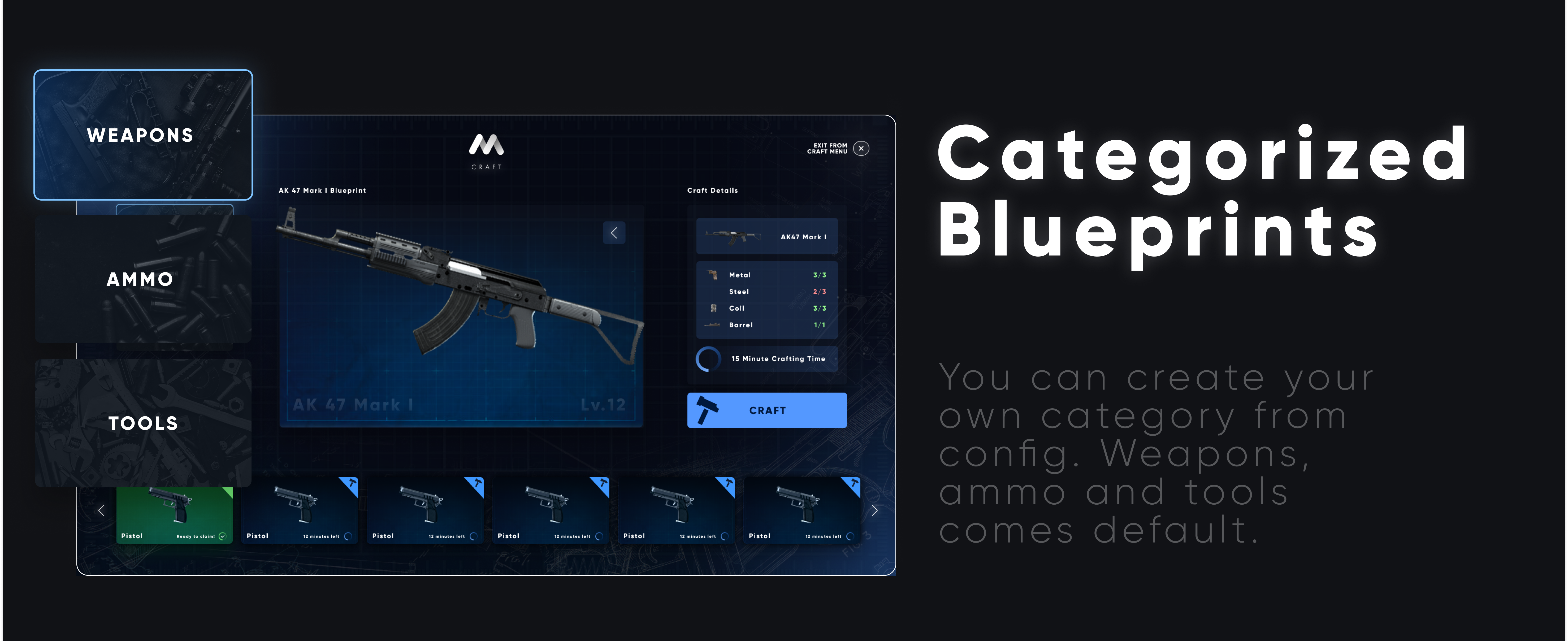
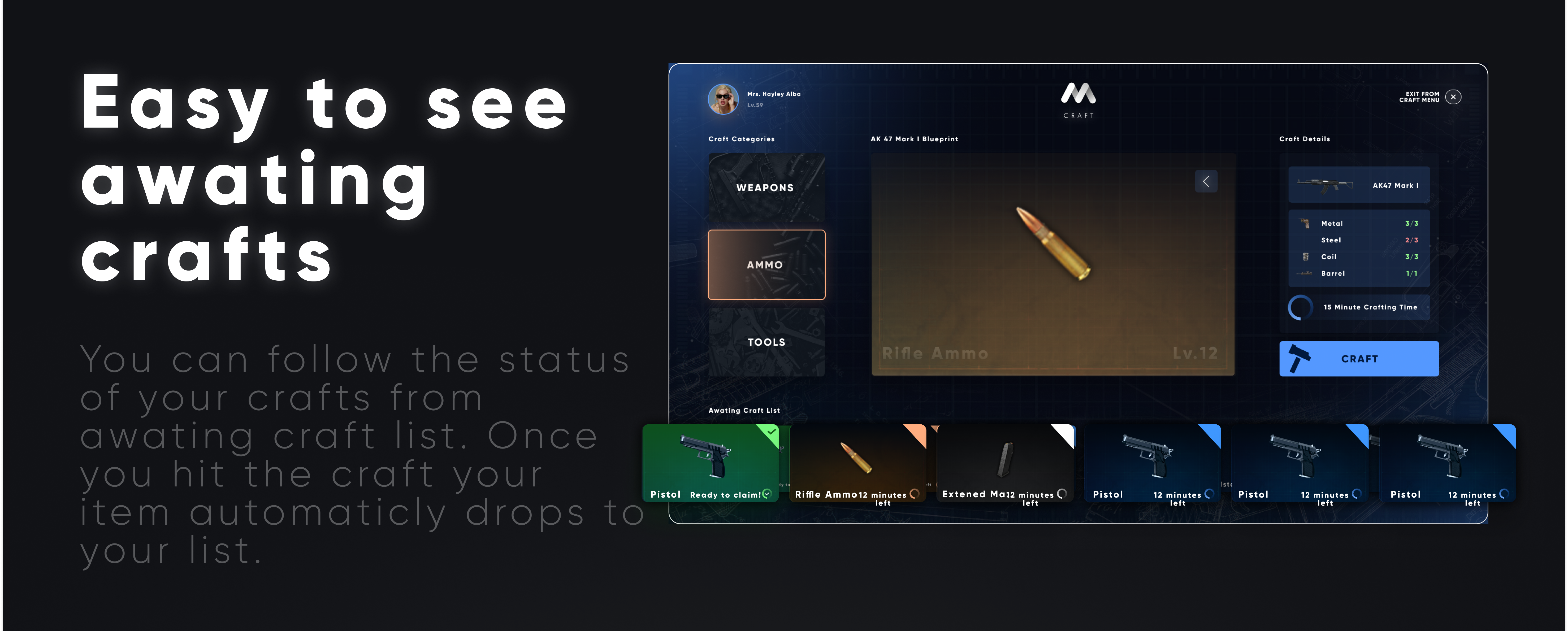

https://www.youtube.com/watch?v=46duKVtDB3o&t=1s
mMarket
mMarket ESX and QB Core
- 3 different market interfaces
- Adjustable market items.
- Adjustable items for each market.
- Adjustable blips.
- QB target compatible.
- BT-target compatible.
- Drawtext compatible .
- Framework settings that can be selected from the config.
- Low resmon value.
- Peds for each stores.
- Adjustable categories.
- Adjustable pad models and coordinates.
- 17 markets as deafult.
- Detailed and annotated config file included.
Showcase Video
https://streamable.com/rm89kr
Forum Topic
https://forum.cfx.re/t/paid-esx-qb-codem-mmarket/4822179
mGarage


🚗 mGarage — M Series
Welcome to mGarage
A next-generation garage system by CodeM, designed for realism, speed, and ease of use.
With categorized vehicles, player-to-player transfers, and job-based garages, mGarage redefines how garages should feel in roleplay servers.
🚘 Categorized Vehicles
Vehicles are automatically sorted into categories such as Cars, Motorcycles, Bikes, and Specials.
You can easily add or remove categories from the config.
Each category is built for a clean and intuitive browsing experience.
⭐ Favorite Category
Mark your favorite vehicles or categories for instant access.
Personalize your garage view and keep your most used cars always at the top.
⚡ Fastest Way to Transfer
Easily transfer your vehicle to another player by typing their ID.
Once confirmed — it’s instantly done.
Perfect for quick trades and roleplay transactions.
💰 Easy Way to Sell
Click the Sell button to quickly sell your vehicle for half of its price.
Simple, balanced, and effective for both players and server economy.
🏢 Different Garages for Jobs
Each job can have its own separate garage system.
Police, EMS, Mechanic, or any custom faction —
configure which vehicles appear for each job in just seconds.
🔧 Components for Special Cars
Customize and modify job-specific or special vehicles directly through the garage interface.
Change components, apply liveries, and create a fully unique fleet.
✨ Crafted by CodeM
Beautifully designed interface, smooth transitions, and responsive control flow —
built for the perfect FiveM experience.
Part of the M Series by CodeM
Premium systems. Unified design. Infinite possibilities.
🟢 Available on Premium.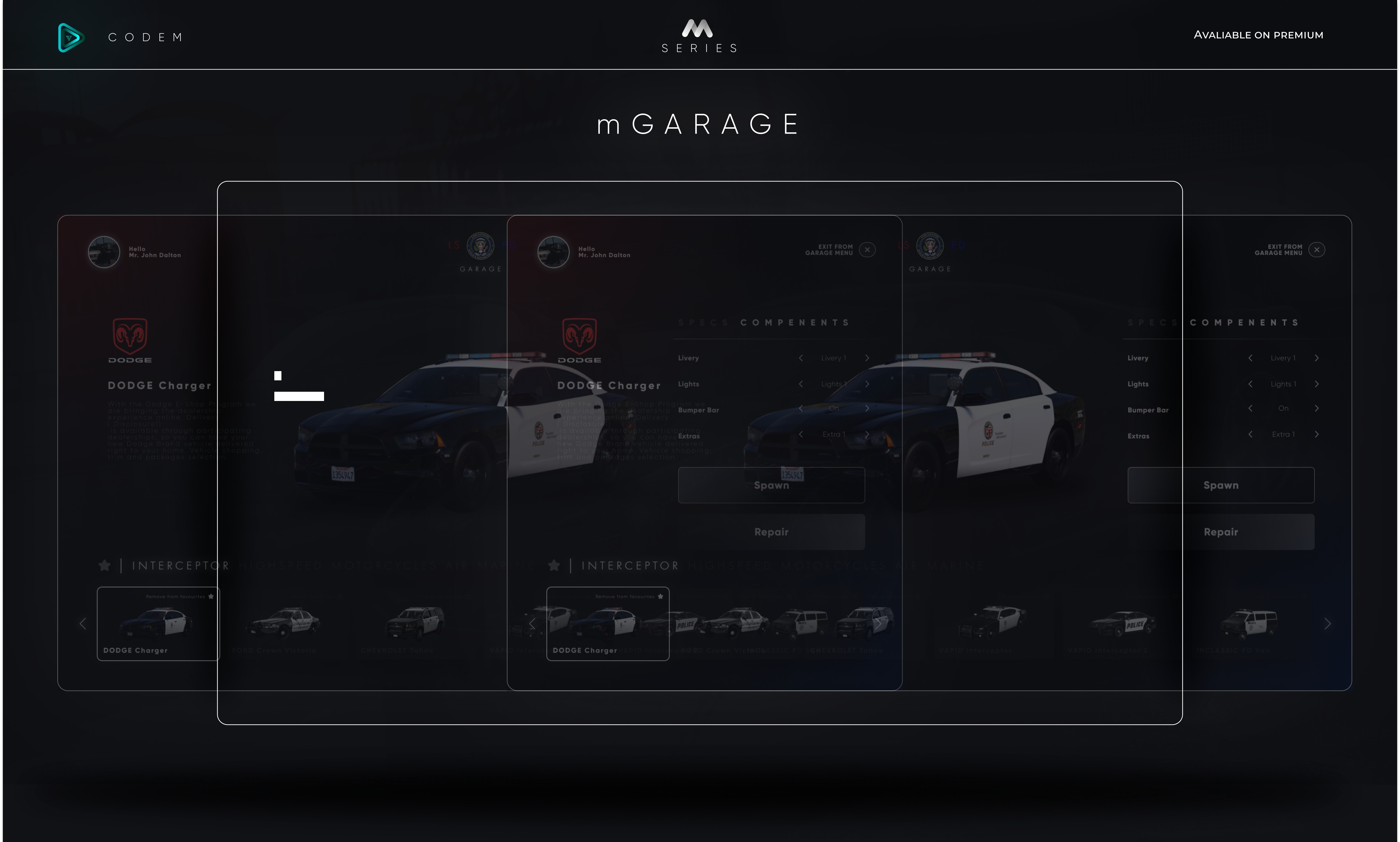
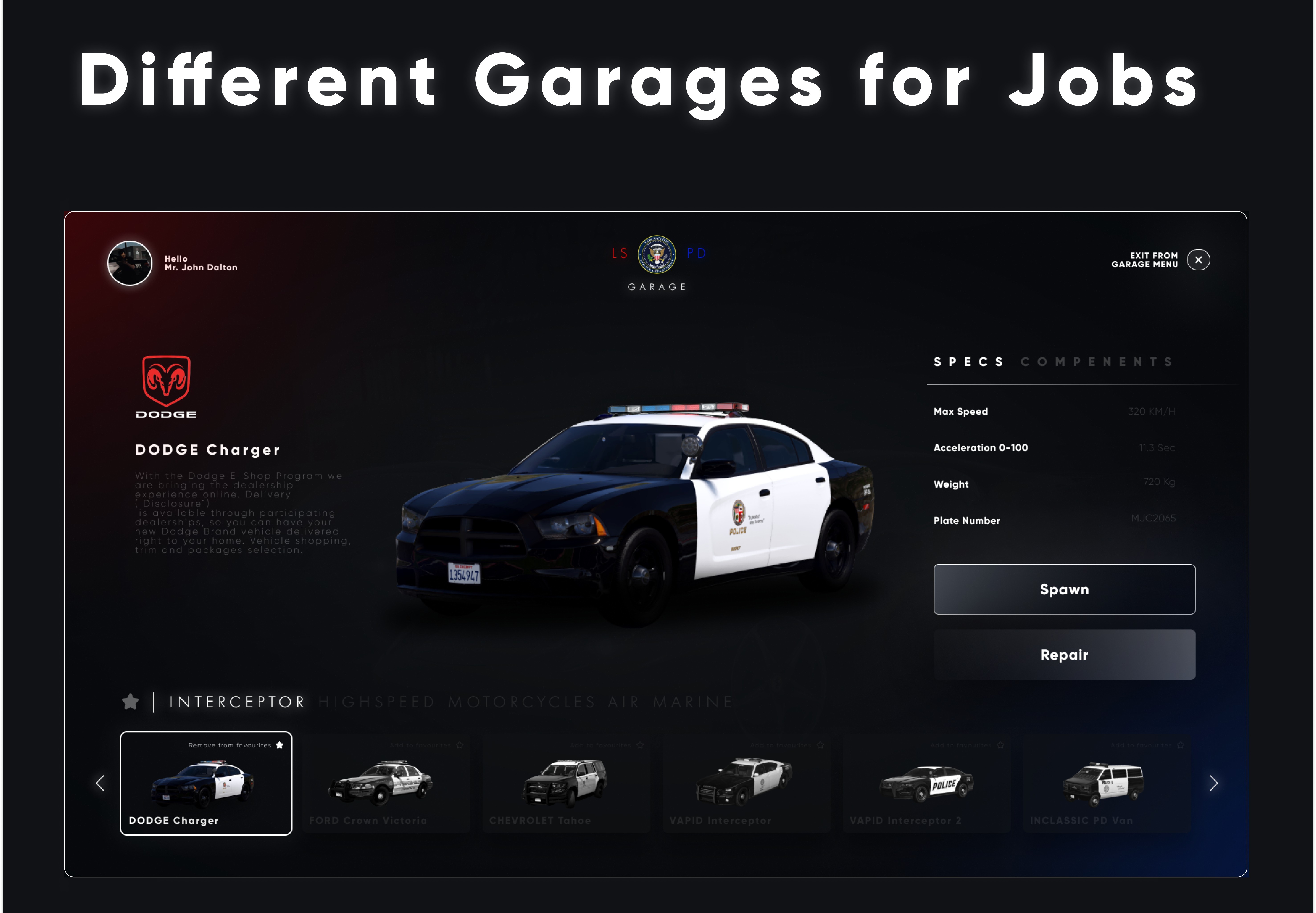

https://www.youtube.com/watch?v=tOVJyCkSlM8&t=3s
mTruckerjob
mTruckerjob is a Truckerjob system for ESX And QBCore Frameworks


https://www.youtube.com/watch?v=UW-zvJDmr54
mMinerjob
mMinerjob is a mining job simulation for ESX and QBCore Frameworks.


https://www.youtube.com/watch?v=CZwNu7Ko9Ao
mTailorjob
mTailorjob is a tailor job system for ESX and QBCore Frameworks


https://www.youtube.com/watch?v=-FQgMy0sUcY
mGarbagejob
mGarbagejob is a garbage job simulation for ESX and QBCore frameworks.


https://www.youtube.com/watch?v=xfJRmiwhl7E
mLSTransit
mLSTransit is a bus job system for ESX and QBCore


https://www.youtube.com/watch?v=Ui0AdfCaU_4
mPostop
mPostop is a cargo work script for ESX and QBCore Frameworks


https://www.youtube.com/watch?v=H1rigbQa9p0
mHunting
mHunting is an Hunting Script for ESX and QBCore


https://www.youtube.com/watch?v=JQZ0bDLLYMs
mWeed
mWeed is a weed growing and trade script for ESX and QBCore


https://www.youtube.com/watch?v=Q6ZedI0NqVY
mHUD AIO
mHUD AIO is an All In One HUD system for ESX and QBCore


https://www.youtube.com/watch?v=s_4koOyS8-I
mCyber HUD
CyberM HUD ESX - QBCore
- Futuristic UI Design
- Most Cyber HUD in FiveM
- Job and Money Display
- Custom Map Display
- 0.03 Resmon Value
- Glitch Effect on Car Crash And Damage
- Weapon ammo UI Design
- Cyber Notification
Showcase Video
https://www.youtube.com/watch?v=os1Z38CawG8
Forum Topic
https://forum.cfx.re/t/codem-cyberm-hud-notification-esx-qb/4830457
https://www.youtube.com/watch?v=os1Z38CawG8
mAdmin Panel
mAdmin is an ultimate web panel for FiveM's ESX QB servers to manage their servers from the web panel.


https://www.youtube.com/watch?v=_jYNEZzWllQ
mAdmin Panel 1 Month
mAdmin is an ultimate web panel for FiveM's ESX QB servers to manage their servers from the web panel.
** Subscription Package


https://www.youtube.com/watch?v=_jYNEZzWllQ
Venice Loadingscreen
Codem Venice Loadingscreen — A fully customizable FiveM loading screen with seasonal themes, media tools, and server content built in.
Set the tone before players ever spawn. Venice Loadingscreen gives your server a professional, content-rich loading experience — seasonal themes, a music player, photo albums, server changelogs, credits, social links, and a keyboard reference, all configured from a single file.
FEATURES
- 5 Seasonal Themes — Choose from Default, Fall, Winter, Spring, and Summer. Each theme changes the visual style of the entire loading screen. Switch with one line in the config.
- Video Background — Enable an MP4 video as the loading screen background instead of a theme. Drop your video file in the assets folder, set enable_video to true, and it runs automatically.
- Music Player — Built-in music player with configurable volume, track name, and artist display. Replace the included track by swapping the music.mp3 file. Players can toggle music on or off from their personal settings.
- Photo Albums — Create multiple named albums and fill them with server screenshots or promotional images. Players can browse your albums directly on the loading screen while they wait.
- Server Changelogs — Display versioned update logs for your server with support for multiple categories — New Features, Improvements, and Bug Fixes. Keep your community informed the moment they connect.
- Credits Section — List your server's Founders, Developers, and Designers with Discord usernames. Each role group has its own configurable gradient color.
- Keyboard Layout — Interactive keyboard layout that shows players your server's keybinds. Toggle individual keys on or off, assign descriptions, and support key combinations.
- Social Media Links — Link your Discord, Instagram, X, YouTube, and TikTok directly from the loading screen. Players are prompted with a confirmation before being redirected.
- Hold to Launch — Configurable delay after resources load before the game launches. Prevents multicharacter and spawn scripts from firing before the player is ready.
- Player Settings Panel — Players can individually toggle music, hide social links, hide character drawings, and hide main UI elements to their preference.
- Custom Server Logo — Replace the default logo with your own image. Width and height are configurable in viewport height units to fit any logo shape.
- Automatic Close Event Control — Full control over when the loading screen closes. Set automatic_close to false and call OpenMulticharacter from venice-core manually for precise timing with your multicharacter script.
- Fully Translatable — All UI text is defined in a single locales.lua file. Translate the complete interface to any language or reword any label without touching the NUI.
FRAMEWORK SUPPORT
- STANDALONE (Works with any framework)
mStaff Remake
mStaff is an advanced staff system for ESX and QBCore


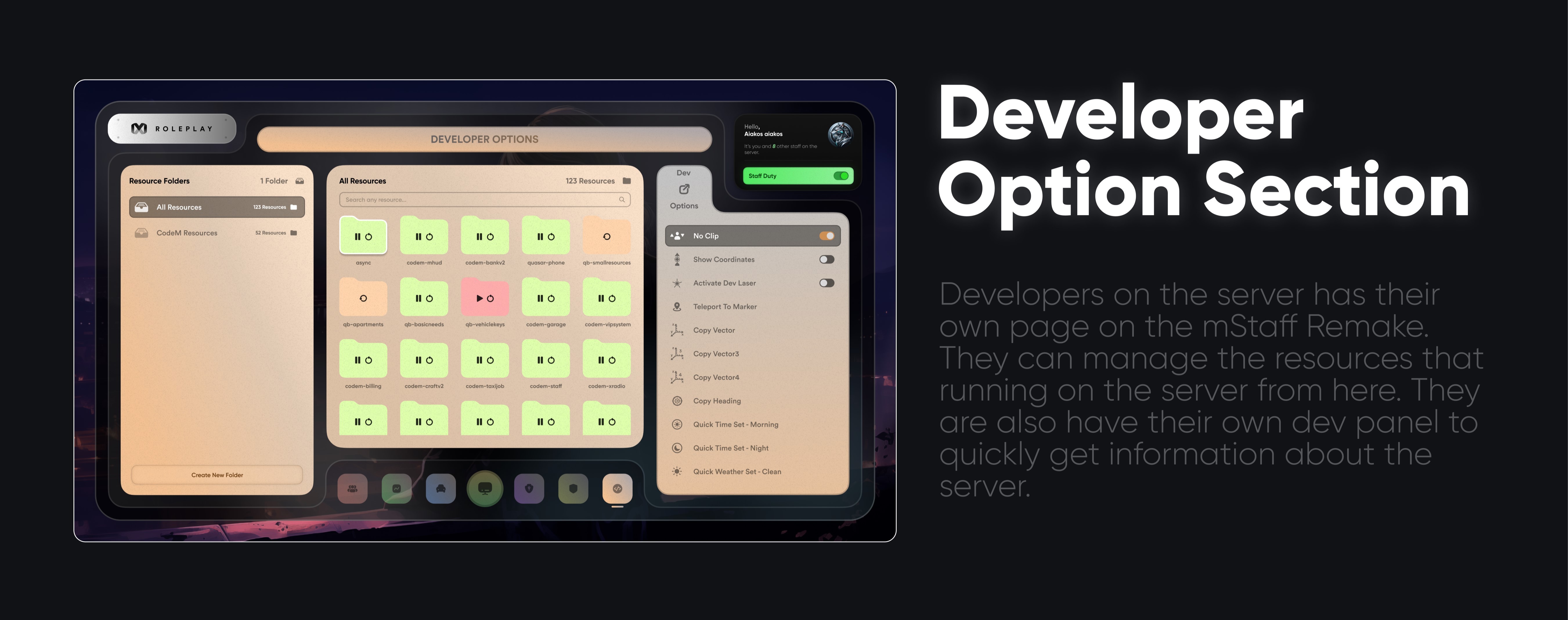


https://www.youtube.com/watch?v=YIxtdmjAA7k
Venice Report v2
Advanced In-Game Report & Ticket System for FiveM (ESX & QB)
Take your server’s administration system to the next level with Venice Report v2 — a modern, fully in-game report management solution built for professional FiveM communities.
Designed with a futuristic UI and performance in mind, this system transforms how players submit reports and how staff manage them.
✦ Core Features
• Modern & Futuristic UI
Clean, responsive interface designed to match high-quality RP servers.
• Multiple Report Types
Structured reporting system supporting different report categories for better organization.
• In-Game Admin Panel
Staff can view, manage, respond to, and close reports directly in-game — no external panel required.
• Advanced Filtering & Search
Quickly locate specific reports using built-in search and filtering tools.
• Status Tracking System
Clear visual indicators for report status (Pending, In Progress, Resolved, etc.).
• Screenshot & Location Sharing
Players can attach screenshots and share their in-game location for more accurate reporting.
• Discord Webhook Integration
Automatically forward reports to your Discord server for centralized staff monitoring.
• Optimized Performance (0.00 Resmon)
Lightweight and highly optimized for smooth server performance.
• ESX & QB Compatible
Fully compatible with both major frameworks and easily adaptable.
✦ Why Choose Venice Report v2?
Venice Report v2 is not just a basic /report command replacement — it’s a complete report management ecosystem.
It improves:
-
Staff response time
-
Player satisfaction
-
Report organization
-
Administrative workflow
Perfect for medium to large communities that want a professional, structured support system inside their server.
Venice HUD v2
Premium In-Game HUD + UI System for FiveM (ESX & QB)
Take your server’s HUD experience to the next level with Venice HUD v2 — a fully customizable, modern, and performance-optimized UI system designed specifically for FiveM communities.
Built with flexibility and style in mind, Venice HUD v2 brings a sleek, immersive player interface that dramatically enhances on-screen feedback and information display.
✦ Key Features
• Multiple Status Displays
Includes 3 distinct status HUD designs with unique looks and layouts.
• Multiple Speedometers
Comes with 3 different speedometer styles for vehicle displays.
• Built-In Optional Stress System
Add optional stress effects linked to gameplay (configurable).
• Engine Toggle UI
Players can toggle the vehicle engine directly through the HUD UI.
• Cinematic Mode
Instant cinematic screen experience for immersion.
• Hide & Show HUD
Easy in-game visibility controls — hide or show elements as needed.
• Nitro Integration
Synchronized nitro system across players with configurable power settings.
• Dynamic HUD Controls
Toggle specific HUD sections (including the top-right display) via config.
• Dynamic Status Hiding
Automatically hide HUD elements based on certain in-game values.
• Drag & Drop Customization
UI elements can be repositioned via drag-and-drop for perfect placement.
• Advanced Settings Panel
In-game settings allow detailed customization of colors, element positions, and more.
• Ammo & Detailed Elements
Rich built-in visual elements including configurable ammo display.
• Engine/Map Integration
HUD hides automatically when opening the map with smooth transitions.
• Optimized Performance
Very low Resmon usage — efficient for any server size.
✦ Why Venice HUD v2?
Venice HUD v2 isn’t just another HUD script — it’s a complete UI upgrade crafted for immersion, style, and modular control. Perfect for roleplay servers, racing systems, durable gameplay, and overall cleaner UX/UI. Every detail is configurable so you can match your server’s theme and player expectations.
Venice Spawn Selector
Venice Spawn — Cinematic Spawn Selector for FiveM A visually stunning spawn selection screen with an interactive map of San Andreas. Players pick their spawn point by clicking location pins on a stylized map, then watch a smooth cinematic camera fly-in from the sky to ground level. No boring dropdown menus — just a clean, immersive map experience.
FEATURES
- Interactive Map UI — A full-screen stylized map of San Andreas with clickable location pins. Players see where they're spawning before they commit. Click a pin, see a preview, click the spawn button. Clean and intuitive.
- 8 Spawn Locations — Paleto Bay, Sandy Shores, Pink Cage Motel, Pillbox Hospital, LSPD Mission Row, Vespucci Beach, LS Harbor, and LS Airport. All coordinates are fully configurable in the config file.
- Cinematic Camera Fly-In — When a spawn is selected, the camera starts 1500 units in the sky and smoothly descends to ground level with a spring-based interpolation. Gives a GTA Online-style loading feel every time a player spawns.
- Last Position Spawn — One-click button to spawn at the player's last known coordinates. Pulls directly from framework player data so it works across sessions automatically. QBCore falls back to default spawn for new characters.
- Dynamic Day/Night Map — The map image automatically switches between a daytime and nighttime version based on the in-game clock. Day map between 08:00-19:00, night map otherwise.
- Live Player Count — The current number of online players is displayed on the spawn screen in real time, fetched via a server callback when the UI opens.
- In-Game Clock & Day — Shows the current in-game time (HH:MM format) and day of the week directly on the map. Players know exactly what time they're spawning into.
- Audio Mute During Transition — Game audio is muted during the camera fly-in so there's no jarring ambient noise during the cinematic transition. Sound restores cleanly once the player is on the ground.
- Loading Screen Shutdown — The spawn sequence properly shuts down both the loading screen and loading screen NUI, clears the HUD, and handles the player switch-in effect. No leftover black screens or stuck loading states.
- Two-Step Pin Selection — Clicking a pin shows a location-specific spawn button. Clicking anywhere else dismisses it. This prevents accidental spawns and lets players browse locations before choosing.
FRAMEWORK SUPPORT
- ESX (Legacy & Modern)
- QBCore (Old & New)
Venice HUD
Venice HUD — Custom HUD & Vehicle Dashboard for FiveM A sleek, custom-designed HUD that replaces the default GTA V interface with animated SVG status bars, a full vehicle dashboard with speedometer, built-in seatbelt and cruise control systems, and a voice chat indicator — all in one lightweight resource.
FEATURES
- On-Foot Status Bars — Animated SVG progress bars for health, armour, hunger, thirst, and oxygen/stamina. Bars are rendered using ProgressBar.js with smooth path animations. Values update in real time and only re-animate when they actually change.
- Vehicle Dashboard — When you enter a vehicle, the on-foot HUD seamlessly switches to a full dashboard showing speedometer, engine health bar, fuel bar, engine on/off indicator, headlight status (off / low beam / high beam), seatbelt indicator, and cruise control indicator.
- Speedometer — 3-digit speed display with configurable KMH or MPH. Reads directly from vehicle entity speed with framework-accurate multipliers. Updates every 200ms for a smooth reading.
- Built-In Seatbelt — Press U (rebindable) to buckle up. The dashboard icon changes from red (unbuckled) to white (buckled). When buckled, windshield ejection threshold is raised so you stay in the car during crashes. When unbuckled, you fly through the windshield at lower speeds. Automatically resets when exiting the vehicle. Hidden on motorcycles.
- Built-In Cruise Control — Press L (rebindable) to lock your current speed. The vehicle's max speed is capped at whatever speed you were going when you activated it. Dashboard shows an active indicator. Press again to release. Driver-only, auto-resets on exit.
- Voice Chat Indicator — Microphone icon with 3 range levels (whisper / normal / shout) displayed as stacked bars. Shows talking state in real time. Supports SaltyChat, pma-voice, and MumbleVoIP — just set which one you use in the config.
- Custom Minimap Frame — Styled border around the minimap that integrates with the HUD design. Minimap auto-hides when on foot and appears when in a vehicle. Default GTA health/armour bars and satnav are automatically suppressed.
- Engine Health Bar — SVG progress bar showing engine condition from 0 to 1000. Full bar means perfect engine. Drains as the vehicle takes damage.
- Fuel Bar — Reads from native GetVehicleFuelLevel or from LegacyFuel export, configurable with one toggle.
- Headlight Indicator — Three visual states on the dashboard: lights off, low beam on, high beam on. Updates every 100ms for responsive feedback.
- Engine Status Icon — Shows whether the engine is running or off with a white/grey icon toggle.
- Oxygen / Stamina Bar — Dual-purpose bar that shows remaining oxygen when underwater and sprint stamina when on land. Same bar, two contexts.
- Server ID Display — Shows the player's server ID on the on-foot HUD near the brain icon.
- Pause Menu Detection — HUD automatically hides when the pause menu is open and reappears when closed.
- HUD Toggle — Type /hud to completely show or hide the entire HUD.
FRAMEWORK & COMPATIBILITY
- ESX
Venice HUD
Venice HUD — Custom HUD & Vehicle Dashboard for FiveM A sleek, custom-designed HUD that replaces the default GTA V interface with animated SVG status bars, a full vehicle dashboard with speedometer, built-in seatbelt and cruise control systems, and a voice chat indicator — all in one lightweight resource.
FEATURES
- On-Foot Status Bars — Animated SVG progress bars for health, armour, hunger, thirst, and oxygen/stamina. Bars are rendered using ProgressBar.js with smooth path animations. Values update in real time and only re-animate when they actually change.
- Vehicle Dashboard — When you enter a vehicle, the on-foot HUD seamlessly switches to a full dashboard showing speedometer, engine health bar, fuel bar, engine on/off indicator, headlight status (off / low beam / high beam), seatbelt indicator, and cruise control indicator.
- Speedometer — 3-digit speed display with configurable KMH or MPH. Reads directly from vehicle entity speed with framework-accurate multipliers. Updates every 200ms for a smooth reading.
- Built-In Seatbelt — Press U (rebindable) to buckle up. The dashboard icon changes from red (unbuckled) to white (buckled). When buckled, windshield ejection threshold is raised so you stay in the car during crashes. When unbuckled, you fly through the windshield at lower speeds. Automatically resets when exiting the vehicle. Hidden on motorcycles.
- Built-In Cruise Control — Press L (rebindable) to lock your current speed. The vehicle's max speed is capped at whatever speed you were going when you activated it. Dashboard shows an active indicator. Press again to release. Driver-only, auto-resets on exit.
- Voice Chat Indicator — Microphone icon with 3 range levels (whisper / normal / shout) displayed as stacked bars. Shows talking state in real time. Supports SaltyChat, pma-voice, and MumbleVoIP — just set which one you use in the config.
- Custom Minimap Frame — Styled border around the minimap that integrates with the HUD design. Minimap auto-hides when on foot and appears when in a vehicle. Default GTA health/armour bars and satnav are automatically suppressed.
- Engine Health Bar — SVG progress bar showing engine condition from 0 to 1000. Full bar means perfect engine. Drains as the vehicle takes damage.
- Fuel Bar — Reads from native GetVehicleFuelLevel or from LegacyFuel export, configurable with one toggle.
- Headlight Indicator — Three visual states on the dashboard: lights off, low beam on, high beam on. Updates every 100ms for responsive feedback.
- Engine Status Icon — Shows whether the engine is running or off with a white/grey icon toggle.
- Oxygen / Stamina Bar — Dual-purpose bar that shows remaining oxygen when underwater and sprint stamina when on land. Same bar, two contexts.
- Server ID Display — Shows the player's server ID on the on-foot HUD near the brain icon.
- Pause Menu Detection — HUD automatically hides when the pause menu is open and reappears when closed.
- HUD Toggle — Type /hud to completely show or hide the entire HUD.
FRAMEWORK & COMPATIBILITY
- QBCore
Venice Me Do
Venice MeDo — 3D Overhead /me & /do System for FiveM Forget boring chatbox /me messages. Venice MeDo displays roleplay actions and environment descriptions as beautiful 3D bubbles floating above your character's head — complete with Discord profile pictures, proximity detection, and line-of-sight checks.
FEATURES
- 3D Overhead Display — Messages appear as styled bubbles directly above the player's head in world space, not in the chatbox. The bubble tracks the character's head bone in real time, giving a fully immersive roleplay feel.
- /me Command — Display character actions above your head. Type /me stretches his arms and nearby players see a styled bubble with a "ME" tag, your Discord avatar, your character name, and the action text.
- /do Command — Describe the environment or scene. Type /do The door is locked and nearby players see the same styled bubble with a "DO" tag instead, making it easy to tell actions apart from scene descriptions.
- Discord Avatar Integration — Automatically fetches each player's Discord profile picture via the Discord Bot API and displays it as a circular avatar inside the bubble. Supports both static and animated (GIF) avatars. Avatars are cached server-side for performance.
- Proximity + Line of Sight — Messages only appear to players who are both within a configurable distance AND have direct line of sight. Walls and buildings block visibility, just like real life. No more seeing /me messages through walls.
- Distance-Based Scaling — The 3D bubble position is converted from world coordinates to screen space every frame, so it stays perfectly anchored to the player's head at any camera angle or distance.
- Vehicle Awareness — The bubble automatically adjusts its vertical position when the viewer is inside a vehicle, so it doesn't clip through the roof.
- Character Name Display — Optionally shows the player's roleplay name above the message bubble. Can be toggled on or off.
- 80-Character Limit — Long messages are automatically truncated to keep the visual clean and readable.
- 7-Second Auto-Fade — Messages disappear after 7 seconds. If the sender moves out of range, the message is removed immediately.
- XSS Protection — All message text is sanitized before rendering to prevent HTML/JS injection through chat.
- mChat Integration — Optionally sends /me and /do messages to the chat box as well, with proper channel tags for mChat compatibility. Works alongside the 3D display, not instead of it.
- Fallback Avatar — If a player has no Discord linked or the API is unavailable, a configurable default image is used instead. No broken images, ever.
FRAMEWORK SUPPORT
- ESX (Legacy & Modern)
- QBCore (Old & New)
Venice Notify
Venice Notification — Stunning Notification System for FiveM A fully standalone, beautifully designed notification system with 12 unique notification types, animated transitions, per-player settings saved to database, and drop-in ESX/QBCore replacements. One resource to replace every notification on your server.
FEATURES
- 12 Notification Types — Check, Info, Announcement, Message, Tweet, Call, Bank, Bill, Police, Save, Error, and EMS. Each type has its own unique icon, accent color, and glowing SVG corner effects.
- Animated Transitions — Smooth spring-based entrance and exit animations powered by anime.js. Notifications slide in and out from the direction of their screen position.
- 5 Screen Positions — Players choose where notifications appear: Top, Bottom, Left, Right, or On-HUD. Each player picks their own preference from a visual settings panel.
- Player Settings Panel — A clean in-game settings menu (opened with /notifysettings) where players can pick their notification position, toggle sound on/off, and hide/show all notifications. Every setting is saved to the database and persists across sessions.
- Notification Sound — A subtle chime plays with each notification. Players can toggle it on or off from the settings panel. Volume is set at a comfortable 17%.
- Notification Stacking — When the same notification fires multiple times, it doesn't flood the screen. Instead, a counter badge appears on the existing notification showing how many times it stacked.
- Color Codes — GTA-style inline color formatting.
- Tweet & Message Options — The Tweet type supports an @username prefix in Twitter blue. The Message type supports a phone number prefix in orange. Just pass the extra option when triggering.
- Title Labels — Each notification type shows a title label (CHECK, INFO, ERROR, etc.) above the message. Titles are fully translatable from the config. Can be disabled entirely for a cleaner look.
- Standalone — No framework required. Works with any script through a simple event or export call. Zero framework dependencies.
- Drop-In ESX & QBCore Replacement — Included replacement functions for ESX.ShowNotification and QBCore.Functions.Notify. Paste them into your framework files and every notification on your entire server instantly uses the Venice design. Type mapping included (primary → info, success → check, police → lspd, ambulance → ems).
- Database Persistence — Player preferences (position, sound, display) are saved per-player using Steam/License identifiers. Supports oxmysql, mysql-async, and ghmattimysql.
FRAMEWORK SUPPORT
- STANDALONE (Works with any framework)
Venice Report v1
Venice Report — Advanced Report & Ticket System for FiveM Give your players a clean, modern way to report issues and give your staff a powerful admin panel to manage every ticket — all from inside the game.
FEATURES
-
Three Report Types — Players can submit Bug Reports, Player Reports, and Other/General tickets, each with their own tailored form fields.
-
Beautiful NUI Interface — Sleek, custom-designed report menu that feels native to the game. No clunky menus or chat spam.
-
Admin Panel — Full-featured staff panel to view, search, resolve, and delete tickets. See all ticket details including description, coordinates, attached screenshots, and reported player ID.
-
Screenshot Support — Players can attach image URLs to their reports for visual evidence. Admins can view screenshots directly inside the panel with a full-size image viewer.
-
One-Click Location Capture — Players can capture their exact in-game coordinates with a single button click. Coordinates are saved with the ticket so staff knows exactly where the issue happened.
-
Ticket Status Tracking — Every ticket has a status: Waiting, Solved, or Deleted. Admins can resolve or dismiss tickets with one click, and the list updates in real time.
-
Search & Filter — Built-in search bar in the admin panel lets staff quickly find tickets by title, player name, type, status, or date.
-
Discord Webhook Logging — Automatic Discord embeds for new reports and admin actions. Separate webhook URLs for player reports and admin logs. Includes Discord mention, Steam/License ID, server ID, and report details.
-
Cooldown System — Configurable cooldown prevents players from spamming the report menu.
-
Custom Notifications — Plug in any notification system you already use (ESX, QBCore, ox_lib, mythic_notify, or your own).
-
Full Audit Trail — Tickets are never permanently deleted from the database. Status changes are logged, giving you a complete history of every report.
FRAMEWORK SUPPORT
- ESX (Legacy & Modern)
- QBCore (Old & New)
BLVCK HUD v2
Premium Futuristic HUD System for FiveM
Give your server a cutting-edge heads-up display with BLVCK HUD V2 — a sleek and modern HUD system made for serious roleplay communities looking for polished visuals and core gameplay enhancements. This HUD isn’t just an addon — it’s a UI makeover that brings clarity, style, and immersion to every player’s screen.
✦ Core Features
• 3 Unique HUD Layouts
Choose from multiple futuristic HUD designs to match your server’s visual identity.
• Optional Built-In Stress System
Add dynamic stress effects to status bars — configurable based on your gameplay needs.
• Built-In Engine Toggle UI
Players can toggle their vehicle engine directly through the HUD interface.
• Cinematic Mode
Instantly activate cinematic-style transitions for immersive gameplay and roleplay moments.
• Hide/Show HUD
Easy in-game control to hide or show HUD elements when needed.
• Nitrous System Sync
Integrated nitro display synchronized between players for racing or high-speed gameplay.
• Full ESX & QBCore Compatibility
Designed to work smoothly with both major RP frameworks.
✦ Why Choose BLVCK HUD V2?
A HUD is something every player interacts with every second of gameplay. BLVCK HUD V2 transforms that experience into something that feels professional, responsive, and immersive.
💡 It’s not just a menu — it’s a core UI upgrade.
Here’s how it upgrades your server:
✔ Modern & Futuristic Visuals — Stand out with HUD designs that feel high-end and polished.
✔ Meaningful Gameplay Enhancements — Engine toggle, stress display, cinematic mode — features that add depth.
✔ Player Comfort & Control — Hide, show, or customize the UI based on preference.
✔ Performance-Friendly — Lightweight system that doesn’t bog down your server.
✔ Framework Flexibility — Works with both ESX and QBCore servers.
If you’re building a premium RP experience where UI matters just as much as gameplay, this HUD system is a must-have.
Venice Chat
Venice Chat — Themed Chat System for FiveM Replace the boring default chat with a fully themed, visually stunning chat system. 10 pre-built channels, unlimited custom themes, emoji support, @mentions, and animated typing indicators — all configurable from a single file.
FEATURES
- 10 Pre-Built Chat Channels — OOC, Twitter, LSPD, EMS, LS Customs, Yellow Pages, 7Market, Downtown Cab, Staff Chat, and Admin Chat. Each channel has its own unique gradient background, header banner, logo, and corner decorations.
- Unlimited Custom Themes — Create as many additional chat channels as you need directly from config.lua. Set your own colors, gradients, images, commands, job restrictions, and admin permissions. No code editing required.
- Typing Indicator — Animated "..." dots appear above a player's head when they're typing. Three-color cycling animation with fully customizable colors, scale, and position. Can also be set to display custom text instead of dots.
- Emoji Support — Built-in shortcodes like :D, ;),
BLVCK Weaponshop
Premium Weapon Shop & Commerce System for FiveM (ESX & QBCore)
Upgrade your server’s weapon economy with BLVCK Weaponshop — a fully featured, immersive shop system that brings depth, realism, and advanced management to weapons and weapon stores. Designed for roleplay servers that want a rich, interactive business experience.
✦ Core Features
• Futuristic & Polished UI
Modern UI with sleek visuals and easy navigation for both players and staff.
• Unique Custom Shop Names
Create and customize weapon shop identities with unique names and branding.
• Business Transfer System
Players can buy, sell, or transfer shop ownership — perfect for immersive economy systems.
• Cash Register & Safe System
Deposit and withdraw money directly from the shop safe — track finances like a real business.
• Smart Stock Ordering System
Order weapon items for shop stocks with configurable timings and restocking workflows.
• Item History & Transactions
Detailed history of sold items and transactions to help staff track shop activity.
• Categories & Market Types
Multiple weapon item categories with purchasable markets and dynamic shop menus.
• Player-to-Player Shop Sales
Enable dynamic selling of weapons between players through the shop UI.
• Advanced Order & Notifications
Built-in notification system with configurable order timing and alerts.
• Polygon Interaction System
Interactive shop boundaries using polygon detection for real in-world locations.
• Leaderboard System
In-range leaderboard to promote competitive gameplay and engagement.
• License & Blacklist Control
Manage which players can access weapon shops with licenses and blacklist configs.
• Low Resource Usage
Optimized for performance with minimal Resmon impact.
✦ Why Choose BLVCK Weaponshop?
BLVCK Weaponshop isn’t just another inventory addon — it’s a complete commerce & store ecosystem tailored for immersive roleplay:
✔ Professional UI that matches high-end server themes
✔ Deep business mechanics and owner systems
✔ Realistic shop economy with ordering and finances
✔ Engaging features that keep players invested
Whether you want weapon shops as player businesses, tight police licensing systems, or just a slick store UI for weapons, this script delivers.
✦ Ideal For…
- RP servers focused on business & economy mechanics
- Communities wanting player-driven commerce systems
- Admins looking for modern, performance-friendly store UI
BLVCK HUD v1
Futuristic & Customizable HUD System for FiveM
Upgrade your server’s in-game interface with BLVCK HUD ESX-QBCore — a sleek, responsive, and visually polished HUD system designed for modern roleplay servers. This HUD brings a futuristic aesthetic with smooth animations and powerful customization options that elevate immersion and UI quality.
✦ Key Features
• Futuristic UI Design
Modern and stylish HUD visuals tailored for premium servers.
• Fully Customizable with HTML/CSS
Easily adjust colors, layout, and design using standard HTML/CSS — perfect for unique server branding.
• Animated Bars & Smooth Transitions
Dynamic animated HUD bars that react fluidly to player status changes.
• Responsive Design
Optimized to fit all screen sizes and resolutions perfectly.
• Soft Speedometer Display
A smooth, stylish speedometer that feels premium and unobtrusive.
• Cinematic Mode Feature
Instant cinematic view toggle for immersive gameplay aesthetics.
• Hide/Show HUD Controls
Players can toggle HUD visibility in-game with ease.
• Interactive Compass on Mouse Move
Directional compass updates dynamically with player camera direction.
• ESX & QBCore Support
Designed to work seamlessly with the most popular RP frameworks.
✦ Why Choose BLVCK HUD?
BLVCK HUD is more than just a basic heads-up display — it’s a premium UI experience that enhances immersion and player satisfaction.
✔ Modern & futuristic design that matches high-end server themes
✔ Full customization to fit any server style or branding
✔ Optimized performance with smooth animations
✔ Built to work with major framework setups
Whether you want a sleek, high-tech visual interface or a HUD that feels responsive & natural in every gameplay scenario, BLVCK HUD delivers quality and polish unmatched by standard HUD scripts.
✦ Ideal For…
-
Competitive roleplay servers focused on aesthetics
-
Communities that value visual polish and UI UX
-
Admins who want customization without sacrificing performance
xContextmenu (Beta)
Beta version of xContentmenu.

xBackItems
Codem xBackItems — An advanced back item mounting system for FiveM roleplay servers.
Let players physically wear their items on their body. xBackItems allows players to mount any item onto their character with full control over position, rotation, and placement — all from an in-game Mount Menu with keyboard controls, shareable placement codes, and a powerful admin panel for server-wide position locking.
FEATURES
- Place Any Item Anywhere — Players open the Mount Menu, select any item from their inventory, and attach it visually to their character's body. Guns, tools, parts, and more — anything can be mounted for a more immersive roleplay experience.
- Mount Edit Screen — A dedicated Mount Edit view lets players position items precisely using keyboard controls. Move up, down, left, right, in, out, rotate on Z axis, and fine-tune placement in real time with a live in-game preview. Save with Enter, restore with Backspace.
- Categorized Item Browser — Items in the Mount Menu are organized into categories — All, Guns, Tools, Items, Parts. Players search by name or browse by category to find what they want to mount quickly.
- Inventory Slot Based Visibility — Item props on a player's body are automatically shown or hidden based on whether the item is in a configurable inventory slot range. Default is the first 5 slots. Adjust the slot count in the config.
- Share Placement Code — After setting a placement, players can generate and share a Mount Code with others. Anyone who enters that code instantly applies the same placement on their own character — perfect for consistent looks across a team or gang.
- Admin Position Lock — Admins can open the Mount Menu Admin panel and lock the placement of any item server-wide. When a position is locked, no player can change it — the item will appear in the same location on every player's body, enforcing consistent visual representation across the server.
- Admin In-Game Management — Admins can create new categories, add new items, edit placements, change item categories, lock edits for players, and delete placements entirely — all from inside the game without touching any config file.
- Edit Blocked Indicator — When an admin locks a placement, affected items display an "Edit Blocked by Admin" indicator in the player's Mount Menu so players know the position is server-controlled.
- Job Restriction — Restrict access to the Mount Menu to specific jobs only. Set which jobs are allowed and toggle an "all" flag — if all is false, only listed jobs can open the menu.
- Admin Permission System — Configure which permission groups have access to the Mount Menu Admin panel.
- Open Menu via Events — Developer-friendly event support to open the Mount Menu from any client or server script without a command.
FRAMEWORK SUPPORT
- ESX (Legacy & Modern)
- QBCore (Old & New)
xSellablemarket
Codem xSellable Market — A player-owned shop system for FiveM roleplay servers.
Let your players run their own stores. xSellable Market gives players the ability to purchase shop slots in the world, stock them with items, set their own prices, and sell to other players — all from a configurable multi-shop system with categories, Discord logging, and world interaction points.
FEATURES
- Player-Owned Shops — Players can purchase and operate their own shop locations in the world. Each shop has its own name, location, and inventory of items for sale set by the owner.
- Multiple Shop Support — Create as many shops as your server needs using the reusable shop template in the config. Each shop has its own world coordinates, blip, name, and category setup.
- Allowed Items System — Define exactly which items are permitted to be sold in player shops. Set per-item specs and pricing constraints so shop owners can only list what you allow.
- Shop Categories — Each shop supports multiple configurable categories. Set category names and organize items by type to keep shops clean and browsable for buyers.
- Default Shop Names — Set a default display name for shop slots that haven't been purchased yet so unowned shops always display something sensible on the UI.
- World Interaction Points — Shops exist as physical interaction points in the world. Players approach and interact via your chosen interaction handler — drawtext, ox-target, or qb-target.
- Map Blips — Each shop location has a configurable blip on the player map. Set blip type, color, scale, and name per shop.
- Discord Webhook Logging — Log shop activity to a Discord channel via webhook. Toggle on or off with one line. Webhook settings including bot name and appearance are managed from a dedicated discordlog.lua file.
- CodeM mTextUI Support — Optional integration with CodeM's mTextUI for world interaction prompts. Toggle on or off with a single config line.
- Configurable Currency — Set the currency unit used across all shop transactions to match your server's economy.
- Fully Translatable — All UI text and labels are editable from the language config section. Translate the entire interface to any language without touching NUI files.
FRAMEWORK SUPPORT
- ESX (Legacy & Modern)
- QBCore (Old & New)
xAdminmenu
Codem xAdminmenu — A full-featured admin menu system for FiveM roleplay servers.
Everything your staff team needs in one fast, keyboard-optimized interface. xAdminmenu gives admins a rich panel with player management, server controls, environment tools, a developer laser, and more — all wrapped in a polished X Series UI with over 10 pop-up modals and its own built-in notification system.
FEATURES
- Online Overviews — The home screen displays all online players grouped by job role with a total player count. Admins see a live snapshot of the server the moment they open the menu.
- Detailed Player Management — Select any online player and access a full action list — Kill, Revive, Heal, Freeze, Spectate, Go To, Bring, Open Inventory, Give Clothing Menu, Kick, Ban, Give Admin Perm, Clear Inventory, Change Job, Add Item, Add Money, Take Screenshot, and Send Private Message. All from one panel.
- Player Info Panel — View everything about a player in one place — general info, IDs, money across all accounts (cash, bank, black money, crypto, coin), full inventory with item images, vehicles, apartments, and warns.
- Admin Self Options — Instant access to No Clip, God Mode, Ghost Mode, Teleport to Marker, Revive, Heal, Give Vehicle, Repair Vehicle, Fill Gas Tank, Armor, Lightning, Admin Outfit, Player Names, Player Locations, and Infinity Ammo.
- Environment Controls — Change server weather from a full list of weather types, adjust server time, clear area entities, and remove all vehicles from the server.
- Developer Options — Show live coordinates on screen, copy Vector/Vector3/Vector4 and Heading to clipboard with one keypress. Full developer laser included — point at any entity and get a dynamic real-time readout of model hash, entity ID, object name, net ID, RPM, KMH, gear, health, coords, rotation, velocity, and more. Delete objects with a single key.
- Admin Duty System — Optional duty toggle. When activated, the admin automatically switches into the configured admin outfit. Fully compatible with all supported clothing systems.
- Ban System — Configurable ban durations and ban types with a custom ban message sent to the player on ban.
- Keyboard-Optimized Navigation — The entire menu is navigable with just a keyboard. Set any key via CFX key mapping for fast access during active situations.
- 10+ Pop-Up Modals — Every input action uses its own styled modal — ban reason, vehicle spawn, add item, add money, announcement, and more. Clean and consistent throughout.
- Built-In Notification System — xAdminmenu has its own notification style independent from your server's notification resource. Every action confirms with a polished on-screen notification.
- Permission System — Configure which permission groups have access to the admin menu.
- Fully Translatable — All category names, option labels, notification messages, dev laser fields, and UI text are editable from the config.
FRAMEWORK SUPPORT
- ESX (Legacy & Modern)
- QBCore (Old & New)
xLabgame Standalone
Codem xLabgame — A labyrinth hacking minigame for FiveM roleplay servers.
A plug-and-play hacking minigame built for developers. xLabgame presents players with a labyrinth puzzle under a countdown timer — navigate the indicator through the maze before time runs out. Trigger it from any script with a single event call, pass in a callback, and handle the success or failure result however you like.
FEATURES
- Labyrinth Hacking Minigame — Players navigate a moving indicator through a maze-style labyrinth under a countdown timer. Complete the path before time runs out to succeed. Fail and the callback returns false.
- Multiple Difficulty Levels — The game supports multiple labyrinth levels (e.g. level-1, level-2, level-3). Each level uses a different maze layout. Pass the level into the event trigger to control difficulty.
- Configurable Countdown Timer — Set how many seconds the player has to complete the labyrinth. Adjust per use case — longer for relaxed scenarios, shorter for high-pressure hacking sequences.
- Configurable Indicator Speed — Set the movement speed of the indicator directly from the config. Increase it to raise the difficulty, decrease it for more forgiving gameplay. Also overridable at trigger time.
- Custom Labyrinth Layouts — The barrier configuration is fully editable. Modify the existing maze structure or use the provided template to design entirely new labyrinth schemes from scratch.
- Opening Sequence Text — The game opens with a loading screen animation. The text displayed during this sequence is fully customizable from the config to match your server's theme or scenario.
- Callback System — A callback function receives the result when the minigame ends. Check success or failure and trigger whatever consequence you want — give items, open doors, fail a job, alert police. Fully up to you.
- Developer Event API — Trigger the minigame from any client-side script with a single event. Pass in the callback function, level, time, and move speed as parameters. No UI wiring required on your end.
- Notification System — All minigame notifications are configurable from config.lua. Edit messages to fit your server's language and style.
FRAMEWORK SUPPORT
- STANDALONE - works on any FiveM server setup
xDailyreward
Codem xDailyRewards — A daily login reward system for FiveM roleplay servers.
Keep your players coming back every day. xDailyRewards gives players a calendar-style reward interface where they claim their daily reward, track their streak, and see what's coming up next. Fully configurable rewards, missed day catch-up support, Discord webhook logging, and clean developer exports included.
FEATURES
- Daily Reward Claiming — Players open the daily rewards menu to claim their reward for the current day. Each day on the reward calendar is tied to a configurable reward entry. Claim it once per day and come back tomorrow.
- Missed Day Catch-Up — Optional setting allows players to claim rewards for days they missed without losing their streak. Toggle canClaimNonClaimedDays on or off depending on how strict you want your reward system to be.
- Fully Configurable Reward List — Add, remove, or edit rewards freely from the config using the provided template. Set any item, amount, or reward type per day. Build out as many reward days as your cycle requires.
- Inventory Item Images — Point the config to your inventory system's image folder and item icons load automatically in the reward UI for every configured reward entry.
- Configurable Command — Set the command name used to open the daily rewards menu. Change it to anything that fits your server's command layout.
- HUD Show/Hide on Open — Fire events to show or hide your server's HUD when the daily rewards menu opens or closes. Keeps the UI clean and compatible with any HUD resource.
- Discord Webhook Logging — Log every reward claim to a Discord channel via webhook. Enable it with one line, paste your webhook URL, and all claims are automatically posted with player details.
- Fully Translatable — All UI text and labels are editable from the language configuration section. Translate the entire interface to any language without touching NUI files.
- Customizable Notifications — All notification messages are configurable from config.lua. Swap in any notification system your server uses by editing the notification event hooks.
- Developer Exports — Two clean exports let other scripts open or close the daily rewards menu programmatically from anywhere on the client side.
FRAMEWORK SUPPORT
- ESX (Legacy & Modern)
- QBCore (Old & New)
xJobselector
Codem xJobSelector — A core-based job selection system for FiveM roleplay servers.
Give players a physical location to choose their job in the world. xJobSelector places an interaction point at configurable coordinates where players walk up, open the job selection interface, and pick from a fully customizable list of jobs — each with its own settings and display.
FEATURES
- World Job Selection Point — A fixed interaction point is placed at configurable coordinates in the world. Players walk up to it and open the job selector directly from the environment without needing a command.
- Fully Configurable Job List — Add, edit, or remove any number of jobs from the config. Each job entry follows a reusable template — duplicate and fill in the details to add as many jobs as your server needs.
- Per-Job Settings — Each job in the selector has its own individual configuration. Set job name, display title, description, icon, grade, and any other settings relevant to that role directly in the config.
- Map Blip — A blip marks the job selection location on the player map. Blip name, type, color, and scale are all adjustable from the config.
- Interaction Handler Support — Choose your preferred interaction system for the world prompt — drawtext, ox-target, or qb-target. Plug in whatever proximity interaction resource your server already uses.
- Framework Integration — Full ESX and QBCore support for assigning jobs to players directly through the framework when a selection is made.
FRAMEWORK SUPPORT
- ESX (Legacy & Modern)
- QBCore (Old & New)
xPawnshop
Codem xPawnshop — A categorized pawnshop system for FiveM roleplay servers.
Give your players a legitimate way to offload items for cash. xPawnshop places a world NPC at a configurable location where players can walk up and sell items from their inventory across organized categories — all from a clean X Series UI that admins and job owners can manage in real time.
FEATURES
- Player Item Selling — Players approach the pawnshop NPC and open the interface to sell items from their inventory for in-game cash. A straightforward money sink that fits naturally into any server economy.
- Categorized Item Browser — Items are organized into categories — Technique, Jewelry, Weapon, Clothes, Other, and All. Players filter by category or search by name to find what they want to sell instantly.
- Item Search — A search bar at the top of the interface lets players look up specific items by name across all categories without browsing manually.
- Admin & Job Owner Price Management — Admins or the designated job owner of the pawnshop can open a dedicated boss menu to manage item listings directly from inside the game. Add new items, edit sale prices and purchase prices per item, or remove items entirely — no config file editing required.
- Per-Item Sale & Purchase Price — Every item on the pawnshop has its own independently configurable sale price and purchase price. Set them from the boss menu UI or config.
- World NPC — A configurable PED spawns at the pawnshop location. Toggle NPC display on or off, set the exact spawn coordinates, and choose any PED hash to match your server's style.
- Map Blip — A blip marks the pawnshop on the player map. Blip name, type, color, and scale are all configurable.
- Interaction Handler Support — Compatible with your existing interaction handler system. Plug in whichever proximity interaction resource your server uses.
- CodeM mTextUI Support — Optional integration with CodeM's mTextUI for interaction prompts. Toggle on or off with a single config line.
- Inventory Image Support — Point the config to your inventory's image folder and item icons load automatically on every pawnshop card.
- X Series UI — Dark, minimal interface consistent with the Codem X Series design language. Available on Codem Premium+.
FRAMEWORK SUPPORT
- ESX (Legacy & Modern)
- QBCore (Old & New)
xMarketplace
Codem xMarketplace — A player-to-player marketplace system for FiveM roleplay servers.
Let your players trade with each other directly. xMarketplace gives players a clean, categorized interface to list items for sale, browse what others are selling, purchase directly, and track their full sales history — all from a polished X Series UI.
FEATURES
- Player-to-Player Trading — Players list items from their inventory directly onto the marketplace for other players to browse and purchase. No admin involvement needed. A fully self-sustaining in-server economy tool.
- Create Offer System — Players post their own listings via the Create Offer button. Set item, quantity, and price. The listing goes live on the marketplace instantly for all players to see.
- My Offers Panel — Players manage their own active listings from a dedicated My Offers view. Edit or remove listings at any time without reopening the full marketplace.
- Categorized Item Browsing — The marketplace is organized into configurable categories — All Items, Armor, Weapons, Ammunition, Food, Auto, and any custom categories you define. Players filter by category to find what they need fast.
- Item Search — A search bar at the top of the interface lets players search for specific items by name across all listings instantly.
- Sales History & Stats — Each player has a profile page showing their full sales history. Last deal value, total amount earned, and largest deal are displayed as stat cards above the transaction log. Players can track their entire trade history in one place.
- Item Blacklist — Prevent specific items from ever being listed on the marketplace. Define blacklisted items in the config and they are blocked from sale entirely.
- Automatic SQL Data Clear — Optional weekly automatic database cleanup. Toggle it on or off with a single config line to keep your database lean over time.
- Inventory Image Support — Point the config to your inventory's image folder and item icons load automatically on every listing card.
- Configurable Currency — Set which currency is used for all marketplace transactions to match your server's economy setup.
- Custom Command — Open the marketplace with any command name you choose. Configurable in one line.
- Notification System — All marketplace notifications are editable from config.lua. Plug in any notification system your server uses.
- X Series UI — Dark, minimal tablet-style interface consistent with the Codem X Series design language. Available on Codem Premium+.
FRAMEWORK SUPPORT
- ESX (Legacy & Modern)
- QBCore (Old & New)
xRadar
Realistic Police Speed Radar & Smart Tablet Integration for FiveM
Welcome to xRadar, CodeM’s next-generation Police Radar System designed to bring realism, control, and operational depth to law enforcement roleplay.
This system is not just a speed reader — it’s a complete radar management ecosystem with live vehicle tracking, configurable limits, and a dedicated radar tablet for officers.
✦ Core Features
Realistic PD Radar
• Multi-Direction Speed Detection
Officers can see vehicle speeds in both directions (front & rear tracking).
• Dual Vehicle Reading Display
Radar shows two separate speed readings simultaneously.
• Adjustable Speed Limit Settings
Officers can manually set speed limit thresholds.
• Patrol Speed Indicator
Displays patrol vehicle speed in real-time.
• Location Display Integration
Shows active radar location (e.g., street name display).
• Radar On / Off Toggle
Fully interactive radar activation system.
• Lock Feature (Front / Rear Lock)
Ability to lock specific vehicle speed readings.
Radar Tablet System
xRadar includes a fully integrated Radar Tablet for deeper control.
• Radar Logs Access
Officers can examine all scanned radar data.
• Radar Data Analysis Panel
Dedicated radar data overview and configuration.
• Priority Call System
Integrated priority call option directly inside tablet.
• Radar Time Tracking
Shows radar session duration.
• Radar Training Module
Built-in radar training section for officers.
• Wanted Vehicle Tracking
Track and monitor wanted vehicles from the tablet interface.
• Scanned Vehicle Counter
Displays total scanned vehicles and captured speeds.
• UI Language Selection
Change radar interface language from settings.
✦ Why Choose xRadar?
Speed enforcement is a core element of realistic police roleplay.
xRadar transforms traffic stops and patrol duty into a fully immersive law enforcement experience.
✔ Realistic dual-direction radar tracking
✔ Adjustable enforcement limits
✔ Integrated radar management tablet
✔ Data logging & tracking system
✔ Training & priority tools built-in
✔ Professional and modern UI design
Instead of basic /speed commands, officers get a real patrol radar system that feels authentic and operational.
Perfect for:
Police Departments
Highway Patrol Units
Traffic Enforcement Divisions
Realistic RP Communities
If your server values law enforcement realism, structured traffic control, and immersive gameplay — xRadar delivers a premium solution.
Documentation
xRadar Docs
xFuel
Codem xFuel — A complete vehicle fuel system for FiveM roleplay servers.
A clean, fully configurable fuel resource that works standalone or alongside your framework. Players pull up to any gas station pump, select their fuel type, pay, and fill up — with per-vehicle-class consumption rates, multiple fuel grade pricing, and developer exports for deep integration with other scripts.
FEATURES
- Pump Interaction — Players approach any gas station pump in the world and interact with it to open the refueling interface. Works with all default map pump models and supports adding custom pump models.
- Multiple Fuel Types & Pricing — Configure separate prices for different gasoline grades to match your server's economy. Adjust each fuel type price independently from the config.
- Per-Vehicle-Class Fuel Consumption — Set how much fuel each vehicle class consumes. Motorcycles, sedans, SUVs, and heavy vehicles can all burn fuel at different rates to add realism to your economy.
- Vehicle Blacklist — Prevent specific vehicles from refueling or consuming fuel entirely. Blacklist any vehicle by model name from the config.
- Default Vehicle Fallback — If a vehicle does not have a registered image or name, a configurable default image and name displays in the UI instead of a blank entry.
- Map Blips — Add blips to any number of gas station locations on the map. Blip type, color, scale, and name are all configurable per location.
- Standalone or Framework — Works completely standalone with no framework dependency. Optionally plug in ESX or QBCore to handle player payments after refueling via the editable server and client files.
- Interaction Handler Support — Choose your preferred interaction handler — drawtext, ox-target, or qb-target. CodeM mTextUI is automatically used instead of drawtext if present on the server.
- Speed Unit Configuration — Set the speed unit displayed in the UI to kmh or mph to match your server's region and HUD style.
- Custom Pump Model Support — Running custom map props or MLOs with non-default pump models? Add any pump model hash to the config and xFuel will detect and interact with them automatically.
- Developer Exports — Two clean exports let other scripts read or set fuel levels on any vehicle directly. Fully compatible with HUDs, mechanic scripts, and any resource that needs fuel data.
- Editable Handler Files — Client and server editable files are escrow-ignored, giving full access to customize the payment flow, interaction triggers, and framework hooks without touching protected code.
FRAMEWORK SUPPORT
- Standalone (no framework required)
xBossmenu
Advanced Boss Management System for FiveM (ESX / QBCore)
Take full control of your organization management with xBossMenu System — a modern, feature-rich boss panel designed for serious roleplay servers.
This system transforms traditional boss menus into a powerful management hub where leaders can control finances, employees, permissions, and operations — all through a clean and intuitive UI.
✦ Core Features
• Modern & Professional UI
Clean, structured and easy-to-navigate interface designed for immersive roleplay environments.
• Employee Management
Hire, fire, promote, demote, and manage employee ranks directly through the boss panel.
• Advanced Grade & Permission Control
Fully configurable job grades and permission settings for structured hierarchy systems.
• Company Finance Management
Deposit, withdraw, and monitor society funds with transaction tracking.
• Salary Configuration
Adjust employee salaries and control payroll logic from the boss interface.
• Activity & Transaction Logs
Track financial movements and employee actions for better management oversight.
• Multi-Job Support
Compatible with multiple organizations such as police, ambulance, mechanic, gangs, and custom jobs.
• Framework Compatibility
Works with ESX and QBCore setups.
• Optimized & Lightweight
Designed with performance in mind — smooth operation even in high population servers.
✦ Why Choose xBossMenu?
Every serious roleplay server needs structured leadership systems.
xBossMenu turns a basic society menu into a complete organization control center.
✔ Adds realism to job hierarchies
✔ Improves economy management transparency
✔ Gives leaders real control over their organizations
✔ Enhances roleplay depth and immersion
✔ Maintains performance stability
Instead of a simple F6-style menu, you give your job leaders a professional business dashboard.
If your server focuses on economy, hierarchy, and immersive job systems — xBossMenu is essential.
xRadio
Modern & Interactive Radio Communication for FiveM
Upgrade your server’s communication infrastructure with xRadio, an advanced walkie talkie system designed for immersive roleplay environments.
With a realistic handheld radio interface and dynamic on-screen controls, xRadio brings structure, clarity, and professionalism to in-game voice communication.
✦ Core Features
• Advanced Walky Talky Interface
Realistic radio device UI with detailed screen display and professional styling.
• Adjustable Volume Settings
Players can control radio volume levels directly from the interface.
• Displaying Radio Members
See active members connected to the same frequency in real time.
• Analog Radio Controls (On / Off)
Turn the radio on or off with realistic toggle interaction.
• Draggable UI Components
Move the radio interface anywhere on the screen via the settings panel.
• Clean Frequency Display
Clear frequency numbers shown directly on the device screen.
• Modern Minimal Design
Futuristic and immersive UI that matches high-end RP servers.
• Optimized Performance
Lightweight and stable — suitable for high population servers.
• ESX & QBCore Compatible
✦ Why Choose xRadio?
Communication defines the quality of roleplay.
xRadio is not just a frequency system — it’s a fully interactive radio device experience.
✔ Realistic handheld device look
✔ Visible member tracking for organized operations
✔ Volume control for better communication management
✔ Customizable screen positioning
✔ Professional UI for serious factions
Perfect for:
Police Departments
EMS Teams
Gangs & Organizations
Private Security / Businesses
If you want structured, immersive communication instead of simple voice channels, xRadio delivers a premium solution.
Documentation


